Jackson Lane
Git is an open source system for tracking changes to files on your local computer. Teams and individual developers use Git hosting platforms like GitHub, GitLab or Bitbucket to collaborate remotely, store data remotely and solve project management problems. Secure web hosting environment to synchronize Git updates among team members. It also enables multiple team members to work on the codebase at the same time.
The blog overviews popular Git hosting providers offering plans engineered with latency-free servers, affordable plans, and unrestricted bandwidth.
Quick Answer
- Git hosting providers were evaluated on pricing transparency, real-world performance, access controls, CI/CD integration, and security posture — not just advertised pricing.
- Entry prices range widely — from ~$2–5/mo (IONOS) for a minimal environment to ~$38.43/mo (Neoxea) for a fully managed, CI-ready setup.
- MilesWeb offers guaranteed CPU/RAM/storage resources, which prevents “noisy neighbor” slowdowns during concurrent CI builds — a common pain point on shared plans.
- For teams that don’t want DevOps overhead, HostArmada and Neoxea include cPanel and full management; for raw price-to-spec value, Hostinger’s self-managed KVM plans stand out.
- Match the provider to your team size: small projects need root access and low cost, growing teams need guaranteed resources, and heavy CI/CD pipelines need dedicated scaling tiers like Verpex’s D4–D32 range.
Table of Content
Also Read: Best Web Hosting Providers
Git Hosting Explained
Git repository hosting infrastructure also helps web development teams collaborate. The environment tracks code changes, fixes bugs and orchestrates new features efficiently, even when different teams work in parallel. Most services offer access levels and permission controls for project security. Modern software delivery now requires these capabilities.
How Did We Evaluate Git Hosting Providers?
Our development team weighed in on testing real Git repositories on each platform. Moreover, they ran a few CI/CD pipelines and overviewed the pricing structure. Other factors include:
- Pricing transparency: We considered not only the advertised price but also the actual hidden caveats associated with unlimited storage claims and free trials.
- Performance under real use: Actual performance is tested when each provider handles volumes of Git repositories and not a demo project.
- Collaboration and access controls: Our decision-making is also complemented by branch protection rules, role-based permissions, and managing contributors of a growing team. CI/CD & integrations: Pipelines out of the box or third-party tools for easy automation.
- Security posture: Two-factor authentication, compliance certs (if applicable, SOC 2), audit logs
Also Read: Best Elementor Hosting Providers
Git Hosting Providers: A Comparison Table
| Provider | Entry Price | Specifications | Root / Access | Management | Git / CI Notes |
|---|---|---|---|---|---|
 |
~$69.99–129.99/mo | 1 vCPU / 4GB / 50GB NVMe | Full root; OS choice | Unmanaged (managed available) | Guaranteed resources prevent concurrent CI slowdowns. |
 |
~$6.49–25.99/mo | 1 vCPU / 4GB / 50GB NVMe | Full root | Unmanaged (self-managed KVM) | KVM isolation; best raw price-to-spec for Gitea/GitLab. |
 |
~$38.43/mo | 6 Cores / 16GB / 320GB NVMe | cPanel-managed access | Fully managed | Suits heavier CI pipelines, but higher entry price. |
 |
~$4-15/mo | 1 vCore / 1GB / 10GB SSD | Full root on all plans | Unmanaged, scalable | Unlimited traffic useful for frequent large clones/pulls. |
 |
~$20+/mo | Varies (D4 through D32 tiers) | Root access (Linux VPS) | Managed & unmanaged options | Four tiers provide clear scaling as build workloads grow. |
 |
~$29.95–41+/mo | 2 vCPU / 4GB / 50GB NVMe | Root access via cPanel | Fully managed (cPanel included) | cPanel handles security updates; trades flexibility for less DevOps overhead. |
1. MilesWeb
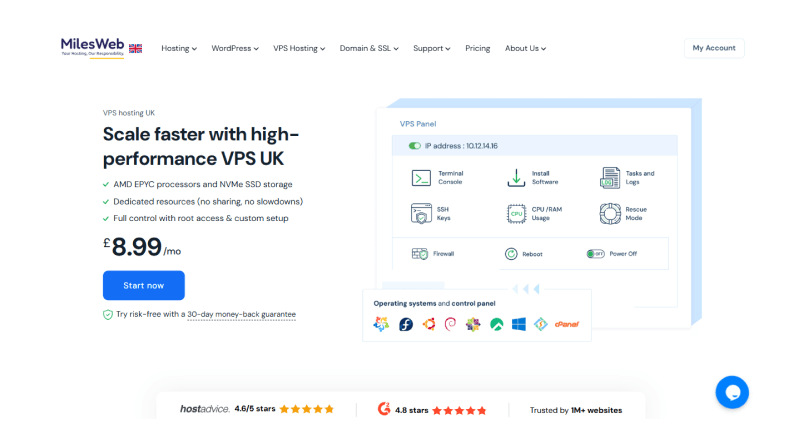
MilesWeb is a reliable Git hosting provider that comes with native Git integration and SSH terminal access with its web hosting plans. It enables developers to push code from GitHub repositories to live web servers. Other technical features include a staging environment that allows development teams to code to isolate staging subdomains. MilesWeb’s VPS hardware propels the development cycle, allowing code to sync instantly with the live environment and providing complete command-line access.
Git Support in MilesWeb
- Built-in control panels: Supports version control deployment via cPanel and Plesk integrations.
- Deployment Automation: Just point your private GitHub or Gitlab repo with SSH keys and it will pull the updates automatically.
- Granular control: Premium plans include tools such as WP-CLI, SSH, and terminal access to run Git commands directly on the server.
2. Hostinger
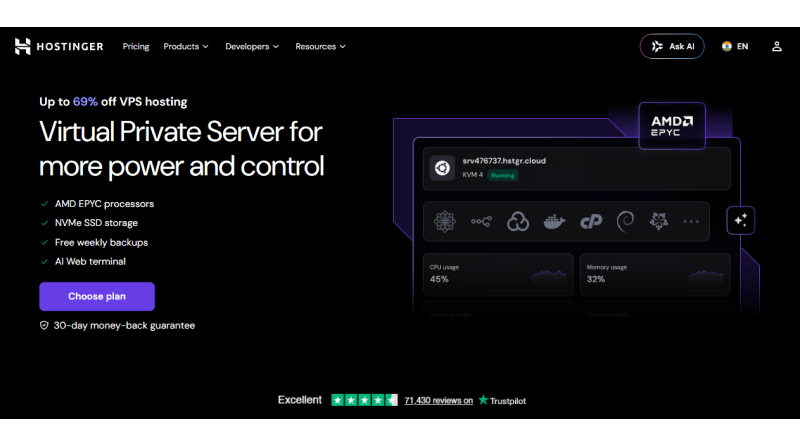
Hostinger is a web hosting service provider that offers Git integration to pull and deploy code to a live website. They offer a VPS hosting environment to self-host private Git repositories. If data governance is your objective, turn to Hostinger KVM VPS hosting plans, offering a lightweight environment to turn a server into a collaboration hub using one-click pre-configured Docker applications.
Git Support in Hostinger
- Git Hosting at Hostinger Git CLI: Git is either pre-installed or installed from the terminal to manually manage repositories, clones and merges.
- One-Click Templates: Hostinger provides pre-designed Git-optimized templates including GitLab, Gitea (lightweight and used for smaller projects) and OneDev.
- Advanced CI/CD: Good for projects with limited resources (e.g. Node.js, Python or Docker apps) that require fast deployment cycles.
3. Neoxea
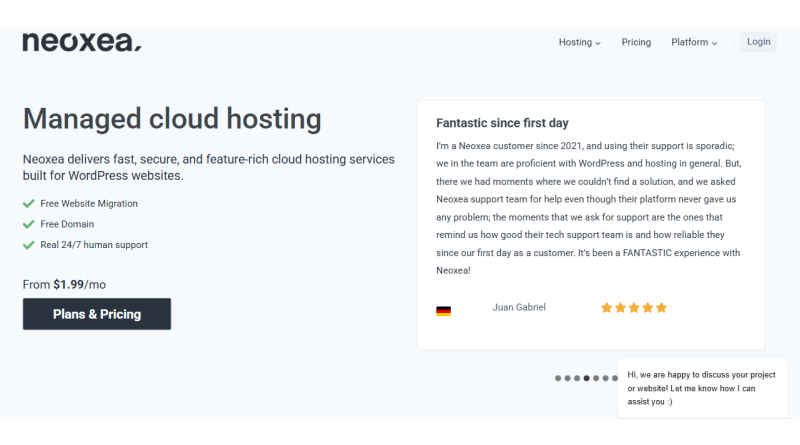
Neoxea provides full Git integration on all hosting tiers, allowing developers to enjoy streamlined code deployments, managed version control, and deploying custom staging environments. They mainly provide managed cloud hosting environments for Git repositories, while VPS hosting infrastructure provides increased content throughput when handling complex I/O operations.
Git Support in Neoxea
- Git CLI & SSH: For manual cloning, branch management and remote merges, the native version control and secure terminal connections are provided.
- Staging Environments: Neoxea offers staging deployment zones with a single click, enabling developers to isolate, test, and preview their commits prior to production.
- Optimized Cloud VPS hosting: It is for hardware dedicated CPU Cores with Akamai NVMe Storage to deliver high I/O throughput for rigorous workflow management.
Also Read: Best LLM Hosting Providers
4. IONOS
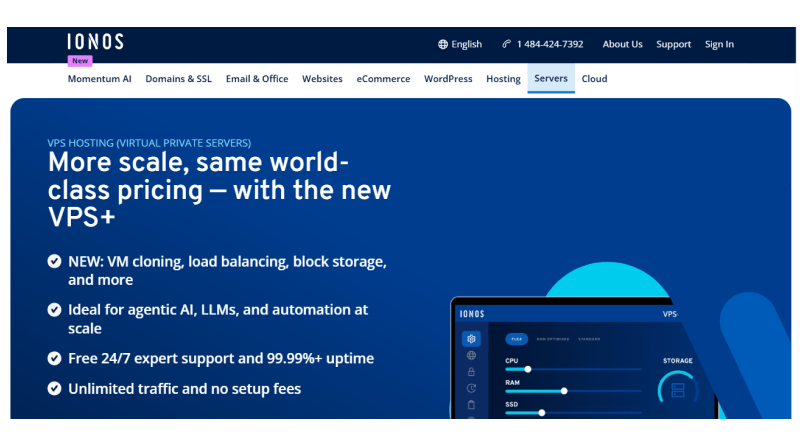
IONOS differs from GitLab, GitHub, and Bitbucket as it is a cloud hosting provider on this list and only provides a limited environment to host Git repositories. IONOS can also be a deployment and hosting target for Git repositories. It connects directly to external Git platforms and automates the publishing of websites and applications. An in-built specialized tool, ‘Deploy Now,’ helps in linking external Git repositories to IONOS infrastructure.
Git support in IONOS
- Automation via GitHub Actions: Build pipelines using GitHub Actions, automatically handling the code for each push.
- Command Line: Git is pre-installed with IONOS Web Hosting packages with a Linux operating system: it can be accessed through SSH connections.
- Automatic Staging: Automatically creates staging deployments and preview URLs every time you push new feature branches.
5. Verpex

Verpex hosting is compatible with Git tools on its servers, allowing developers to test and manage codes through its server environment. Like MilesWeb and Hostinger, Verpex utilizes cloud and shared hosting platforms to host Git repository integration and deployment. The web host streamlines cloning, managing, and deploying repositories directly to the website directories through the control panel’s built-in feature “Git Version Control.”
Git support in Verpex
- Git Support via SSH & WP-CLI: Verpex integration into developer environments supports Git repositories with Secure Shell (SSH) access across all hosting plans.
- Staging Environments: Developers can easily clone an existing live site to a new environment for testing and debugging. This lets them make changes without impacting the live site.
- Optimized Hardware Architecture: Powerful dedicated servers with Intel Xeon processors and fast NVMe storage.
6. HostArmada

Web developers can test and manage code in the host’s server environment using Git tools on HostArmada’s servers. They depend on the cloud SSD shared hosting platforms to integrate Git repositories and deploy code. The web host makes it easy to clone, manage and deploy a repository directly to website directories using cPanel’s built-in “Git Version Control” interface.
Git support in HostArmada
- WP-CLI Support: Git repository support is included in all HostArmada hosting plans, along with Secure Shell (SSH/Bash) interface and access.
- Staging Environments: HostArmada offers staging environments for websites, allowing developers to create live clones of their websites in isolated environments for safe testing, preview, and development, with no risk of breaking the production site until the updates are ready to be merged.
- High-speed NVMe storage arrays with optimized hardware architecture for best performance with cloud SSD and LiteSpeed web servers.
Also Read: Top TypeScript Hosting Providers
Which Provider Should You Choose?
🌱
Small Project
Entry VPS plans with full root access and competitive pricing, at roughly the same entry cost across all three.
👥
Small-to-Mid Team (3–15 devs)
Guaranteed CPU/RAM/storage means no “noisy neighbor” slowdowns on concurrent builds, with tiered plans that scale without a provider switch.
⚙️
Heavier CI/CD (10+ devs)
MilesWeb scales well here too, but Verpex’s D4–D32 tiers are purpose-built for this exact scaling curve — worth a direct comparison.
🛠️
Managed Support
Both include cPanel and managed support out of the tier, best for teams that don’t want to get hands-on with DevOps.
🏢
Enterprise / High-Traffic Build Infra
The decision hinges on SLA terms and guaranteed dedicated resources between these three — not on price alone.
- Small Project: Entry VPS plans at MilesWeb provide full root access and guaranteed resources at a competitive price. Hostinger and IONOS also provide identical entry pricing at the same level.
- Small to mid-size team (3-15 devs): With guaranteed CPU/RAM/storage by MilesWeb, you’ll never have to worry about noisy neighbors slowing down your builds when running them concurrently, and tiered plans will allow you to scale without having to move to a different provider.
- Heavier CI/CD pipelines (10 devs +): This type of workload is something that MilesWeb can scale, but Verpex’s VPS-D4-D32 is specifically engineered for this sort of scaling curve and is worth comparing directly.
- Managed Support: MilesWeb also provides managed VPS hosting, but HostArmada and Neoxea include cPanel and managed support in this tier, which is more suited for teams that do not want to get involved with DevOps.
- Enterprise or high-traffic build infrastructure: The decision regarding enterprise or high-traffic build infrastructure will hinge on SLA terms and the guaranteed provision of dedicated resources among MilesWeb, Neoxea, and HostArmada, rather than price.
Also Read: Top Reseller Hosting Providers
The Closing Line
Choosing the Git-optimized VPS isn’t all about the flashy website but matching real-world server resources with the technical know-how of the team. Single-user development of a personal Gitea instance isn’t something that is suitable for an agency with dozens of projects and hundreds of clients’ repositories.
However, for those with a self-hosted Git setup and who are not in the race to acquire resources when facing a crunch, MilesWeb’s VPS packages are definitely worth prioritizing in the shortlist: guaranteed resources, full root access, and a range of packages that will grow with you rather than requiring you to migrate later down the line.
FAQs
1. Is GitHub free to use?
Yes, GitHub has a free plan that includes unlimited public and private repositories and 2,000 minutes of GitHub Actions per month. Paid plans include more robust security features, more storage and more automation features for larger teams.
2. What features should I look for in a Git hosting provider?
Look for good access controls, good CI/CD pipeline integration, integrated code audit tools such as pull requests and good uptime Good issue tracking capabilities and tight integration with third-party project management apps are important as well.
3. Can I migrate my repositories to another Git hosting provider?
It is easy to move your repositories between providers with the remote URL change or the import tools they give. Major platforms like GitLab or Bitbucket have automated importers that will import your code, commit history and branches.
4. Is Git hosting secure?
Git hosting is extremely secure, with data at rest and in transit encrypted and with multi-factor authentication. The best ones will also include branch protection rules, vulnerability scans, and compliance certifications to safeguard your source code.