Jackson Lane
The most active member of a thriving Discord server is rarely a person. It is the bot that welcomes newcomers, assigns roles, moderates conversations, and plays music on request. Behind that constant presence runs a server that works every hour of every day. Giving that server the right specifications and a trusted provider lets a community grow with confidence.
Web hosting has expanded well beyond websites. Today the same infrastructure runs APIs, game servers, and community bots side by side. Among the available options, VPS hosting gives bot developers dedicated resources, administrative access, and a straightforward upgrade path. In this post, we will explore the basics of bot hosting, the strongest providers, and a clear path to deployment.
Table Of Content
What Is Discord Bot Hosting?
Discord bot hosting means running a bot’s code on a server that remains online around the clock. Each bot is a small application. It connects to Discord through a WebSocket gateway, receives events such as new messages or reactions, and replies through the REST API. A laptop can run that application for testing, but the bot disappears from the server the moment the laptop sleeps.
A hosting provider closes that gap with a machine that has a static IP address, a steady network connection, and constant power. The hosting types vary widely. Shared plans cost the least, while cloud hosting scales with traffic. A VPS hands administrators root access to the server. Bots in many communities use sharding to split the load across processes.
What Are the Benefits of Hosting a Discord Bot on a VPS?
A VPS reserves a defined share of server hardware for the bot, and many entry-level plans qualify as cheap Discord bot hosting. The benefits below explain why developers choose it as their communities expand.
-
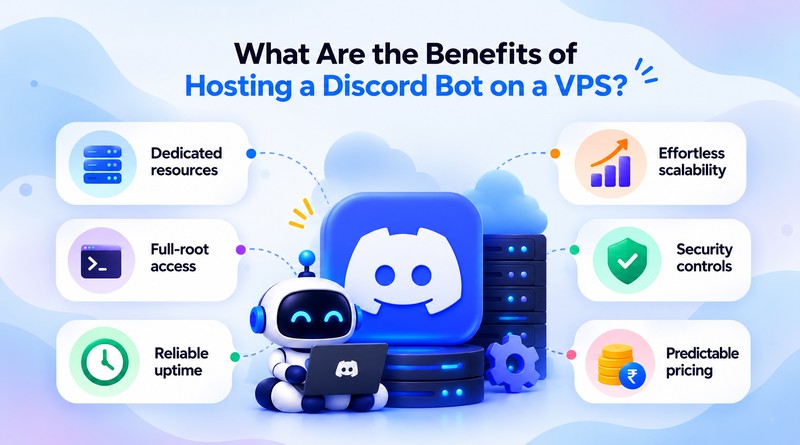
Dedicated resources
The CPU cores and memory assigned to a VPS belong to that server alone. Commands still respond within moments during giveaways, raids, and tournament nights, because no other tenant competes for the same capacity.
-
Root access
Administrators can install any runtime, from Node.js 20 to the latest Python release. A local PostgreSQL or Redis instance can store member data, cooldowns, and leaderboards beside the bot.
-
Continuous uptime
Providers back their data centers with redundant power and networking. Add a process manager such as PM2, and the bot restarts itself after updates, crashes, or planned reboots.
-
Effortless Scalability
Most providers let customers resize a plan from the control panel in a few minutes. A bot that starts with 1 vCPU and 1 GB of RAM can grow to 4 vCPUs and 8 GB without a full migration.
-
Security controls
SSH keys replace passwords, a firewall limits open ports, and the bot token stays in a private environment file. Administrators pick who gets a login and which services start.
-
Predictable pricing
A VPS costs the same every billing cycle, so budgeting stays simple even while the bot gains new commands and many more members. Longer billing terms often lower the monthly price further.
Best Discord Bot Hosting Providers
The providers below offer Linux-based VPS plans, so bots written with discord.js or discord.py run on them without code changes. Each overview covers what the platform does well for bot workloads, along with its main technical features.
1. MilesWeb
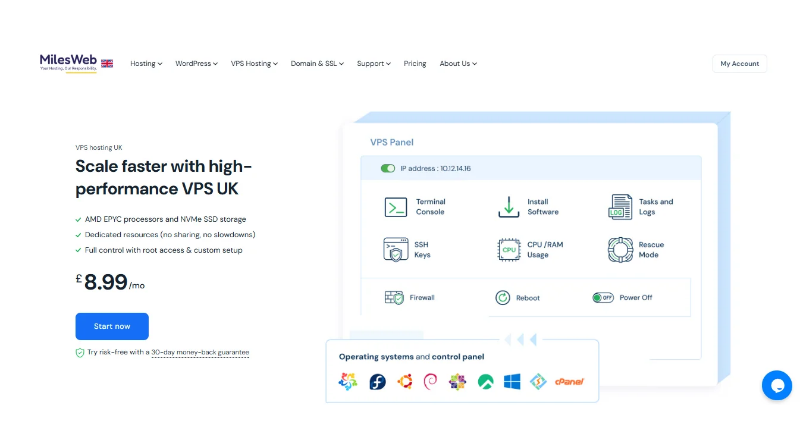
MilesWeb delivers a dependable Discord bot hosting service built around the needs of bot developers. Our VPS servers run on KVM virtualization and NVMe SSD storage, so commands and database queries complete within milliseconds. Each MilesWeb VPS comes with DDoS protection, a managed web application firewall, and routine security patches, so a bot runs on a protected server from day one.
MilesWeb operates data centers in India, the US, the UK, and other regions, so a bot runs close to its members. Regular backups protect configuration files and databases, so recovery is quick after a failed update. Our support team answers chat and ticket requests at any hour, and the upgrades stay simple as the community grows.
Prime features
- NVMe SSD storage
- KVM virtualization
- Managed VPS and unmanaged plans
- Multiple global data centers
- 24/7 chat and ticket support
2. Bluehost
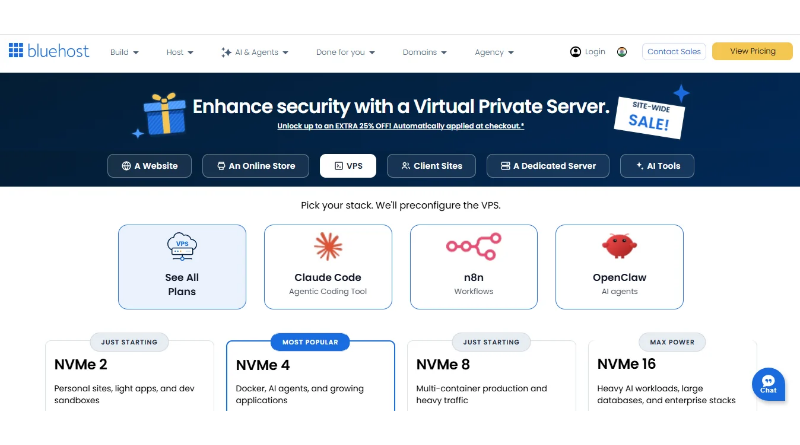
Bluehost brings a familiar brand and a well-organized dashboard to VPS hosting. Its plans include NVMe storage, dedicated IP addresses, and root access for custom bot environments. Account tools also handle domains, DNS records, and SSL certificate installation, so a bot’s dashboard or documentation site can live under the same login. That arrangement works well for communities that publish guides or run a web panel beside the bot. Backups and security settings protect bot tokens and config files, so rolling back a change takes minutes. Support is available at any hour, and the upgrade adds CPU, RAM, and storage.
Prime features
- NVMe SSD storage
- Full root access
- Dedicated IP addresses
- Domains and DNS management
- 24/7 support
3. Hostinger
Hostinger’s KVM VPS plans start with a compact entry tier and reach eight vCPU cores at the top. NVMe drives and AMD EPYC processors keep response times steady, even when bot traffic climbs. Templates for Ubuntu and Docker let developers launch an environment in minutes. Inside the hPanel dashboard, administrators schedule snapshots, restore weekly backups, and configure the built-in firewall.
Hostinger’s AI assistant, Kodee, replies to server questions in non-technical language. Global data centers span several continents, which helps bots reach international communities quickly. Teams that want a landing page for their community can add the Hostinger AI website builder to the same account.
Prime features:
- KVM virtualization
- NVMe storage with AMD EPYC CPUs
- Docker and Ubuntu templates
- Snapshots and weekly backups
- Built-in firewall security
4. Ultahost
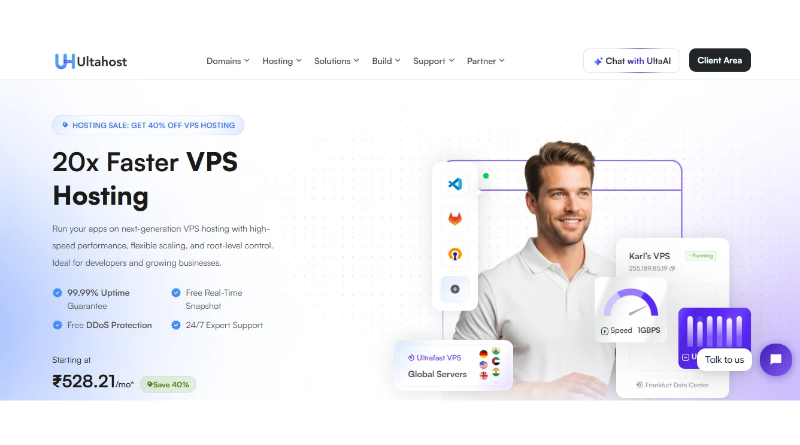
Ultahost designs its VPS plans for speed, combining NVMe SSD storage, KVM virtualization, and a 99.99% uptime commitment. Developers choose between Linux and Windows, so discord.js, discord.py, and .NET bots all run without compatibility concerns. DDoS protection and firewall rules filter hostile traffic before it reaches the application, and free migration assistance moves an existing bot to the new server with minimal interruption.
Early experiments run fine on free Discord bot hosting, but a bot serving thousands of members needs dedicated resources, and Ultahost provides them. CPU and RAM grow with command volume, and live chat and ticket support are available at any hour.
Prime features
- NVMe SSD storage
- Linux and Windows VPS options
- DDoS protection
- Free migration
- 99.99% uptime commitment
5. IONOS
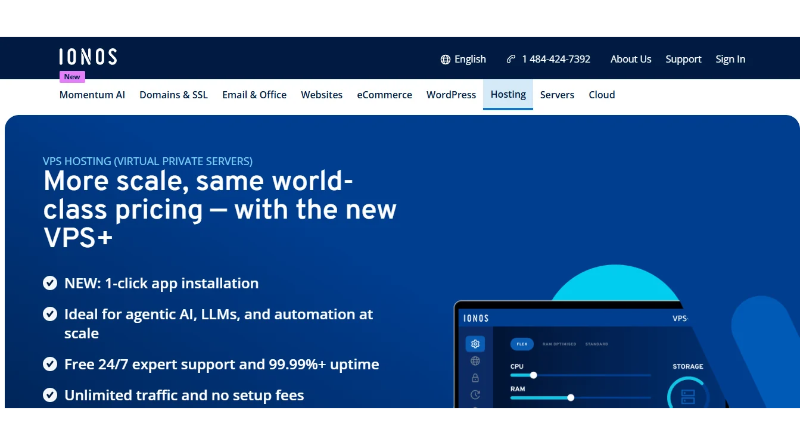
IONOS operates one of the largest hosting networks in Europe and applies that experience to its VPS range. Its VPS plans come with SSD or NVMe storage, unlimited traffic, and a choice of Linux distributions or Windows. The IONOS Cloud Panel shows snapshots, firewall rules, and monitoring alerts together.
IONOS filters DDoS traffic and promises 99.99% uptime for every hosted bot. For teams that prefer a graphical interface, Plesk is an add-on, while pricing remains predictable from hobby projects to large community bots.
Prime features
- SSD and NVMe storage
- Unlimited traffic
- Cloud Panel with snapshots
- Firewall policies
- DDoS protection
6. OVHcloud
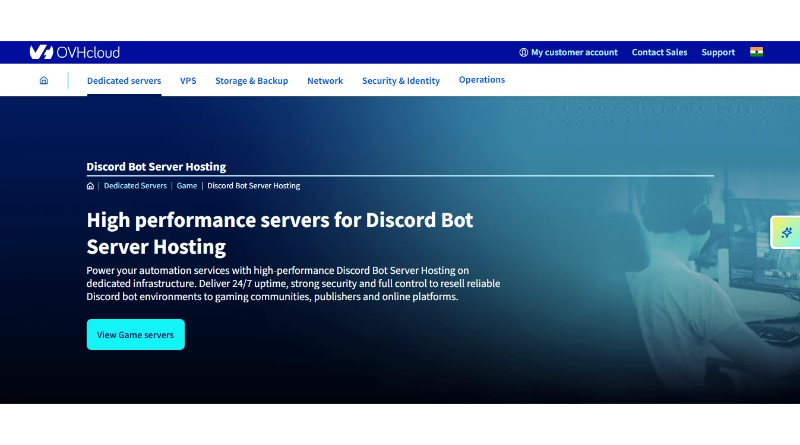
OVHcloud pairs security with global reach. Their VPS plans include anti-DDoS protection that runs continuously, which matters during large community events. OVHcloud VPS plans pair NVMe storage with unlimited traffic, and data centers cover Europe, North America, and Asia-Pacific. Its control panel manages image deployment, snapshot restores, and backups for Linux and Windows servers.
OVHcloud provides an API and supports Terraform, so a team stores its deployment in a Git repository and runs it from a CI/CD pipeline. Launching the same setup in another region takes one more pipeline run.
Prime features
- Always-on anti-DDoS protection
- NVMe storage
- Unlimited traffic
- Global data centers
- API and Terraform support
How Do the Best Discord Bot Hosting Providers Compare?
Specifications often look alike on paper, yet small differences shape the daily experience of running a bot. Storage type, bandwidth limits, security tools, and support response times all affect stability and maintenance time. The table below places these factors next to each other, which helps developers match a plan to community size, technical skill, and budget. It also clarifies upgrade paths before any purchase.
| Provider | Storage | Security | Standout feature |
|---|---|---|---|
 |
NVMe SSD | Daily backup options | Managed and unmanaged plans |
 |
NVMe | Security tools, backups | Domains, DNS, and SSL in one dashboard |
 |
NVMe | Built-in firewall, snapshots | Docker and Ubuntu templates |
 |
NVMe SSD | DDoS protection, firewall rules | Free migration, 99.99% uptime |
 |
SSD or NVMe | DDoS protection, firewall policies | Cloud Panel with snapshots |
 |
NVMe | Always-on anti-DDoS | API and Terraform support |
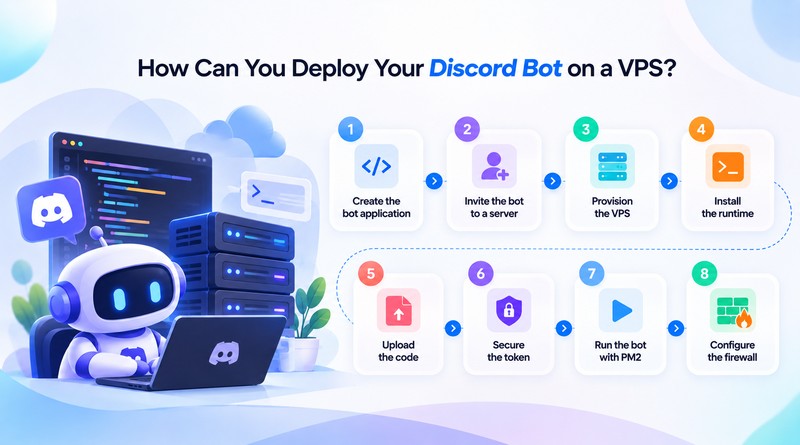
How Can You Deploy Your Discord Bot on a VPS?
A new Linux VPS hosts a working bot after a handful of commands. The steps below cover the path from setup to automatic restarts.
-
Step 1
Create the bot application.
Open the Discord Developer Portal and add a new application. Generate the bot token, then enable the gateway intents the bot needs, such as message content or server members.
-
Step 2
Invite the bot to a server.
Open OAuth2, and select the bot and applications.commands scopes, and choose the permissions. Open the generated link to add the bot to a server.
-
Step 3
Provision the VPS.
Order a plan with Ubuntu and connect through SSH with a key pair. Create a non-root user for daily administration.
-
Step 4
Install the runtime.
Update the system packages, then install a current LTS version of Node.js and npm. Verify both versions with the
node -vandnpm -vcommands. -
Step 5
Upload the code.
Clone the repository with Git and run
npm install. Runningnpm installpulls in each library that package.json names, all at once. -
Step 6
Secure the token.
Keep the token in a separate environment file, never inside the bot’s code. Please add that file to
.gitignorebefore the first commit to ensure that version control does not record it. If the token has been committed, please regenerate it in the Developer Portal. -
Step 7
Run the bot with PM2.
Start with this command –
pm2 start index.js --name mybotcommand to bring the bot online. PM2 then prints a startup command after you runpm2 startup, and that printed line goes into the terminal as well. Finish withpm2 saveso the bot restarts after every reboot. -
Step 8
Configure the firewall.
To allow SSH, run the command
ufw allow OpenSSH, and then enable UFW. A bot makes outbound connections only, so it needs no other open ports.
Python bots follow the same sequence, with a virtual environment and a systemd service instead of PM2. Docker adds portability because one container image runs on any provider.
Concluding Insights
Reliable hosting decides how a Discord community experiences its bot. Moderation, analytics, and in-server shops all depend on steady response times, and members notice the difference in every welcome message and support ticket. That is why the choice of provider deserves attention.
Bot size, the developer’s comfort with servers, and the region of the members point toward the right plan. Beginners gain from managed plans, growing communities need dedicated resources, and teams that automate deployments value API access. A well-matched server turns every command into a quick reply and gives the community a reason to grow.
Frequently Asked Questions
1. What is Discord bot hosting?
Discord bot hosting means running a bot’s code on a server with 24/7 availability. The server remains connected to Discord, so commands, moderation, and scheduled tasks work at any hour. Each plan fixes a set amount of processing power, memory, and disk space.
2. Is VPS hosting suitable for Discord bots?
Most Discord bots run well on a VPS, particularly those with daily users. The bot runs in its environment with reserved CPU and memory, so a busy evening in the community does not slow it down. Root access lets a developer install the exact Node.js or Python version the code needs. Free hosting is fine for a first test, but it often sleeps or throttles a bot that must respond instantly.
3. What server location is best for Discord bot hosting?
The best location is the one closest to the bot’s members, because a nearby server shortens response times. For instance, an Indian community benefits from a data center in India or Singapore, while a European community benefits from Frankfurt or Amsterdam. For a mixed audience, a central region such as the US East Coast or Western Europe balances the distance.
4. Why do I need Discord bot hosting?
A bot on a personal computer goes offline when the computer shuts down or loses its connection. Hosting keeps the bot running around the clock, so members receive replies at any hour. Home internet limits end with hosting, and the community gains backups, monitoring, and security tools as it grows.