Jackson Lane
Hermes is an open-source and self-autonomous AI agent as an OpenClaw alternative. It orchestrates multiple operational patterns automatically triggering tasks and generating outputs according to your runtime requirements. That framing matters because “Hermes use cases” can otherwise blur into vague autonomous agent claims.
Hermes Agent differs from traditional chatbots because of its infrastructural design. It includes a memory layer; a cron scheduler for jobs running automatically, fostering subagent delegation for parallel work; and terminal access across six backends, including Docker and SSH. These features can be used in both managed and self-hosted setups, but the specific execution backends and server access depend on how the Hermes agent is set up.
Quick Answer
- Hermes Agent runs on memory, a cron scheduler, subagent delegation, and terminal access across six backends — not just single-shot chatbot responses.
- Most use cases follow the same pattern: a natural-language prompt with a schedule, pulling from APIs (Stripe, GitHub, Zendesk, BambooHR) and delivering results to Slack, Telegram, or Notion automatically.
- Complex work like content creation and deployments benefits from breaking a task into stages (Research → Outline → Draft) rather than one giant prompt, since each stage can be reviewed before moving forward.
- Because Hermes remembers past runs, recurring tasks like weekly research summaries or support ticket tagging get more accurate over time — it can report “what’s new since last week” or a duplicate bug report automatically.
- The biggest gains come from automating tedious, low-value tasks (onboarding checklists, ticket triage, deployment pipelines) — not replacing judgment calls that still need a human.
Table of Content
What is the Hermes AI Agent?
Hermes Agent is an open-source AI agent conditioned to learn from experiences and previous projects. The agent refines final output through the continued usage, building a persistent user model across sessions.
Hermes set itself apart from OpenClaw by using a different design and including a built-in learning system that focuses on long-term growth instead of just handling many tasks at once.
Also Read: Hermes Agent vs. OpenClaw
Best Hermes Agent Use Cases
1. Connecting External Services through APIs
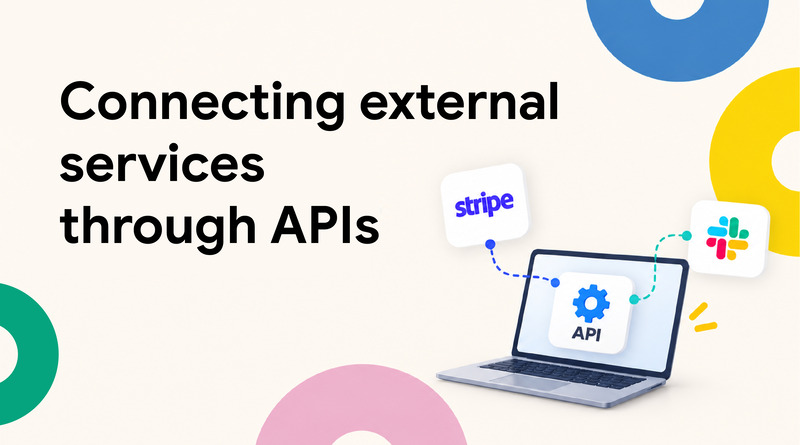
Hermes Agent has a powerful retrieval mechanism to fetch data from one tool and send results to another using a single prompt. It connects to external services through APIs.
For instance, you might want a Monday morning summary of last week’s subscription activity:
Every Monday at 9 a.m., pull new Stripe subscriptions from the past 7 days, group them by plan tier, and calculate MRR change compared to the previous week. Share the summary in our #revenue-updates Slack channel as a comparison table. Flag it if MRR drops more than 5%.
Hermes Agent pulls the data from Stripe, does the calculations, formats the summary, and posts it to Slack.
This same pattern works with any service for which Hermes Agent has a tool. The built-in tools already cover common requirements such as web access, file handling, and browser actions.
For everything else, you point the Hermes agent to an MCP server for other apps like Stripe, GitHub, your own internal API, and more. Those integrations become available in the next prompt.
That same Monday summary could just as easily pull data from GitHub instead of Stripe or post to Linear instead of Slack without changing the prompt’s structure.
2. Splitting Tasks Across Subagents
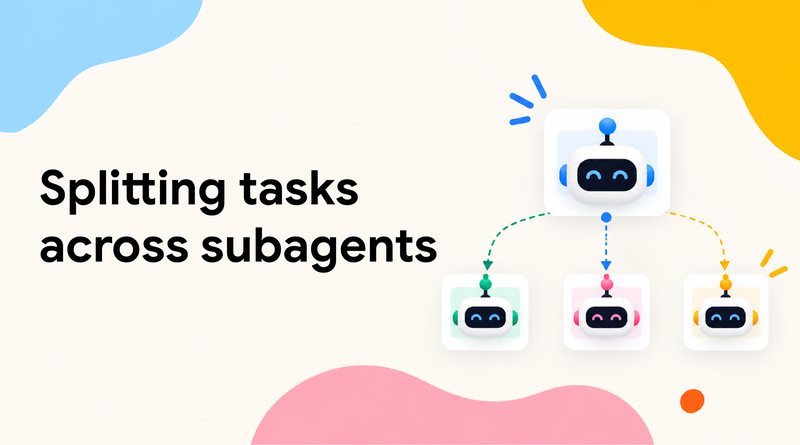
The Hermes Agent allows you to split large tasks into parallel processes using the delegate_task tool. By default, it releases three subagents simultaneously; this parallel count is configurable upward in your settings.
max_spawn_depth controls how many levels of agents can recreate their own subagents, up to three. The default keeps depth at one level (flat delegation), which is simpler and predictable for most of the workflows.
Each subagent works in isolation and returns only a final summary. It keeps the parent agent focused on orchestration instead of getting buried in intermediate steps like searches or file reads.
The parent agent launches three subagents; each linked to a single competitor with internet access. They run in parallel to return summaries, and the parent combines them into one table.
Also Read: Best Hermes Agent Hosting Providers
3. Scheduling Automated Briefings
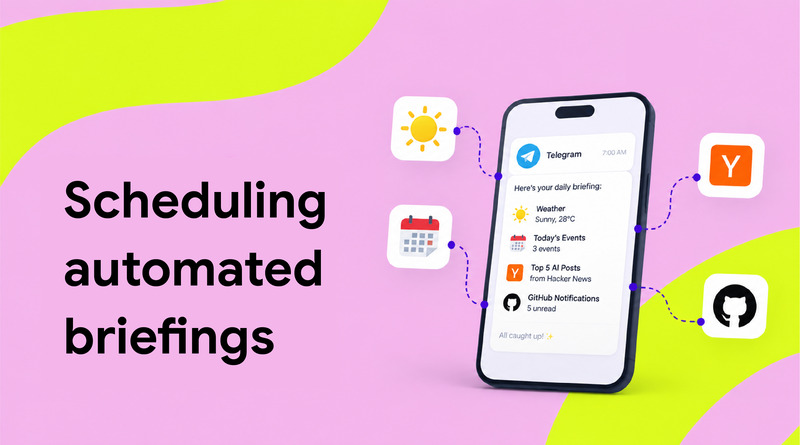
Hermes agents run autonomous workflows using a built-in cron scheduler. You describe the schedule in natural language, and the result shows up in whichever channel you are connected to.
Simply tell the agent what you want and when, like:
Every morning at 7 am, send me a Telegram message with:
– The weather in my city
– My calendar events for today
– Top 5 posts from Hacker News tagged “AI”
– GitHub notifications: I haven’t opened them yet.
Keep it under 500 words.
While running, a fresh agent session pulls from all four sources each morning, formats everything into a single summary, and delivers it to Telegram before the day begins.
Daily briefing is just an example. The same approach works for weekly reports, monthly cleanup jobs, hourly health checks, or any recurring task.
4. Automating Content Creation Stages
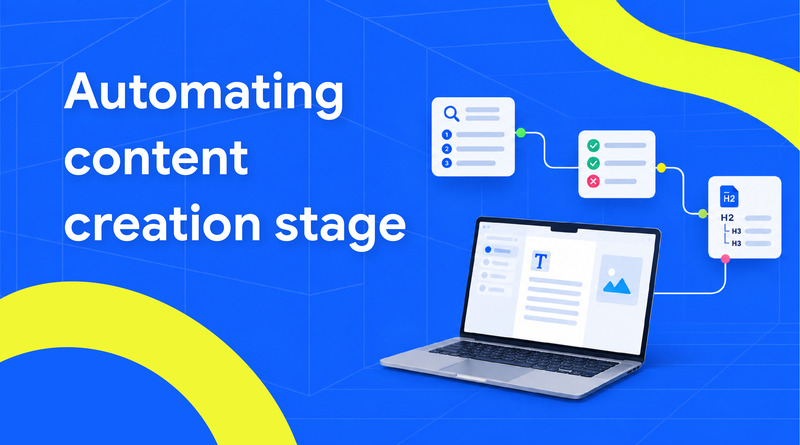
You can use the Hermes Agent to turn content creation into a four-stage pipeline: Research, Outline, Draft, and Publish.
Considering Hermes Agent’s capabilities, you could prompt it to run all four stages in one go. But for greater control over content quality, breaking it into stages generates better results.
Each step of this AI content workflow uses a separate prompt, and each one reviews the output before moving forward.
Instruct the AI agent with this prompt:
Research the topic “VPS backup strategies for 2026” for a tutorial.
Find the top 10 ranking articles, list their URLs, and summarize what each one covers. Flag any that look like content farms or thin aggregators.
This is where you push back, cut sections that don’t fit, and refine the structure until it matches the angle. Once the outline is solid, you switch to drafting, where a style skill starts to matter:
Draft the tutorial from the approved outline. Load the house-style skill at ~/.hermes/skills/house-style.md and follow it throughout. Cite sources inline so I can verify claims against the research.
5. Conducting Automated Research and Data Processing Tasks
Research usually follows the same three steps: Gather information from multiple sources, turn it into something useful, and return a clean summary.
Hermes Agent handles the entire flow from a single prompt. Because the agent saves findings between runs, conducting regular research can become cumulative; each run builds on the last.
Say you track AI regulation news and want a weekly summary:
Every Friday at 5 pm, search foreign media outlets and RSS feeds. Read the top 5 articles from each source, then return a summary with the following:
– The 3 biggest stories of the week
– Which outlet broke each one?
– One line on what’s new since last week
Save the summary as a Markdown file I can paste into Notion.
Hermes Agent queries each source, reads the articles, compares them with findings from the previous week, and produces a structured summary in the chosen format. The “what’s new since last week” line is only possible because it remembers what it already reported.
The house style defines the sentence length, restricted phrases, and preferred structure. Without it, the output reads like generic AI content. With it, the writing stays consistent and closer to your voice.
Also Read: Best Vibe Coding Tools
6. Pairing Hermes Agent’s Layers into One Routine

Hermes Agent becomes most powerful when memory, tool integrations, delegation, and scheduling work together as unified automation.
A good way to see this in action is a weekly operations prompt:
Every Monday at 8 AM:
1. Pull last week’s calendar and the meetings I attended.
2. Check GitHub and Linear for anything blocked, overdue, or needing my input.
3. Delegate a subagent to summarize new activity in my main Slack channels since last Monday.
4. Generate a planning doc with what moved last week, what’s stuck and needs my attention, and meetings and priorities for the week ahead.
5. Post it to my Slack DM
6. Save a new skill whenever you find a pattern worth repeating.
This single prompt covers every layer from previous use cases.
You don’t need a separate scheduler, memory database, or custom script to connect to any of it. It all lives in Hermes Agent’s configuration and runs automatically every week.
7. Automate the Deployment Handle
The Hermes agent handles the complete deployment pipeline, from pulling the latest commit to checking that the service is active.
What makes it different from a plain script is that it learns from each run. Successful deployments turn into skills that can be reused. Failed ones become skills that capture what went wrong and how to avoid it next time.
Here’s a typical deployment prompt:
Deploy the latest commit from origin/main to staging, then promote to production once staging is verified.
1. Pull the branch and show me the commit diff.
2. Run the test suite. Stop and report if anything fails.
3. Build the Docker image and deploy to staging.
4. Tail the health check endpoint until it returns 200.
5. Keep checking the health endpoint for 5 minutes. If it stays healthy, promote the same image to production.
6. Verify the production health check and report elapsed time and any warnings from both deploys.
While running this for the first time, you need to provide some context, like which brands you use, Dockerfile location, and what “healthy” means for your service.
If something unexpected happens, like step 3 failing because the image tag is already in use, the Hermes agent may pause and ask how to handle it or enable its self-recovery mechanism, depending on how ambiguous the situation is.
Also Read: Best LLM Hosting Providers
8. Competitor Research That Becomes a Task
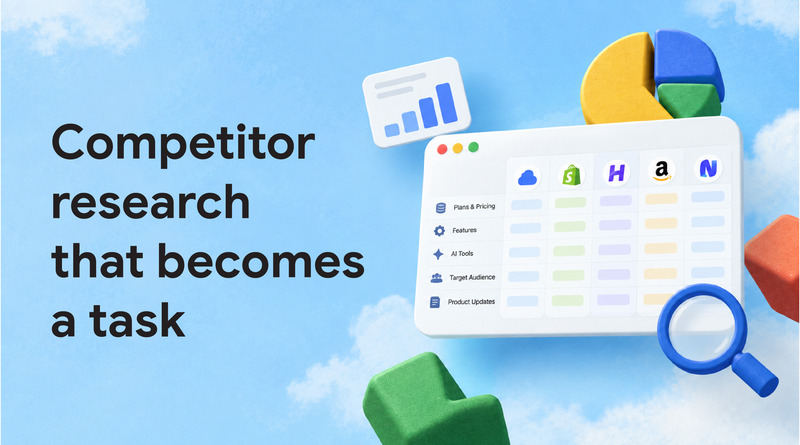
The competitor-research demo asks Hermes to open a browser, inspect a web hosting competitor website, describe the stack, identify features, and save a markdown breakdown. Eric’s critique is an essential part, by itself, that is homework. It becomes useful when an output moves to execution:
Here is the sample instruction that can be used on an AI agent:
Make research on the top 5 competitors in the web hosting industry. Explore their new hosting plans, pricing, features, AI tools, target audience, and product updates. Identify 3 areas where they have a distinct advantage and 3 gaps or opportunities we can take advantage of. Create a findings comparison table. Create a prioritized action list that includes specific tasks, recommended deadlines, and expected outcomes for each opportunity.
So this is how AI agents streamline the tedious competitor research and make it into action items for you to take. It decides what is important, highlights potential opportunities, and helps rank by impact. This type of competitor analysis is an ongoing workflow, not a one-off research project.
9. Customer Service & Ticket Handling
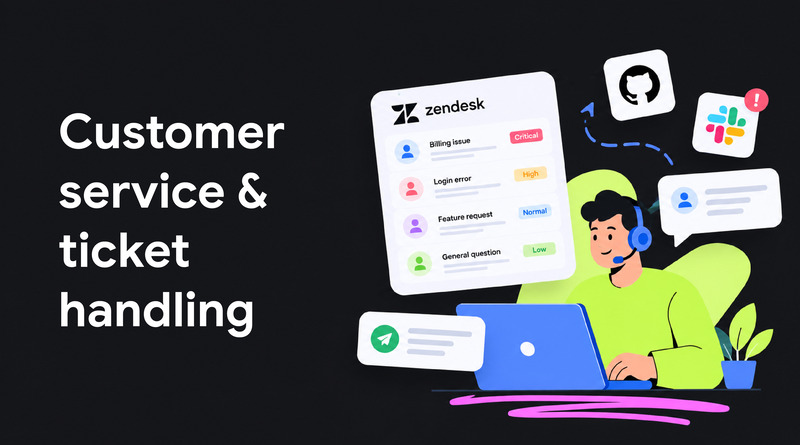
Hermes Agent handles your incoming support tickets, categorizing them by priority and subject, then crafting responses or directing them to the appropriate team member, eliminating the manual effort and building workflow conducive to faster resolution times.
Sample Prompt:
Every 30 minutes, check our Zendesk queue for new tickets.
Categorize each by urgency (critical, high, normal, low) and topic (billing, bug report, feature request, general).
Draft a first-response reply for billing and general tickets using our support macros.
For bug reports, cross-verify GitHub issues to see if it’s already been reported — link the existing issue if so or create a new one if not.
Escalate anything tagged “critical” directly to the #support-urgent Slack channel with a summary.
Hermes Agent pulls new tickets, applies the categorization logic, checks for duplicate bug reports across systems, and either drafts a response or escalates without human intervention. Because it remembers past categorizations, its tagging accuracy enhances the longer it runs on specific ticketing patterns.
10. HR/Employee Onboarding Automation
Onboarding includes a predictable but tedious task sequence, account provisioning, document collection, and scheduling that the Hermes Agent runs end-to-end once triggered by a new hire’s start date.
Sample prompt:
When a new hire is added to our HR system (BambooHR), do the following:
1. Create accounts for Slack, Google Workspace, and GitHub using our standard naming convention.
2. Send a welcome email with links to the employee handbook and Day 1 checklist.
3. Schedule intro meetings with their manager and team for the first week.
4. Add them to the #new-hires Slack channel.
5. Follow up on day 3 and day 7 to confirm they’ve completed required training modules.
Flag anything that doesn’t complete successfully so I can step in.
Instead of a manual checklist someone has to keep up with, Hermes Agent automates account creation, scheduling and follow-up reminders as one automated sequence. If a step fails, such as an error creating an account, Hermes Agent flags the error instead of silently skipping it, so you won’t get any surprises during the hiring process.
Also Read: Generative AI Vs. Agentic AI Vs. AI Agents
11. Social Media Management and Scheduling
Hermes Agent takes care of the repetitive parts of a social media workflow – such as drafting posts, scheduling, reporting on performance, etc – but still gives the ability for a human to review before anything goes live.
Sample prompt:
Every Monday, draft 5 social media posts for the week based on our latest blog content and product updates.
Use our house-style skill at ~/.hermes/skills/social-voice.md for tone.
Include a suggested posting time for each based on past engagement data.
Save drafts to a Notion page for review — do not publish automatically.
On Friday, pull engagement metrics (likes, shares, comments) for last week’s posts and summarize what performed best.
The Hermes Agent drafts the content and times posts based on historical engagement patterns and performance reports. However, the manual approval is the last step before publishing. Over time, the weekly performance summaries help refine what topics and formats to prioritize, since the agent’s engagement analysis compounds week over week.
Conclusion
Hermes Agents demonstrate that enterprise automation can be flexible and adaptable, rather than rigid and rules-based. Whether it’s simplifying customer support, automating data entry, or managing workflows that involve multiple steps across various departments, these agents provide businesses with the freedom and flexibility to expand their operations without expanding resources.
The common thread in the use cases described is that the best gains occur from offloading a team from tedious, low-value tasks and giving them more time to dedicate to strategy, relationships, and decisions that can only be made by human beings.
Small businesses that can extract the greatest benefit will be those that automate specific manual processes causing friction, test the results, and then proceed from there. The key to starting that journey in a practical way is a service like Hermes Agents, which brings the power of automation to the table as a real business benefit.
FAQs
1. What are Hermes Agents?
Hermes Agents are AI-driven automation agents that can be given natural-language instructions to handle recurring business tasks — pulling data from tools like Stripe, Slack, GitHub, or Zendesk, processing it, and taking action (posting updates, drafting content, triaging tickets) on a schedule or trigger, without manual intervention.
2. What kinds of tasks can enterprises automate with Hermes Agents?
Common use cases include financial reporting (e.g., weekly MRR summaries from Stripe to Slack), daily briefings, content production pipelines (research → outline → draft), competitive and market research, DevOps deployment pipelines, customer support ticket triage, HR onboarding, and social media scheduling and reporting.
3. Can Hermes Agents run on a schedule automatically?
Yes. Agents can be triggered on a recurring schedule (e.g., “every Monday at 9 a.m.” or “every 30 minutes”) or in response to an event (e.g., a new hire added to BambooHR, a new support ticket).
4. Can Hermes Agents integrate with tools like Slack, Notion, GitHub, and Zendesk?
Yes, integrations with common business tools (communication platforms, project trackers, CRMs, support desks, and content tools) are typically how these agents pull data and deliver output — the use cases above all rely on this kind of tool connectivity.