Jackson Lane
Every website gets noticed eventually, and bots are usually first in line. A five-person store and a global retailer look identical when a script is running the same attack on both; size never factors into the decision.
Enterprises address these challenges with dedicated security teams and budgets that scale accordingly, while small businesses require solutions that can be quickly installed and operate quietly in the background.
A firewall built for this segment has to work without constant supervision, fit a small business budget, and integrate smoothly with a web hosting setup that’s already in place. That combination, not raw feature count, decides which tool actually earns a spot on a small business stack.
Table Of Content
TL;DR: Quick Picks by Use Case
- 💰Cheapest option: Sucuri holds the line on core protection even at a lower price point.
- 🚀Easiest setup: Cloudflare needs only a DNS change to go live within minutes.
- 🛡️Best for WordPress: Sucuri pairs firewall rules with cleanup built specifically for the CMS.
- 🛒Best for e-commerce: Imperva holds up under the kind of traffic spikes checkout pages see most.
What Are Web Application Firewalls?
Not every visitor to a small business website is human, and a web application firewall exists to tell the difference before any damage happens. A web application firewall checks traffic against known attack signatures, halts suspicious activity, and allows genuine visitors to pass through without delay. Unlike a network firewall, it focuses squarely on application-layer threats such as SQL injection, cross-site scripting, and bot-driven scraping.
The distinction matters because most small business breaches happen at the application layer, not the network perimeter. A firewall built for that specific layer catches the kind of attack a generic security tool tends to miss entirely.
How Did We Evaluate These Tools?
No two firewalls perform the same way once real traffic hits them, so a consistent scoring method mattered more than marketing claims. Each factor below reflects what a small team without a dedicated security background can realistically judge and manage.
Evaluation Matrix
Key Benchmarks
Core Assessment Criteria
Price
Cost relative to the protection included, not just the lowest sticker price.
Setup Time
How long it takes to go from network security to the web application space, which is from signup to active protection.
False-Positive Handling
How often legitimate visitors get blocked by mistake.
Support Responsiveness
How quickly a real person responds during an incident.
Rule Customization
How much control a business has over what gets blocked.
Scalability
How well protection holds up as traffic grows month over month.
Each tool went through the same checklist rather than a generic feature scan, which keeps this comparison useful for anyone weighing various web application firewalls against each other for the first time.
Related Read: Top WAF Vendors: Best Protectors of Your Website
Which Are the Best Web Application Firewalls for Small Businesses?
Ten tools made this list, each representing a different corner of the market and tested against the same criteria above. Some lean toward simplicity, others toward raw control, and a few land squarely in between. This web application firewall list exists to give a small team something they can actually shortlist, not a ranking built for enterprise security desks.
1. Cloudflare
Cloudflare activates through a simple DNS change and starts filtering traffic almost immediately, which suits owners without technical staff. Basic protection comes free, and advanced rules unlock as traffic and risk climb with paid plans. Speed of onboarding is the real reason small businesses choose it as their main firewall for web applications, ahead of every other option here.
Pros:
- Fast, DNS-based activation
- Built-in CDN for faster page loads
- Free tier available for small websites
Limitations: Advanced rule customization stays locked behind higher-priced plans, and support response times vary depending on the tier selected.
2. AWS WAF
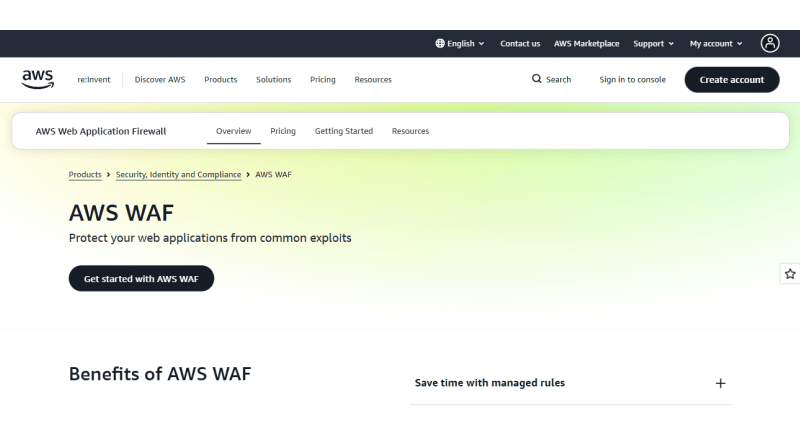
AWS WAF fits businesses already hosted on Amazon’s infrastructure and wanting protection directly tied to that ecosystem. Configuration happens through AWS console, which assumes some prior cloud experience from whoever manages it. Billing shifts directly with usage, so a spike in traffic shows up on the invoice almost immediately.
Pros:
- AWS services connect natively, skipping the usual integration overhead
- A pay-as-you-go model replaces the flat monthly rate most competitors charge.
- Threats specific to one business get their own custom rules
Limitations: Setting up this model assumes technical depth that non-technical teams often don’t have, and a traffic surge can send pricing higher without much warning.
3. Akamai
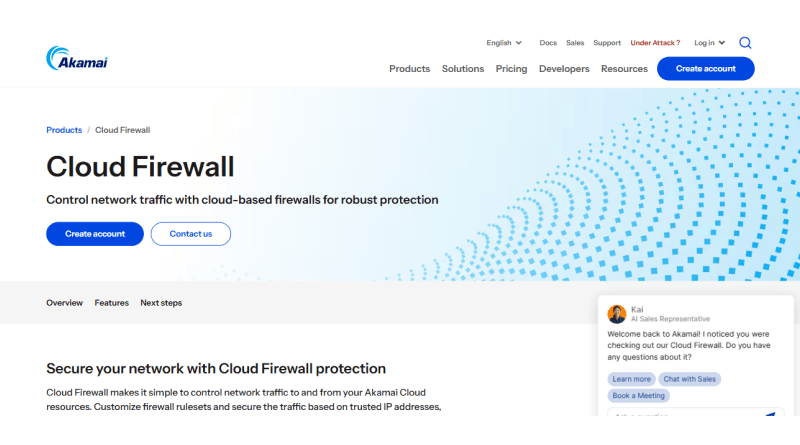
Akamai built its filtering for large-scale enterprise traffic, then packaged that same engine into smaller, scaled-down plans. A client base spread across countless industries feeds threat intelligence back into every account on the network. Few small operations can afford the actual cost of that scale, and the price tag reflects it.
Pros:
- Extensive global threat intelligence
- Strong DDoS mitigation alongside WAF
- Reliable uptime across regions
Limitations: Cost remains higher than most small business budgets, and onboarding often requires vendor assistance to configure properly.
4. Imperva
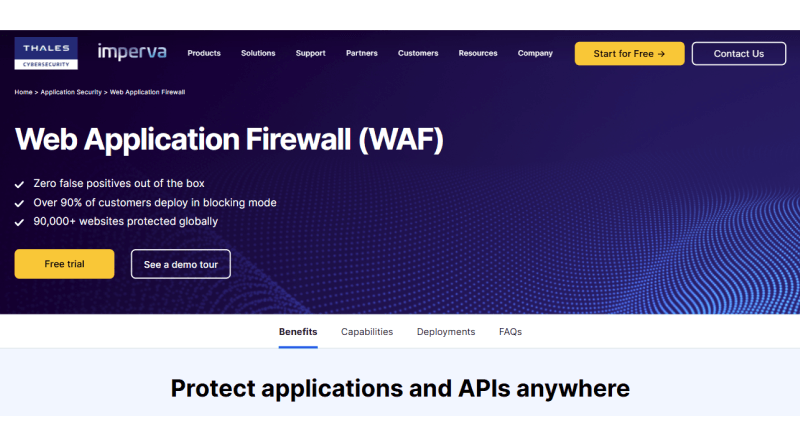
E-commerce and data-heavy websites sit at the center of what Imperva builds for, which makes it a natural fit for stores running frequent transactions, Magento store security included. Its bot management module catches scraping attempts that evade simpler tools. Compliance documentation also comes easier, since the reporting tools handle most of that work without manual effort from the team.
Pros:
- Advanced bot detection and mitigation
- Compliance-focused reporting tools
- Real-time attack visibility dashboard
Limitations: Pricing sits on the higher end for a small catalog, and the interface takes real time to learn well.
Related Read: How to Secure a Magento Store with WAF?
5. Sucuri
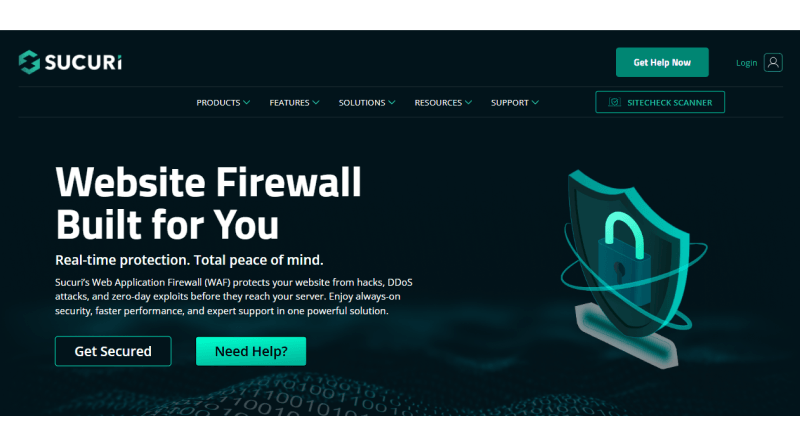
Sucuri built its reputation around WordPress and WooCommerce hosting environments, pairing firewall protection with malware removal in one plan. Setup takes minutes through a simple DNS update, with no server-side changes required. For store owners managing an existing SSL certificate and little else, this simplicity carries real value.
Pros:
- Cleanup and scanning run together as one built-in feature
- WordPress websites benefit from rule sets tailored to the CMS
- Pricing remains affordable for those on a tight budget.
Limitations: Custom-built applications don’t fit as well into this setup, and the deeper enterprise features simply aren’t part of the plan.
Related Read: How to Secure WooCommerce with WAF?
6. F5
Granular control over traffic rules is what draws businesses to F5, particularly those already running some technical infrastructure. IT teams get to choose where protection lives, since the platform supports both cloud and on-premises deployment. That choice assumes a level of technical maturity, though, and smaller teams rarely have it in-house.
Pros:
- Highly configurable rule engine
- Strong API security features
- Flexible deployment options
Limitations: Setting up a firewall demands real technical know-how, and costs climb fast once a business moves past the entry-level plan.
7. Fastly
Fastly built its firewall on top of a CDN already tuned for speed, so websites chasing speed optimization don’t have to trade one priority for the other. Rule changes propagate across its edge network in real time, with almost no gap between an update and its enforcement. Developers tend to notice this one first, drawn in by the clean API and documentation that most competitors still lack.
Pros:
- Edge-based rule processing
- Fast propagation of rule changes
- Solid API documentation
Limitations: Mid-traffic websites get more value out of the pricing here than smaller ones do, and the dashboard leans toward developers rather than beginners.
8. Barracuda
Small and mid-sized businesses are the direct target for Barracuda, bundling firewall, backup, and business email security into a single package. Fewer vendors to manage is precisely what appeals to teams already juggling a lean stack. Even without a dedicated IT hire on staff, the management console stays approachable enough to run day to day.
Pros:
- Firewall, backup, and email security bundled under one plan
- A console that stays easy to navigate without IT support
- Customer support that responds fast when it counts
Limitations: Standalone WAF pricing rarely gets listed upfront, and a few bundled features end up duplicating tools already in place.
Related Read: Best Business Email Hosting Providers
9. Fortinet
Fortinet brings a strong reputation from network security into the web application space, useful for businesses already running its firewall hardware. Central management ties multiple security layers together under one policy view. That unified approach rewards businesses that plan to expand their security stack over time.
Pros:
- Unified security ecosystem
- Strong threat intelligence feed
- Centralized policy management
Limitations: The platform leans toward businesses with IT staff, and pure cloud-only setups feel less streamlined.
10. Radware
Behavioral analysis and traditional signature-based filtering work together in Radware, catching threats that static rule sets alone tend to let through. Manual tuning drops off considerably too, since automated policy generation adjusts as traffic patterns shift over time. Unpredictable traffic is often the deciding factor for businesses evaluating which firewall is best for small business use, and it usually lands Radware on their shortlist.
Pros:
- Behavioral-based threat detection
- Automated policy optimization
- Strong DDoS protection layer
Limitations: No upfront pricing exists for Radware, so getting a number means a sales conversation first, and the setup itself leans toward mid-sized teams rather than someone running a website alone.
Which Web Application Firewall Fits Your Needs?
Matching a tool to a business depends on traffic volume, technical comfort, and how much a team wants to manage day to day. The table below breaks down each option across the factors that shape most small business decisions.
What Are the Benefits of a WAF?
A firewall does more than block obvious attacks; it changes how a business experiences everyday traffic. The points below outline what a properly configured web application firewall WAF actually delivers.
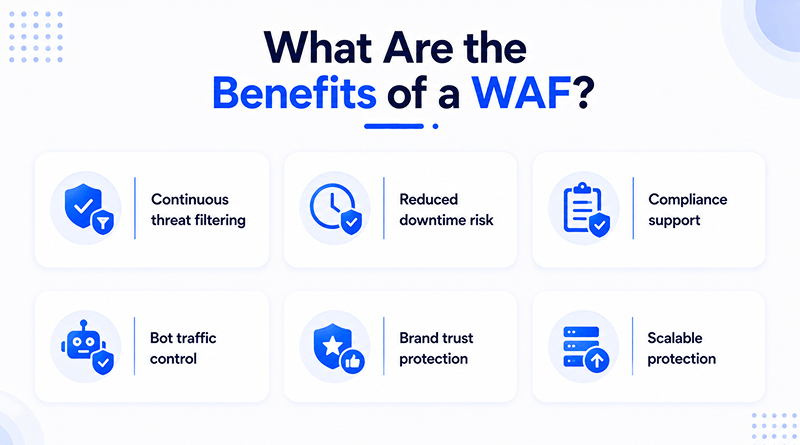
Continuous threat filtering
Requests get screened in real time, stopping harmful traffic before it reaches the server.
Reduced downtime risk
If an attack is stopped before it escalates, crashes and outages are uncommon.
Compliance support
Documented protection is a requirement across many industries, and a WAF meets that bar without extra paperwork.
Bot traffic control
Scrapers and credential-stuffing bots rarely make it past the filter, leaving bandwidth free for real visitors.
Brand trust protection
A secure website holds onto customer trust the same way it holds onto data, and reputation follows revenue closely.
Scalable protection
Traffic growth triggers rule adjustments automatically, so protection never needs rebuilding from scratch.
Related Read: How to Create Custom WAF Rules?
Why Consider a Bundled Hosting and WAF Option?
Managing a separate firewall vendor alongside hosting adds one more login, one more bill, and one more support line to chase during an incident. MilesWeb addresses this issue by bundling firewall protection directly into its small business hosting plans, which eliminates the need to coordinate between two separate providers. This setup suits owners who want a dependable firewall setup for small business websites without stitching multiple services together, and it works equally well for a store built with an AI website builder looking for one dashboard instead of three.
For a team without in-house security staff, that single point of contact often carries more weight than any individual feature on a spec sheet, and it strengthens overall small business website security without adding operational load. These benefits of web application firewalls explain why the category has grown well beyond enterprise budgets recently and why owners keep circling back to bundled setups.
Closing Insights
Brand tone and audience decide the real choice between .store and .shop, not search rankings. A retailer building toward scale and a polished, long-term identity fits better under .store. A founder-led or niche business earns trust faster through the approachable tone of .shop.
What matters more than the extension itself is what gets built on top of it. A well-secured, fast-loading store on solid hosting will always outperform a perfectly branded domain sitting on weak infrastructure. Get the technical foundation right, and either extension gives a new business everything it needs to grow.
Frequently Asked Questions
1. Do small businesses need a WAF?
Yes, and the risk profile makes it worth the investment. Automated bots scan every website regardless of size, and a small storefront without protection faces the same attack attempts as a large enterprise, just without the resources to recover quickly from a breach.
2. What is the cheapest WAF for small businesses?
Sucuri holds that position on this list, priced for tight budgets without cutting core protection. A free starting point also exists through Cloudflare, whose basic filtering works fine until a business outgrows it and needs paid features.
3. Is Cloudflare’s free plan enough for small business security?
Cloudflare’s free tier stops most common threats without extra configuration, and that covers what a typical small website actually needs. Once sensitive customer data is involved or attacks become targeted enough to require advanced rule customization and faster support, a paid tier becomes essential.
4. How much does a WAF cost per month?
Providers price a WAF anywhere from free to several hundred dollars a month, depending on the scale of protection. Sucuri and Cloudflare price out at the lower end, generally under thirty dollars, while Akamai and F5 climb well past that for enterprise-grade coverage.
5. Does WordPress hosting include a WAF?
Firewall protection rarely comes standard with basic WordPress hosting, leaving that layer up to the website owner to add separately. Basic security comes bundled with a handful of managed WordPress hosts, yet the protection stops short of what a dedicated tool like Sucuri offers with its CMS-specific approach.