Jackson Lane
The AI agent space has moved fast over the past two years. Businesses and individual developers are no longer just experimenting with large language models in chat interfaces. They are deploying autonomous agents that can read files, run terminal commands, browse the web, and complete multi-step tasks without constant human supervision.
Understanding what OpenClaw is, what OpenClaw models actually do, how they work, and how to use them responsibly is a crucial aspect. This guide covers the OpenClaw AI agent from the ground up, including its model architecture, skill system, safety considerations, and the backstory behind its earlier names.
Table Of Content
What Are OpenClaw Models?
According to the AI Index Report 2024 published by Stanford University’s Human-Centered Artificial Intelligence group, the number of notable machine learning models released by industry nearly doubled between 2022 and 2023, and this pace has continued into 2025.
OpenClaw models are a family of locally deployable AI agent models designed to handle complex, multi-step tasks on a user’s own machine. OpenClaw models entered this market at a point when demand for self-hosted, privacy-conscious AI agents was accelerating. Enterprises handling sensitive data, developers working in air-gapped environments, and privacy-minded individuals represent the primary user base for OpenClaw models today.
The History Behind the Name: From Clawdbot and Moltbot to OpenClaw
Before the product was known as OpenClaw, it went through two earlier names during development and early beta, popularly called Clawdbot and Moltbot.
Clawdbot was the original internal project name. As the scope expanded and the system grew into a full agent capable of persistent task execution.
Moltbot was adopted briefly during a period when the team was reworking the core agent loop. The name referenced the biological process of molting, meant to signal that the system was shedding its earlier, more constrained design.
The rebrand to OpenClaw resolved both problems. The name also works well for SEO, is easy to remember, and clearly signals that this is not a closed, cloud-dependent service.
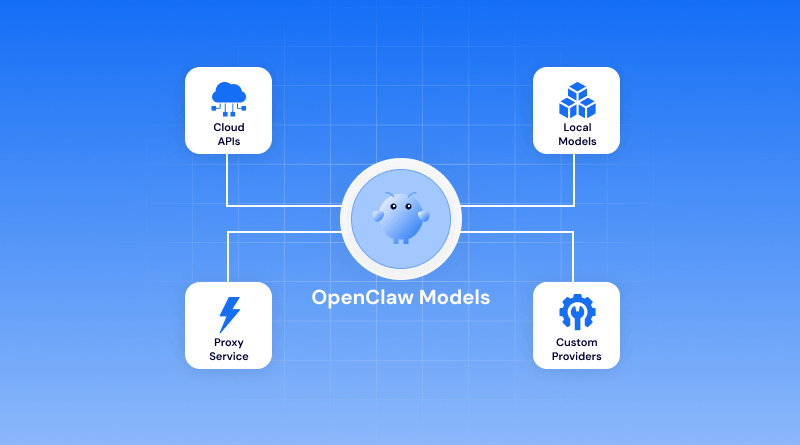
Which Models Work with OpenClaw?
1. Claude
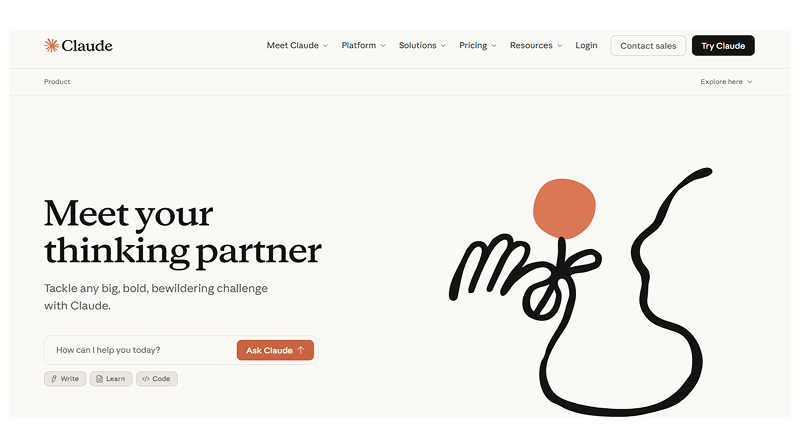
Claude integrates cleanly with OpenClaw and is a popular choice for tasks that involve longer documents and multi-step reasoning. Its large context window makes it well-suited for sessions where the agent needs to hold a lot of information at once and review an entire codebase. For example, working through a lengthy document pipeline without losing track of earlier context.
For teams that prioritize careful, methodical outputs over raw speed, Claude tends to be the default recommendation. It handles ambiguous instructions reasonably well and is less prone to repetitive errors than some alternatives. It matters most when the agent is operating with file or terminal access, and mistakes have real consequences.
Key Highlights:
- Large context window for lengthy document and codebase sessions
- Best for careful, methodical multi-step reasoning
- Handles ambiguous instructions better than most alternatives
- Ideal when file or terminal access makes errors costly
2. OpenAI (GPT)
GPT models have the largest installed base among OpenClaw users, partly because many teams were already using them before adopting OpenClaw and wanted to keep their existing setup. The integration is stable and well-documented, and GPT-4 class models perform strongly across the coding, data extraction, and content workflows.
Response speed is a practical advantage here, particularly in high-volume environments where agents handle a large number of tasks in sequence. Teams running OpenClaw for customer support triage or automated reporting pipelines often find the GPT integration the easier path to production, simply because the tooling around it is mature and widely understood.
Key Highlights:
- Largest installed base with stable, well-documented integration
- Strong across coding, data extraction, and content workflows
- Faster response speeds for high-volume task environments
- Easiest path to production with mature tooling
3. DeepSeek
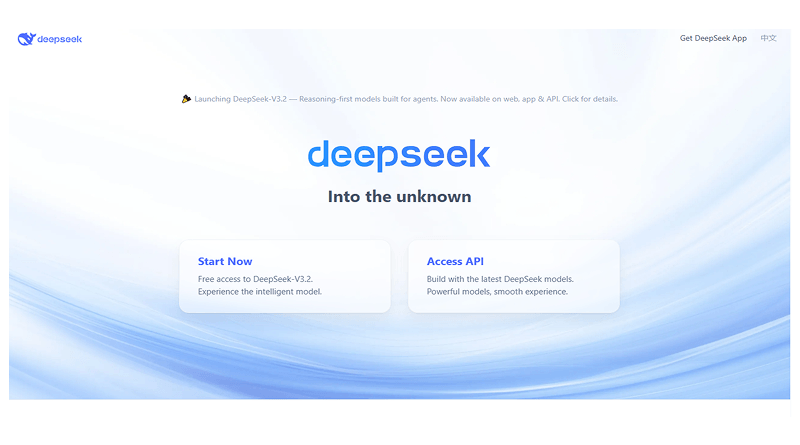
DeepSeek has drawn attention for delivering strong performance at a lower operational cost than the major western model providers. For engineering teams running OpenClaw on tight infrastructure budgets, it presents a credible option, particularly for coding-heavy workflows where its technical reasoning holds up well against more expensive alternatives.
The tradeoff worth understanding is data handling. DeepSeek is developed and hosted outside the United States, which raises legitimate questions for organizations operating under strict data residency or compliance requirements. For internal tooling and development environments without those constraints, it is a capable and cost-effective choice.
Key Highlights:
- Lower operational cost than major western providers
- Reliable technical reasoning for coding-heavy workflows
- Not ideal where strict data residency rules apply
- Best for internal tooling on tighter budgets
4. Copilot
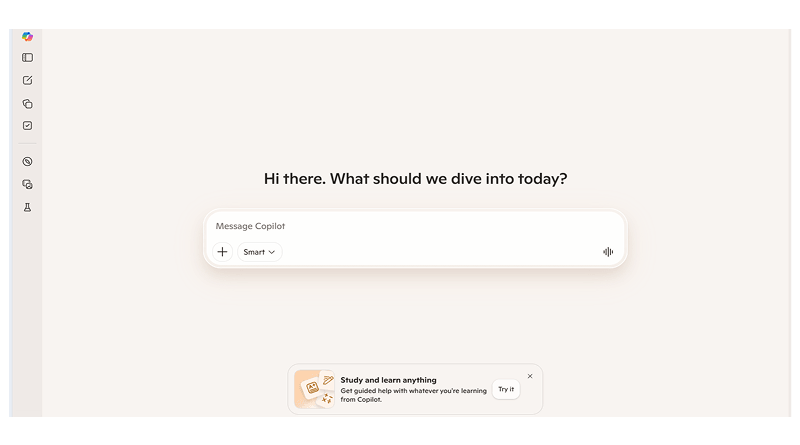
Microsoft Copilot becomes most relevant for teams already embedded in the Microsoft ecosystem. When OpenClaw is being used alongside Office applications, SharePoint, or Azure infrastructure, the Copilot integration reduces the friction of moving between tools and keeps work within an environment teams already know.
The integration is narrower than some of the other model options. Copilot is built around Microsoft’s surface area, and it shows. Outside that ecosystem, it offers less of an advantage. Inside it, particularly for finance, operations, or enterprise IT teams working heavily in Microsoft environments, the combination with OpenClaw can cover a meaningful amount of ground without requiring teams to leave familiar territory.
Key Highlights:
- Ideal for teams inside the Microsoft ecosystem
- Reduces friction across Office, SharePoint, and Azure
- Narrower integration scope than other model options
- Strongest fit for finance, operations, and enterprise IT
5. Ollama
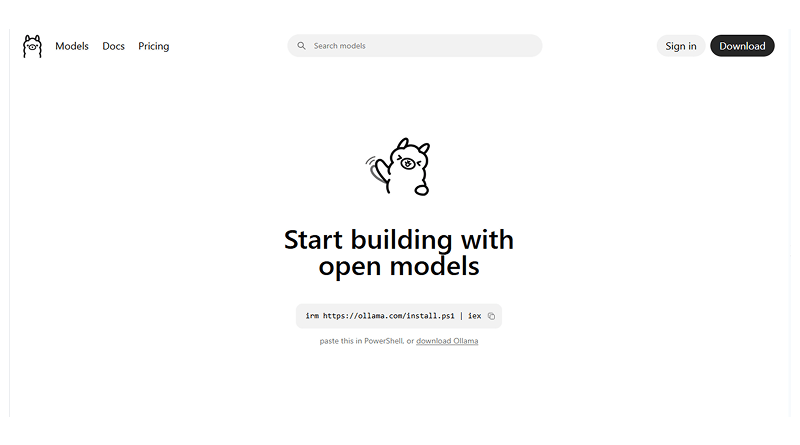
Ollama enables teams to run open-source models locally, which changes the calculus entirely for organizations where data cannot leave their own infrastructure. Legal, healthcare, and government environments often lack the practical ways to adopt cloud-hosted models. Ollama fills that gap by keeping everything on-premises without requiring significant infrastructure overhead to set up.
Teams that invest time in selecting the right model for their specific use case, rather than defaulting to the largest one available, generally get better results and more predictable behaviour from their OpenClaw deployment.
Key Highlights:
- Runs entirely on local infrastructure, no data leaves your system
- Built for legal, healthcare, and government compliance needs
- Minimal infrastructure overhead to get started
- Right model selection matters more than model size
How the OpenClaw AI Agent Works?
The OpenClaw AI agent is best understood as a loop, not a single inference call. When you give it a task, it does not respond in a single take. Instead, it follows a plan-act-observe cycle: it generates a plan, takes an action using one of its available tools, reads the result, and then updates its plan based on what it found.
This architecture is sometimes referred to as a ReAct loop (reasoning and acting), and it is common across modern AI agents. What differentiates the OpenClaw AI agent is the quality of its tool integration and the stability of its context management over long sessions.
Many open-source agents struggle to maintain task coherence beyond a few dozen steps. Most open-source agents tend to fall apart after a few dozen steps. They lose track of what they were doing, repeat themselves, or just stop making sense. OpenClaw models were built specifically to avoid this.
Out of the box, the OpenClaw AI agent comes ready with core capability areas.
- File system access (read, write, move, delete)
- Terminal and shell execution
- Web browsing and content retrieval
- Code execution in sandboxed environments
- Memory and context management across sessions
Minimum System Requirements for OpenClaw
OpenClaw models span a range of hardware requirements. The following reflects the minimum specifications required to run each tier as of the current release:
OpenClaw Lite (smallest model variant):
- CPU: 4-core x86-64 or ARM64 processor
- RAM: 8 GB system memory
- Storage: 10 GB free disk space
- OS: Ubuntu 20.04+, macOS 12+, Windows 10 (64-bit)
- GPU: Not required; optional for acceleration
OpenClaw Standard:
- CPU: 8-core processor recommended
- RAM: 16 GB system memory
- Storage: 25 GB free disk space
- GPU: Optional; 6 GB VRAM or more improves inference speed significantly
OpenClaw Pro (largest publicly available model):
- CPU: 12-core or higher recommended
- RAM: 32 GB system memory
- Storage: 60 GB free disk space
- GPU: Strongly recommended; 12 GB VRAM or more for acceptable inference speeds
For users running on Apple Silicon (M1, M2, M3 chips), OpenClaw models support metal acceleration natively, and the unified memory architecture means that RAM and VRAM share the same pool. A MacBook with 24 GB unified memory can run the standard model seamlessly.
Is It Safe to Give OpenClaw Terminal and File Access?
This is the most important question to answer honestly, and it deserves a direct response: giving any AI agent, including the OpenClaw AI agent, terminal and file access introduces real risk. Whether that risk is acceptable depends entirely on how you configure it and what safeguards you put in place.
OpenClaw models are designed with a permission model that gives users control over the level of system access the agent is granted. By default, a fresh installation of the OpenClaw AI agent runs in a sandboxed mode where file and terminal access are disabled.
Why are OpenClaw Models Getting Attention in 2026?
OpenClaw occupies an interesting position in this landscape because it offers a self hosting alternative that is already usable for real work rather than being a research prototype. Developers working on OpenClaw models have focused on three factors that the broader market has struggled to deliver consistently: reliable tool use, stable long-horizon task execution, and a transparent permission model. These are not glamorous features, but they are the ones that determine whether an agent is actually useful in a production context.
For teams evaluating AI agents for internal tooling, document processing, or code automation, OpenClaw deserves a direct evaluation rather than a passing mention. The model family has matured considerably from its Clawdbot and Moltbot days, and the current release reflects a more careful engineering approach than much of what is available in the open-source agent space.
OpenClaw Models in Practice: Common Use Cases
Developers reach for OpenClaw most often when they want to take repetitive work off their plate. Code review, test generation, bug fixing, and similar tasks that eat time without requiring much creative thought. Beyond coding, teams use it for document processing, pulling data from unstructured sources, IT operations, and building internal tools that would otherwise sit on a backlog indefinitely.
The coding workflow is where the file access and terminal skills earn their keep. Being able to write code, run it, read the output, and adjust accordingly. All covered within the same session, it eliminates the back-and-forth that slows development.
Non-engineering teams have found their own footing with it. Content operations, finance reporting, and customer support triage are common entry points. The practical appeal is straightforward: when one tool can work across multiple files and systems in a single session, you stop losing time to manual handoffs between platforms. That matters more than it sounds, especially in teams where those handoffs happen dozens of times a day.
Concluding Insights
OpenClaw models represent a revolutionary step forward in what AI agents can do in real working environments. The project has come a long way from its early days as Clawdbot and Moltbot, and the current version of the OpenClaw AI agent is a mature, extensible platform for building serious automation workflows.
Skills are where OpenClaw earns its flexibility. Rather than installing everything and sorting it out later, pick the skills that match your immediate use case. A leaner installation is easier to maintain, audit, and faster to troubleshoot when something goes wrong. You can always add more as your needs grow.
Permissions deserve more attention than they usually get. It’s tempting to grant broad access and move on, but a well-scoped permission set protects you from both accidents and security gaps.
FAQs
1. Why was OpenClaw previously called Clawdbot or Moltbot?
The names reflect different stages of the product’s development. Clawdbot came first, back when the project was scoped as a conversational bot with fairly limited tool access. The name fit what it was at the time. Moltbot was a deliberate yet brief choice during a major architectural overhaul. When the rebrand to OpenClaw took place, it was because neither of the earlier names captured what the platform had become: an open, deployable agent with meaningfully broader capabilities.
2. What are the minimum system requirements to run OpenClaw?
OpenClaw Lite requires a minimum of a 4-core processor, 8 GB of RAM, and 10 GB of storage. Supported operating systems are Ubuntu 20.04 or later, macOS 12 or later, and 64-bit Windows 10. If you’re running one of the larger models, expect requirements to include 32 GB of RAM and 60 GB of storage, with a GPU carrying at least 12 GB of VRAM recommended for pro-tier workloads. Apple Silicon machines include metal acceleration and unified memory, which makes a practical difference in performance.
3. How do I install new skills in OpenClaw?
Drop the skill package into the OpenClaw skills directory. It is located at ~/.openclaw/skills/ on Linux and macOS. Run the OpenClaw skills list to confirm it’s showing up correctly. Official skills from the OpenClaw team are signed and reviewed before release. Community skills are worth a closer look before you install them.
4. Is it safe to give OpenClaw terminal and file access?
It depends on how you set it up. Keep permissions narrow. Restrict it to the folders and command types it actually needs. Grant broad access out of laziness, and you are creating unnecessary risk. Done properly, it is trustworthy. The safety comes from the setup, not the tool itself.