Jackson Lane
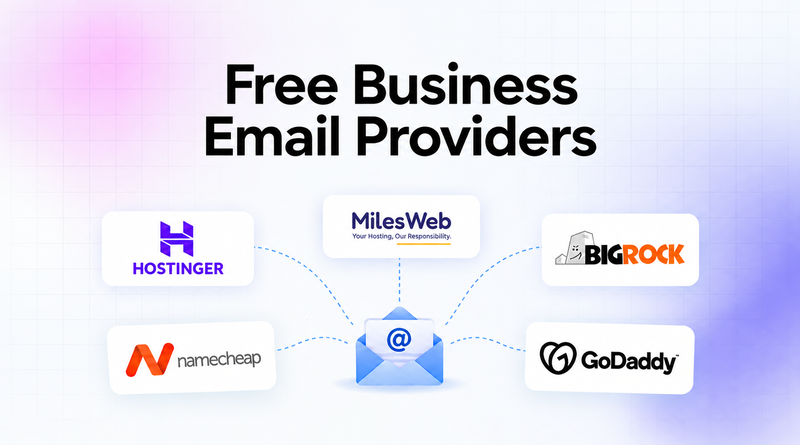
Securing a professional business email address for your business doesn’t have to mean adding another monthly subscription to the budget. Every day, the world sends and receives approximately 350 billion emails [Source: Statista]. Some email service providers focus on privacy, while others offer value-packed marketing features for higher ROI.
The blog chalks out free business email providers based on features, storage, and account capacity. If you are launching a new business, running campaigns, or just need a clean inbox, there’s something here for you.
Quick Answer
- “Free business email” almost always means free email hosting on a domain you already own — it’s not a fully zero-cost setup, since domain registration itself costs money separately.
- A custom domain address ([email protected]) projects more professionalism than a free Gmail or Outlook.com address when dealing with clients or investors.
- Free tiers typically cap mailbox count and storage, and most don’t come with SLA guarantees or automatic backups — factor that in before relying on it for critical business communication.
- Before setup, configure SPF, DKIM, and DMARC authentication records — skipping this is the single most common mistake, and it gets legitimate mail flagged as spam or bounced by Gmail and Outlook.
- Before committing to a provider, check how many mailboxes you actually need, whether custom domain support is included, and how easy the upgrade path is as your team grows.
Table of Content
What Counts as a “Free Business Email”?
The “free business email” term gets used loosely. True free business email means sending and receiving mail from a custom domain ([email protected]) at no cost, typically a limited feature tier from providers like MilesWeb.
This differs from using a free Gmail or Outlook.com address for business, which works but doesn’t project the same professionalism with clients or investors.
Most “free” providers also need you to already own a domain, since domain registration itself isn’t free. So, “free business email” usually means free web hosting on top of a domain you have purchased separately, not a fully zero-cost setup. Free tiers also typically cap mailbox count and storage, which is worth factoring in upfront.
Also Read: Best Email Marketing Tools
Best Free Business Email Providers
| Provider | Best For | Key Features | Security | Free Option |
|---|---|---|---|---|

|
Small teams & nonprofits | Backups, admin panel, activity logs | Spam & antivirus protection | Free business email with hosting |

|
Freelancers & small businesses | Auto-replies, forwarding, AI tools | Spam, virus & phishing filters | Free features vary by plan |

|
Medium-size businesses | Migration, mobile access, branded email | Enhanced security | Free inclusions available |

|
Startups & freelancers | Webmail, calendar, mobile sync | Anti-spam & 2FA | Low-cost email plans |

|
New businesses | Mobile access, storage, support | Advanced email security | 30-day free trial |
1. MilesWeb
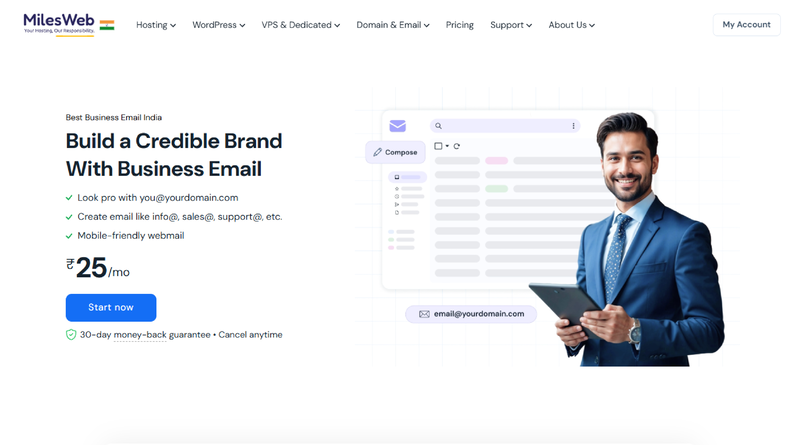
Best for: Solopreneurs, small teams, and nonprofit organizations.
MilesWeb provides free business email solutions for organizations to create a professional identity. Our email service offers auto-responders, advanced spam protection, antivirus checks and access from multiple devices with daily backups. It’s super easy to set up, just enter an email address right after you checkout. Our free business email services are powered by expert-driven solutions for email applications like Outlook, Apple Mail, Thunderbird and for email on mobile devices.
Key Features
- Email signature manager
- Daily backups
- Admin control panel
- Activity logs
- Advanced spam protection
- Antivirus check
👍 Pros
Included with hosting
Standard protocol support
Ad-free environment
⚠️ Cons
Resource limits on lower tiers
Migration and setup effort
2. Hostinger
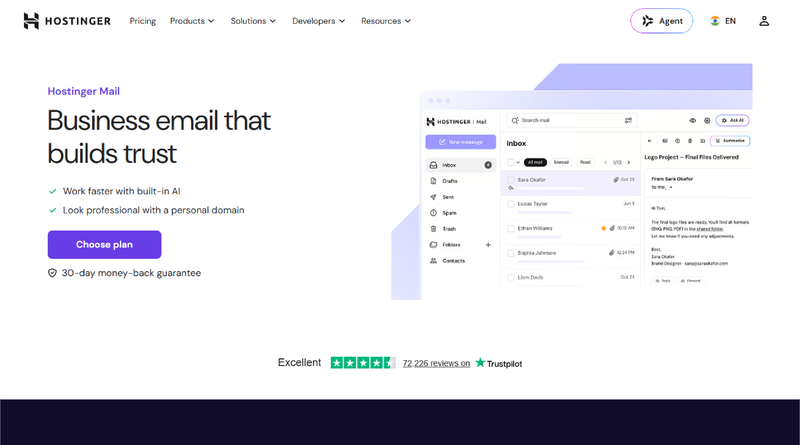
Best for: Freelancers, solopreneurs, and early-stage small businesses.
With Hostinger’s AI business email, you can connect with your professional identity. Their services work across apps and devices so you can check the email through webmail, mobile phones or desktop programs like Outlook. The plans also offer handy features such as auto replies, email forwarding and easy setup options. They also secure inboxes with built-in spam, virus and phishing filters to keep business data secure.
Key Features
- Email client support
- Integrated marketing
- Custom domain email
- AI productivity plugins
- Core email tools
👍 Pros
Affordable pricing
Storage choices
Fast assembly
⚠️ Cons
Storage limits
No standardized features
3. BigRock
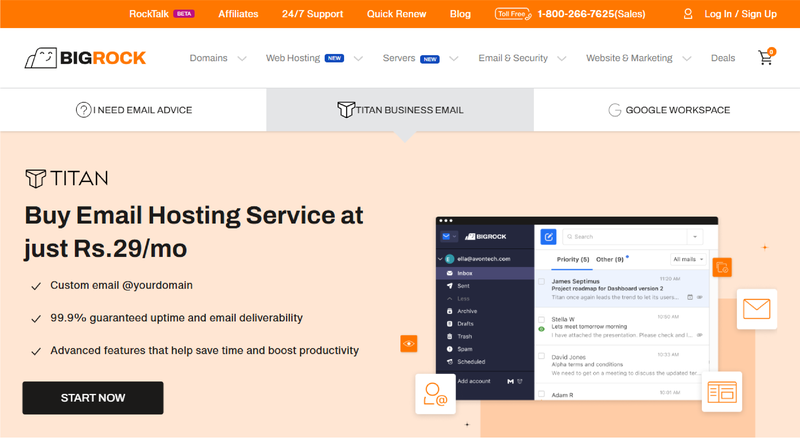
Best for: Medium-size businesses demanding advanced configurations.
BigRock is a free email service for businesses that mainly provides solutions to startups, solopreneurs, and small- to medium-sized companies. Their Titan-powered services allow businesses to upgrade from generic free accounts to trusted custom domain addresses, which instantly enhances brand authority and customer trust. They set up their budget-friendly plans with a distraction-free, ad-free webmail interface and native mobile apps for iOS and Android.
Key Features
- Enhanced security
- Easy migration
- Access from different devices
- Consistent uptime
- Branded identity domains
👍 Pros
Securities embedded
Free Inclusions
⚠️ Cons
Conflicting support
Old interface
4. Namecheap
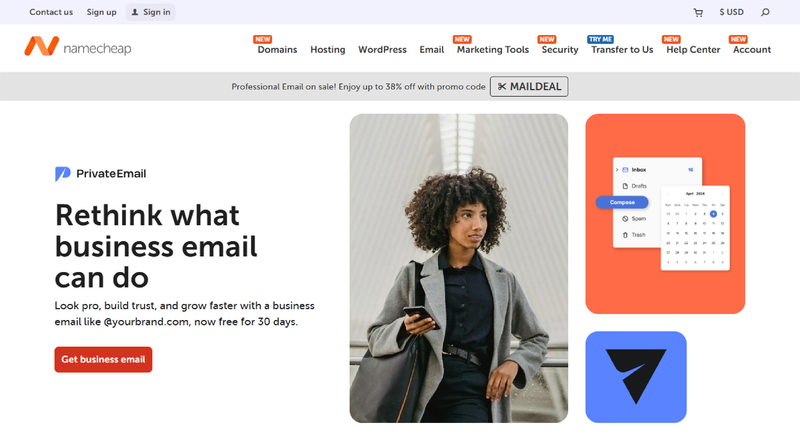
Best for: Small businesses and bootstrapping freelancers and startups.
Namecheap is a low-cost custom business email hosting service that links to your domain name. The plans are affordable with a low monthly cost. They include webmail, mobile sync, robust anti-spam protection, and 2FA. Mailboxes are easy to set up. You can manage calendars and contacts. AI email assistants depend on the plan you choose.
Key Features
- AI email assistant
- Webmail and calendar
- Anti-spam protection
- 2FA protection
- Mailboxes and storages
👍 Pros
Professional branding
Security features
App compatibility
👎 Cons
Modest storage
Fewer advanced ecosystems
Also Read: Best Business Email Hosting Providers
5. GoDaddy
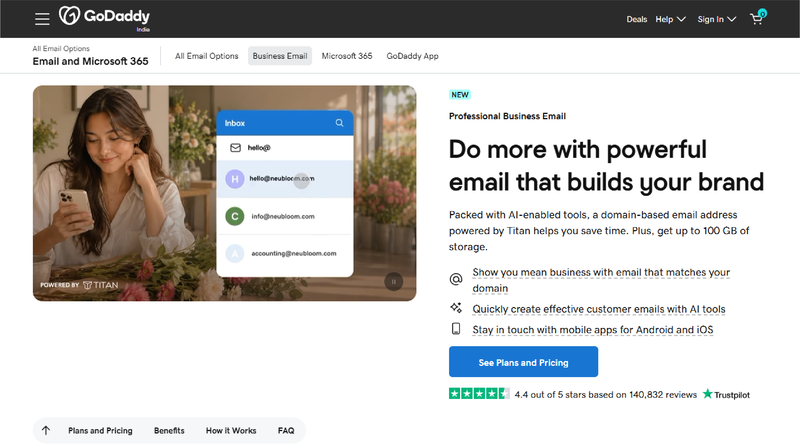
Best for: New business owners establishing instant brand credibility.
Just like MilesWeb, GoDaddy provides free professional email services with a 30-days free trial period. The email solutions include add-ons such as Microsoft Copilot, email backup and Microsoft Power BI. Its built-in advanced email security feature alerts you to suspicious emails before you click, with AI-driven warning tags. However, GoDaddy doesn’t offer cloud storage like MilesWeb, which restricts the flexibility of email account admins.
Key Features
- Mobile and web access
- Advanced security
- Robust email storage
- Custom domain matching
- 24/7 customer support
👍 Pros
Device syncing
Ad-free interface
Professional image
👎 Cons
Higher renewal cost
Storage limitations
Also Read: Free HTML Email Templates Tailored for Modern Marketers
How to Set Up a Free Business Email?
Here is a quick walkthrough about setting up a free business email account with MilesWeb:
– Choose an Email Hosting Plan
Pick an ideal plan from MilesWeb that is suitable for your business email requirements. Determine configurations, email accounts, storage, and add-ons before signing up for a plan.
– Complete Your Purchase
Select the billing cycle of hosting after filling in your account details. Then, complete the checkout process, and your email hosting services will be activated instantly.
– Configure Email Hosting
You get the login credentials in the email. Using it, you can set up domain-branded email, update DNS, and customize settings.
Also Read: Gmail vs. Business Email Hosting
Common Mistakes to Avoid
- No SPF/DKIM/DMARC setup: If you don’t have these authentication records set up, your mail is much more likely to be marked as spam or bounced by big providers like Gmail and Outlook.
- Business communication is important using the free tier only: Free plans usually don’t have SLA guarantees, so there is no formal uptime commitment if the service goes down.
- Limited storage: Storage limitations can cause emails to bounce unexpectedly or attachments to be dropped when you need them most.
- No email backup: Most free email accounts don’t come with automatic backups so if you lose your account or accidentally delete something, it’s gone forever.
- Free personal email addresses (Gmail/Outlook) vs custom domain: Affects your brand credibility and makes your business look less established to clients or partners.
- Ignoring data retention and privacy policies: Remember that free providers often have different data retention terms as compared to paid plans. So, don’t compromise on data regulation if you’re dealing with sensitive client data.
- Scalability is not considered: If you select a vendor that does not offer a clear or affordable upgrade path, you will have to migrate (disruptively) later on when your team grows.
Conclusion
A free business email is only a starting point for solopreneurs, startups, and small teams that need a professional presence without any upfront cost. But “free” always comes with trade-offs, limited mailboxes, storage caps, and little to no support, so it is worth choosing a web hosting provider with an affordable upgrade path.
Before committing, revisit your priorities: How many mailboxes you actually need, whether custom domain support is included, and how the provider handles security essentials like SPF, DKIM, and DMARC. Getting these fundamentals right from day one saves you a painful migration later as your team and email volume grow.
FAQs
1. What is a free business email?
A free business email is an e-mail account provided by companies that do not charge to host their inbox. Since no email is informal like a personal account (such as @gmail.com), it provides clients with a structure in which they are immediately put at ease and installed in a brand image.
2. How can I create a free business email address?
One can create a dedicated email address using MilesWeb under a free trial period. Users get access to account features like mailboxes, spam security, multi-factor authentication and more.
3. Can I get a free business email with my domain?
Yes, it is possible to easily connect your domain name (@yourcompany.com) to a free email service such as MilesWeb. Alternatively, you can use free DNS routing services such as Cloudflare DNS Forwarding for Domain Name to route all email traffic of a particular domain to your own inbox.
4. How many email accounts can I create with free business email hosting?
The number of accounts available depends on the provider, with most free plans supporting between one and five user accounts. But with Google Workspace and other services, you can have unlimited group email addresses (sales@ or info@) for free without reaching your user limit.