Jackson Lane
Automating email schedules, routing project approvals, and triggering manual tasks are essential for new-age corporations to save time and resources. Great contribution by no-code automation tools that are persistently reducing the need for manual coders and developers.
No-code automation eliminates the technical barriers to building automated workflows. As a tech-savvy individual, you can deploy projects and write custom code without the need for rigorous deployment cycles. If your code crashes or encounters bugs, users can visually map out workflow processes that run reliably using no-code automation. Now, further detailing this, ‘What is no-code automation?’ blog includes.
Table of Content
Quick Answer
- No-code automation runs on trigger-and-action logic (“If This Happens, Then Do That”) — build workflows visually, with zero coding required.
- It’s not a developer replacement — it’s a way to free up engineers from repetitive, rule-based tasks so they can focus on higher-value work.
- Popular tools each have a distinct strength: Zapier for broad app integration, Make for complex data transformation, n8n for self-hosted AI-agent workflows, and Apify for web scraping.
- The main trade-offs are rigid templates that limit deep customization and the risk of “shadow IT” — workflows built outside IT governance and compliance oversight.
- It’s the right fit for repetitive, stable tasks — but if a process is still evolving or needs complex judgment calls, it’s worth waiting before automating it.
Also Read: You Can Build A Website Without Knowing How To Code
What is No-Code Automation?
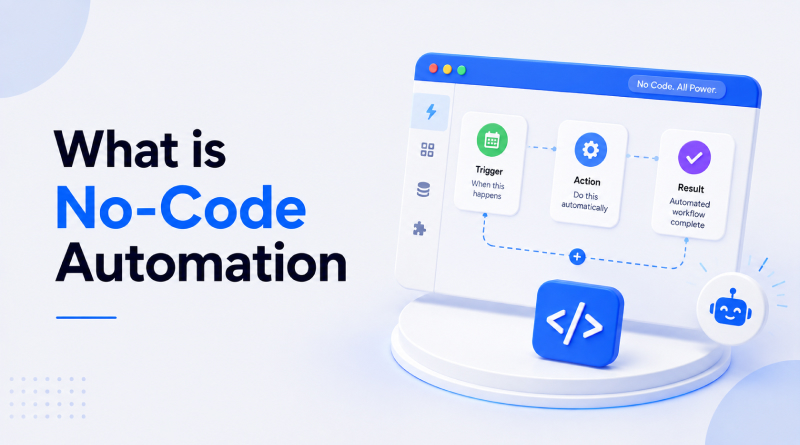
No-code automation tools reinforce the ‘trigger-and-action logic’ mechanism to execute workflows. It means most automated tasks operate on a simple formula: “If This Happens, Then Do That.” No-code automation tools rely on having built-in apps’ visual interfaces, such as drag-and-drop interfaces, to build their desired functionalities.
Such convenience is helpful in building RPA (Robotic Process Automation) and BPA (Business Process Automation). With these no code builder tools, employees develop their own automated workflows.
Behind the Scenes: What Happens in a No-Code Automation?
Hover over each stage to understand how an automation workflow operates.
An event starts the workflow. Example: A customer submits a contact form or places an order.
Trigger
Event Detected→
The platform collects relevant data such as names, email addresses, products, or form responses.
Capture Data
Gather Information→
Conditions are checked. Example: If the order value exceeds ₹5,000, notify the sales team.
Apply Logic
Rules & Filters→
The workflow performs one or multiple actions automatically.
Execute Action
Send, Create, Update→
Every activity is recorded so users can monitor workflow performance and troubleshoot issues.
Track Results
Logs & AnalyticsNo-Code vs. Low-Code vs. Traditional Coding: Key Differences
Factor
NC
No-Code
LC
Low-Code
TC
Traditional Coding
Target user
Non-tech-savvy users and businesses.
Professional web developers, IT personnel, and tech-savvy business analysts.
Full-stack developers and professional software engineers.
Core methodology
100% visual interfaces, drag-and-drop builders, pre-configured templates, and workflow rules.
Visual modeling combined with custom code injection (JS, Python, SQL) for custom logic and UI.
Hand-crafted source code using IDEs, frameworks, libraries, and custom architectures.
Development speed
Ultra-fast (hours to days). Ideal for rapid prototyping and simple tools.
Fast. Significantly accelerates standard development workflows.
Moderate to slow (months to years). Involves full setup, architecture design, and sprint cycles.
Customization & flexibility
Low. Constrained strictly to vendor pre-built modules, components, and design systems.
Medium to high. Extensible via API hooks, custom plugins, and embedded code scripts.
Unlimited. Complete control over logic, database schema, UI, and integrations.
Scalability & performance
Basic. Suitable for lightweight apps, internal workflows, or local traffic loads.
Moderate to enterprise. Handles enterprise loads well, depending on vendor cloud infrastructure.
High / enterprise. Fully optimized for high-performance, complex microservices, and massive scale.
Vendor lock-in & portability
High lock-in. Code usually cannot be exported; migration requires rebuilding on a new stack.
Moderate lock-in. Some platforms allow source code export; others bind logic to platform runtime.
Zero platform lock-in. Complete ownership of source code, IP, and hosting stack.
Also Read: What is Google Opal?
Why Does No-Code Automation Matter in 2026?
1. Better Labor Usage
Web developers or coders exercise restraint by avoiding unnecessary features when handling deadline-driven projects. Avoiding last-minute chaos is the prime objective of the team. No-code platforms give the testing environment even to non-programmers. Utilizing non-tech staff for testing optimizes technical resources, allowing engineers to focus on higher-value tasks.
2. Faster Time to Market
With code-based tools like Selenium, it takes an average of 6 hours to create a test. No-code tools feature intuitive drag-and-drop elements, screen recording, and a testing environment for non-tech users. This, in turn, allows organizations to release their software faster, bypassing long IT queues.
3. Higher Quality Software
Top-notch software can’t execute workflows with obsolete scripts or bugs. Non-tech users using no-code automation tools can identify bugs and communicate with testers to fix them. The final prototype will be ready with a smaller margin of error.
4. Agile Methods
No-code platforms are fast development platforms for quick collaboration and iteration. They help teams collaborate, test workflows, and create products that are ready for end-users. Product related changes can be deployed in minutes vs going through intense review or extensive CI/CD pipelines.
5. Convergence
No-code tools utilize natural language and AI-generated triggers to build logic instantly. Some tools also use machine learning algorithms and smart agents in visual drag-and-drop workflows. This infusion of AI into tools helps users to build functional software without writing extensive coding syntax.
Also Read: Best Vibe Coding Tools & Platforms
Popular No-Code Automation Tools
| Tool | Best Use | Starting Price | Key Strength |
|---|---|---|---|

|
Data organization & AI orchestration | $19.99/mo Paid plans | Connects thousands of applications through trigger-and-action workflows. It is well suited for automating tasks across business apps, CRM systems, spreadsheets, email, and marketing tools. |

|
Data transformation & loops | $9/mo Paid plans | Provides a visual workflow builder with connected modules, making it useful for complex scenarios, data transformation, loops, and error handling. |

|
High-volume data syncing & advanced lead triage | $24/mo Paid plans | Offers visual workflow automation with custom JavaScript/Python code, conditional nodes, loops, data merging, and native AI-agent integrations. |

|
Lead generation & social media monitoring | $29/mo Paid plans | Focuses on web scraping and data extraction through serverless Actors and pre-built scrapers, making it useful for lead generation, competitor monitoring, and review analysis. |

|
AI-powered web research & personalized outreach | $167/mo Paid plans | Combines data enrichment, AI steps, conditional logic, and multiple data sources to create personalized sales and marketing workflows. |

|
Monitoring, alerting & data ingestion | $20/mo Paid plans | Uses a block-based visual workflow builder for processing, filtering, transforming, and organizing large and complex datasets. |
1. Zapier
- Best Use: Data organization and AI orchestration.
- Pricing: Free and paid plans start at $19.99/month.
Zapier is a no-code automation platform that uses a trigger and action mechanism to sync data and applications. You set up a task-specific automated workflow called a “Zap” that triggers an action in another app. For ex.: Adding a table in Google Sheets or sending a Slack message.
Zapier is fully compatible with more than 7,000 applications, including Google Workspace and Microsoft Office suite. When paired with an automation platform, some of them can be hosted on a shared hosting server, while custom configurations demand an MCP VPS server. You can integrate blog content and newsletters and connect them with CRM to automate the content marketing campaigns. Also, there is an extensive community forum and templates to guide you through every technical issue.
2. Make
- Best Use: Data transformation & loops, error handling.
- Pricing: Plans start at $9 per month.
Make the following list of automation platforms. It has a built-in visual workflow builder to create scenarios by connecting modules on a left-to-right canvas, where each module represents an app or action and the whole thing is laid out like a flowchart. It illustrates the structure of automation, letting users simplify complicated workflows.
Make’s logic structure is based on if-this-then-that automation rather than native AI tools’ reasoning. It offers an extensive range of integrations and reliability. Also, it has several niche connectors found elsewhere, and the free plan is generous enough to actually get work done.
3. n8n
- Best Use: High-volume data syncing and advanced lead triage.
- Pricing: Free and paid plans start at $24 per month.
n8n is a source-available workflow automation tool that is positioned as a no-code platform. It is a standalone tool that allows developers to write custom JavaScript/Python code on a drag-and-drop interface to build automated workflows. n8n features native AI agent integration, allowing users to visually chain advanced language models (like Claude and ChatGPT), memory modules, and vector databases to build AI agents.
This automation tool is operational on a local server machine or cloud server, maintaining data sovereignty and granular control. It supports complex workflows through “If” and “Switch” conditional nodes, loops, and data merging.
4. Apify
- Best Use: Lead generation and social media monitoring.
- Pricing: Free and paid plans start at $29 per month.
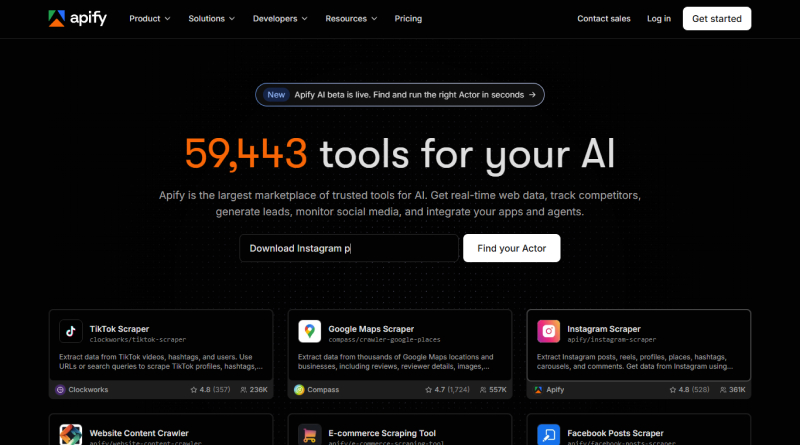
Apify is a cloud-based web scraping, no-code automation tool that turns website data into serverless programs called ‘Actors.’ There are several pre-built scrapers available on the Apify Store to build custom tools without server management.
This tool is well-suited for solopreneurs, developers, and agencies scraping structure data at moderate volumes. You can integrate daily lead generation from Google Maps or LinkedIn, competitor price monitoring across e-commerce websites, and review analysis into your CRM. Apify executes serious scraping workflows without coding. With this, you just configure the inputs, set a schedule, or wire output wherever required.
5. Clay
- Best Uses: AI-powered web research and hyper-personalized cold outreach.
- Pricing: Free and paid plans start at $167/mo.
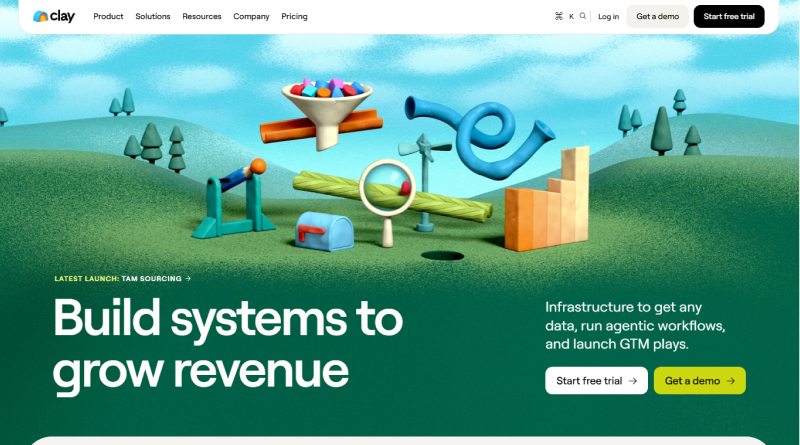
Clay is a GTM (Go-to-Market) data fetching tool resembling a spreadsheet-like interface that lets you build no-code workflows by chaining prebuilt enrichers, AI steps, and conditional logic together. It connects to over 100 data sources such as Apollo, Clearbit, and Hunter.
With this, you can create workflows to configure email chains, generate personalized messages with GPT, and push data to CRM tools (HubSpot and Outreach). Advanced users can dip into Python if they want, but 90% of the sales team run purely automated. The tool has proprietary built-in AI (Claygent) to read prospect websites, score leads, or write personalized icebreakers. Overall, Clay creates AI agents that mimic the representatives to execute core functionalities.
6. Parabola
- Best Uses: Monitoring, alerting, and data ingestion.
- Pricing: A free plan and paid plans start at $20/mo.
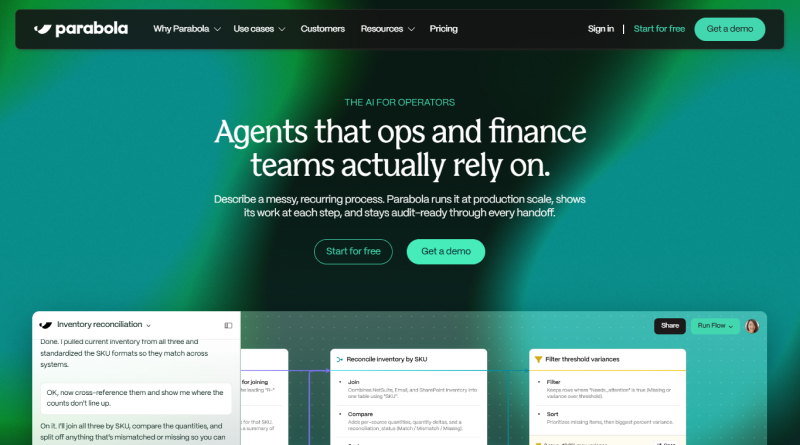
Parabola is engineered for automating operations and data handling at scale with a built-in block-based drag-and-drop interface that needs no coding. Teams working with large and complicated datasets find it especially useful to augment their data before passing it to other systems.
Parabola offers flexibility in processing response data after its collection. Teams filter and transform submissions, pair them with internal data, or optimize them for analytical tools. Parabola organizes data consistently and makes it ready for use through its visual workflow builder.
Also Read: Vibe Coding vs Agentic Coding
What are the Pros and Cons of No-Code Automation Tools?
Pros
– Free-up Software Engineers
Eliminating manual overhead is the core intention of automation. No-code automation tools use a regressive testing mechanism to test all instances of software development. They don’t demand much time to automate regression tests by writing codes and help them invest time and effort in valuable tasks.
– Supports Agile/Automation Adoption
No-code automation tools support agile methodologies by eliminating the demand of a steep learning curve to access them. It enables non-tech users to contribute as a ‘citizen developer’ in every project, democratizes innovation, and reduces the overall development costs.
– Keeps in Pace with the Speed of Development Cycles
No-code test automation works on graphical UI workflows that shorten the learning curve, helping testers easily learn automation and its implementation quickly to build test automation. In return, this helps them keep pace with the fast development lifecycles.
Cons
– Rigid Templates Limit Customization
In no-code test automation, testers sometimes get minimal opportunities to modify scripts as automation processes run in the background. So, when a tester discovers a relevant app feature is missing, it becomes challenging to fit that specific piece of business logic into the software.
– Creates Shadow IT
Employees or users easily access IT governance and operate or make changes without management expertise in a no-code environment. It builds shadow IT, which refers to accessing software development/IT systems, code repositories, and related services without compliance and regulatory guidelines.
Also Read: Best Free Java IDEs for Developers
Is No-Code Automation Right for You?
Every operational task should not be automated because of intense maintenance, high setup time, and fickle processes. However, operation processes could be tedious if automation is not implemented. To cut down the deployment cycle and save time, no-code automation tools are needed. Manually copying leads from the contact form to the spreadsheet can be automated instead of manual data entry.
On the other hand, if a process involves sensitive data with strict compliance requirements, no-code tools bolster automation to save time in recurring tasks. So, the answer to your question is no-code automation tools act as an assistant.
Conclusion
No-code automation is not replacing developers or overtaking a project’s workflow overnight. It’s about saving time in redundant or rule-based tasks. Navigating through the guide, these tools have significant development features to build custom scripts within minutes.
This mechanism is well-suited for time-driven projects. If you are stuck in exercising repetitive tasks or switching between apps just to move information, pick the right no-code automation tool for your requirement. If your process is still evolving or involves complicated judgment calls, it is worth waiting for that to stabilize before automating it.
FAQs
1. How does no-code automation work?
No-code systems involve a layer of visual orchestration. This transforms user-drawn configuration into executable processes. Users connect different software modules as if they were puzzle pieces. For example, users set an event trigger of an incoming email and execute a task of saving an email attachment. Be advised that this is a very basic example of no-code process automation.
2. Who can use no-code AI?
Business analysts, marketers, entrepreneurs, and operational teams commonly use no-code AI systems, even without any engineering experience. This empowers non-technical domain experts to build internal applications and workflows that are intelligent and extremely functional.
3. Is no-code easy to learn?
These types of platforms feature intuitive visual interfaces, along with simple, visual block structures—with zero programming syntax. This helps new users quickly learn the basics of automating workflows. New users can learn these basics in about a couple of hours through trial, built-in templates, and community guides.
4. What is a no-code example?
YAn example of a no-code automation system would be an automated system for extraction receipt extraction, built with and utilizing no-code process automation platforms such as Zapier or Make, would be to use OCR to extract PDF files of incoming invoices and to log the financial totals from the automated extraction to an Airtable sheet. This fully automated workflow completely.