The substantial demand for AI cannot be ignored. Whether it is content creation or web development, this advancement has pivoted the way of every core business operation such as coding, content creation, or web designing. Now, when it comes to coding, fixing bugs, or structuring syntax is a grueling process.
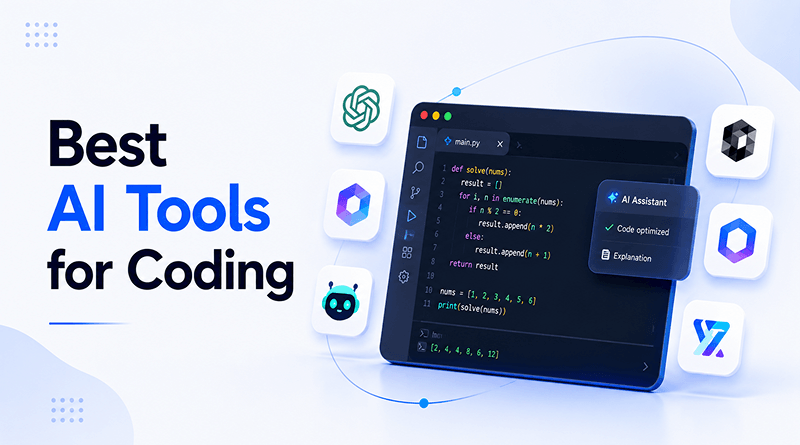
Whether you scale an enterprise codebase or want to slash development cycles, here are the best AI tools for coding to expedite engineering workflow. The blog enlists top AI tools for coding based on rigorous hands-on testing, technical benchmarks, and community consensus.
Quick Answer
- Tools were evaluated on five criteria — coding accuracy, codebase context, ease of setup/IDE integration, pricing transparency, and security practices — using real tasks, not marketing claims.
- Claude Code leads on deep reasoning for terminal-based, multi-file workflows; Cursor and GitHub Copilot fit best if you already live inside VS Code.
- For security-conscious enterprise work, Tabnine offers zero code retention and no training on your codebase, backed by GDPR, SOC 2, and ISO 27001 compliance.
- Budget matters: GitHub Copilot, Blackbox AI, and Cursor are the most accessible entry points, while Cody and Tabnine sit at the enterprise price tier.
- None of these tools replace engineers — they handle boilerplate, debugging, and data-flow parsing, while system design and architectural decisions stay firmly human.
Table of Content
What are AI Coding Tools?
AI coding tools are software applications that use LLMs like OpenAI’s Codex or Meta’s Code Llama. These AI coding assistants are trained on large datasets which include open-source repositories, programming documentation and framework guidelines.
AI code tools will look at the context and patterns of writing in the code and will come up with a simpler syntax to make development easier. They work with natural language prompts, code analysis and multi-lingual support to ensure robust implementation.
They don’t replace engineers but act as smart assistants who never tire, allowing development tasks to be more focus-oriented.
Also Read: Best AI Tools for Developers
How Did We Evaluate These Tools?
We evaluated each AI coding tool across five criteria that are of most concern to developers.
- Coding accuracy
- Codebase context
- Ease of setup and IDE integration
- Pricing transparency
- Security/data privacy practices.
How We Evaluated These Tools
🎯
Coding Accuracy
Tested on real bug fixes and multi-file edits, not benchmark scores alone.🧩
Codebase Context
How well the tool understands your whole project, not just the open file.🔌
Setup & IDE Integration
How fast it gets running inside your existing editor and workflow.💲
Pricing Transparency
Real usage costs at scale, not just the advertised starting price.🔐
Security & Data Privacy
Whether your code trains the model, plus what compliance certs actually exist.The tools were not simply ranked by marketing claims, but by real programming tasks like debugging, multi-file editing, and boilerplate generation. The features and pricing are based on information available as of [month, year] and are subject to change as the tools are updated.
Also Read: Best AI Plugins for WordPress & WooCommerce
Best AI Coding Tools to Streamline Development
| Tool | Pricing | Best For |
|---|---|---|

|
From $17/mo | Complex codebases needing deep reasoning and a terminal-centric AI agent. |

|
Free · from $20/mo | Writing, debugging, or navigating large codebases with deep indexing and natural commands. |

|
Free · from $10/mo | Auto-completing code on the fly, boilerplate generation, unit tests, context-aware suggestions. |

|
Sold separately | Modernizing legacy code (e.g., COBOL to Java), general multi-language help, IT automation. |

|
Free · from $10/mo | Fast code generation and real-time completion across 20+ programming languages. |

|
From $39/user/mo | Enterprise teams and security-conscious developers seeking complete privacy. |
|
Trial period | Secure, on-premises, or private-cloud AI code generation. |

|
From $19/mo | Building, operating, and modernizing applications within the AWS ecosystem. |

|
Free · from $20/mo | Engineering teams managing legacy backlogs and asynchronous bug resolution. |

|
From $59/user/mo | Large-scale, multi-repository enterprise codebases. |
1. Claude Code
Pricing: Plans start at $17 per month.
Best for: Developers working on complex codebases that require deep reasoning and a terminal-centric AI agent.
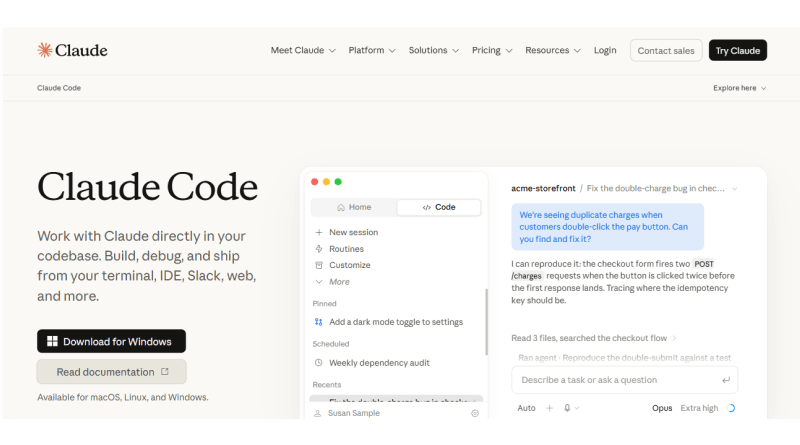
In March 2023, Anthropic Inc. built an agentic command-line tool called Claude. This chat assistant tool has become an AI code generator (Claude Code) that can generate code for multiple files at once. Moreover, it reads your codebase, plans multi-step changes, and executes shell commands.
Claude Code is designed as a temporary command-line interface made up of six main parts (mostly created with TypeScript using Bun and React/Ink TUI) that works on a single-threaded system to run tasks one at a time.
Claude Code is its parent software (Claude) version that is accessible within the terminal. The tool handles native developer tasks, such as staging changes, writing commit messages, switching branches, and opening pull requests. Moreover, Claude Code scores higher on rigorous benchmarks like SWE-bench, showing stronger performance on real-world bug fixes.
👍 Pros
Superior reasoning
Extensibility
Autonomous operation
⚠️ Cons
Usage limits & pricing
No direct GUI editing
Also Read: Best Email Marketing Tools
2. Cursor

Pricing: Free and paid plans are available and the cheapest paid plan starts at $20/month.
Best for: Writing, debugging or navigating software projects with large codebases, indexing and natural commands.
Cursor is one of the leading AI pair programmers, built by Anysphere in 2022. It’s a great AI-code editor that was developed as a fork of Visual Studio Code. The AI-powered code tool integrates into everyday development workflows with smart code suggestions, multi-file edits enabled by its Composer agent, and deep indexing of the codebase.
It combines deep machine learning with a native code editing experience to improve programming workflows. Cursor AI has a two-pool pricing model — an auto pool for normal tasks, and a separate API pool for premium models. Like Claude, it has limited daily credits, which may frustrate developers involved in deadline-driven projects. So, it’s better to explore underlying Cursor AI alternatives.
👍 Pros
Composer and agent modes
Whole-codebase context
Familiar interface
⚠️ Cons
Pricing and credit system
Visual clutter
3. GitHub Copilot
Pricing: Free and paid plans start at $10 per month.
Best for: Auto-completing code on the fly, generating repetitive boilerplate code, writing unit tests, providing context-aware code suggestions.
GitHub Copilot is your AI pair programmer that helps you write code, manage tasks, and explore projects—all in one place. This tool is created by Microsoft and GitHub is easy to integrate into a code editor to generate code completion, answer technical questions and automate development tasks. It features a conversational sidebar interface to ask questions about the codebase, get explanations of complex algorithms, and help with debugging.
GitHub Copilot is compatible with a range of development environments and coding languages such as Java, Ruby, Go, C#, C++, PHP. It also encourages cross-compatibility with AI assistants like Claude or OpenAI. Individual developers are able to use it for free with monthly limits. Paid plans unlock advanced features for agents.
👍 Pros
Many languages supported
Help to find new API methods
Writes repetitive boilerplate code
⚠️ Cons
Accuracy problems
Concerns about privacy
4. IBM Watson Codex
Pricing: Sold separately
Best for: Modernizing legacy code, general multi-language help, and IT automation
IBM Watsonx Code is excellent at generating enterprise-heavy coding syntax. It manages resource-strain workloads such as transforming older languages like COBOL (Common Business-Oriented Language) to Java or upgrading Java runtimes.
This AI coding tool’s core architecture is based upon the IBM Granite model. It directly integrates into the popular developer environment like Visual Studio Code, offering real-time code generation, explanation, documentation, and unit test creation.
Watsonx Code Assistant differs from traditional AI tools as it is built to meet the enterprise-grade requirements, enabling organizations to train the underlying models on their codebase and providing clear visibility into the code source and licensing.
👍 Pros
Integration with IDE
Bridges skills gap
Legacy modernization
⚠️ Cons
Hard to install
Costly licensing
Also Read: Best No-Code Automation Tools
5. Blackbox AI
Pricing: Free and paid plans begin at $10 a month.
Best for: Fast code generation and real-time code completion across 20+ programming languages.
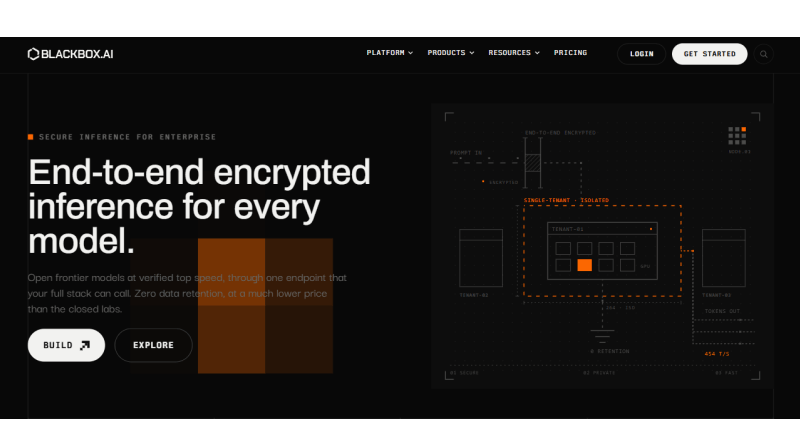
Blackbox AI is a versatile AI coding tool with a multifaceted development platform to streamline writing software codes. Also, this tool debugs and translates code quickly across 35+ Integrated Development Environments (IDEs). It is usable for casual code questions and CS code extensions. The free plan excludes Chairman LLM, Remote Agent, and priority computer, which are reserved for pro tiers and above.
The AI coding assistant routes several tasks to multiple top models simultaneously, using a chairman model in selecting or combining the best implementation. It indexes your entire project structure, folders, and files to reason across large codebases and multiple sessions. Extracts code or text directly from screenshots, UI mockups, design files, or video content like YouTube tutorials.
👍 Pros
IDE & workflow integration
Beginner-friendly
Multimodal capabilities
⚠️ Cons
Complex backend limitations
Manual verification needed
6. Tabnine
Pricing: Starts at $39 per user per month
Best for: Enterprise teams and security-conscious developers seeking complete privacy.
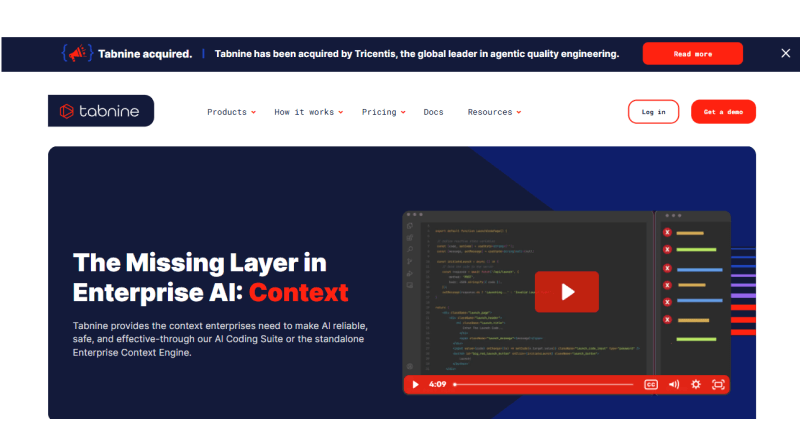
Several AI coding tools are designed for developers, and their pricing and data policies reflect this focus. Tabnine is an enterprise-oriented version that democratizes the coding mechanism for each aspiring coder/developer. It has an automated mechanism to flag and prioritize resolutions for coding syntax.
The answer is zero code retention, no training on the codebase, serious compliance certifications (GDPR, SOC 2, and ISO 27001), and deployment options that go all the way to a fully isolated network. It focuses heavily on enterprise privacy, ensuring the private data and codebase stay protected. The tool offers whole-line and full-function code completions as you type inside your editor.
👍 Pros
Strong data privacy & security
Flexible deployment
Reduced latency
⚠️ Cons
Less conversational
Context depth
7. CodeComplete

Pricing: Under trial period
Best for: Secure, on-premises, or private-cloud AI code generation.
CodeComplete is an artificial intelligence (AI) tool that is engineered to assist professional software developers and enterprises to improve their coding productivity. It enriches the development process, providing more powerful code completion features, such as generating code from natural language descriptions.
In addition, it also provides code explanations and suggestions for code improvements. CodeComplete is an effective tool for software developers due to its flexibility and compatibility with various development environments and programming languages. It is a valuable resource to give software developers a versatile and powerful assistant in software development.
👍 Pros
Advanced NLP capabilities
Scalable solution
Continuous improvement
⚠️ Cons
Deployment complexity
General AI limitations
8. Amazon Q Developer
Pricing: Plans start at $19 per month.
Best for: Building, operating, and modernizing applications within the AWS ecosystem.
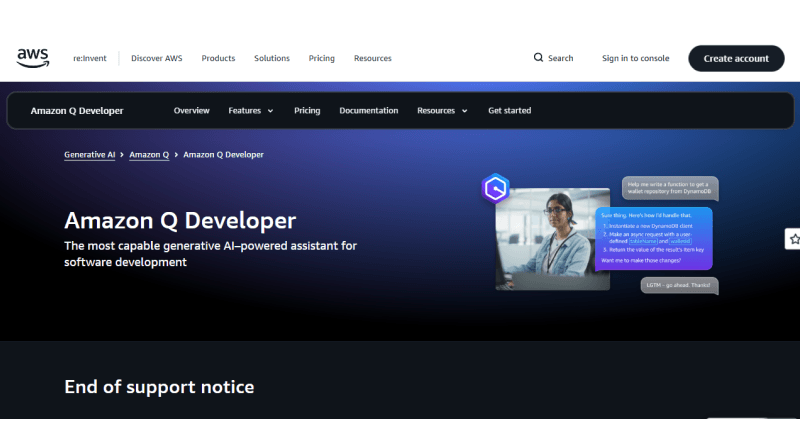
Amazon Q Developer is a generative AI coding assistant to write, debug, and fix code. It is operational within their Integrated Development Environment (IDE) to optimize the development cycle. The AI coding tool has superior qualities to execute several tasks, from implementing features, documenting, reviewing, and refactoring code to performing software upgrades.
Amazon Q Developer boosts coding productivity by 40%, acceptance rate of 37% The expert-backed platform like us gives you a development environment for custom coding, faster coding and modernizing applications. This prompt-based AI coding assistant diligently does such tasks as reading files, generating code diffs, and running commands by fetching the user’s info across native and MCP server-based tools.
👍 Pros
AWS cloud awareness
Enterprise security & compliance
Centralized administration
⚠️ Cons
Setup requirements
Interaction limits & costs
9. Windsurf
Pricing: Free and paid plans start at $20 per month.
Best for: Suitable for engineering teams managing legacy backlogs & asynchronous bug resolution.
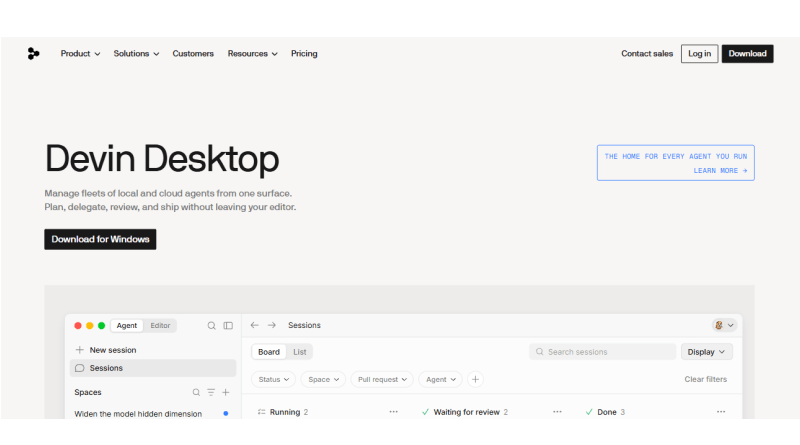
Windsurf (rebranded as Devin AI) is an AI native IDE coding tool well-suited for large Java codebases. Its flagship feature, Cascade is paired with deep codebase understanding, real-time developer actions. The tool offers a persistent memory upgrade feature to handle large-scale memory across sessions. It features image-to-code support that adds a useful multimodal workflow dimension.
Beyond basic coding, Windsurf features a local project index for deep context awareness, inline coding, and an AI terminal to execute commands. The feature-rich AI coding platform has a fixed monthly billing cycle and approachable interface like Claude, Cursor, and GitHub Copilot.
👍 Pros
Deep codebase context
VS Code compatibility
Affordable pricing
⚠️ Cons
Token/credit consumption
Occasional infinite loops
Also Read: Ollama Models List
10. Cody
Pricing: Plans start at $59 per user per month.
Best for: Large-scale and multi-repository enterprise codebases.
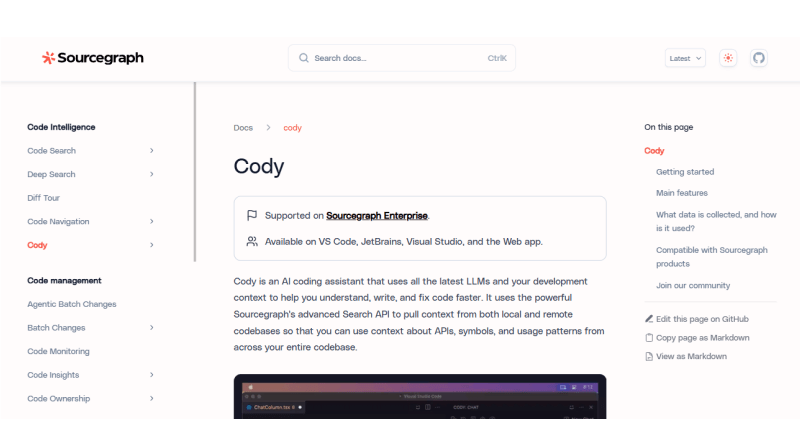
Cody by Sourcegraph unlocks the coding potential of engineers by understanding the context of the entire codebase. This context-aware AI coding assistant pairs with Sourcegraph’s code search infrastructure using a RAG (Retrieval-Augmented Generation) mechanism to generate accurate project-specific answers.
Cody pulls context from your entire enterprise’s repositories through the Sourcegraph Search API to answer complicated queries across multiple systems. Users get the flexibility in choosing LLM models (Anthropic’s Claude, OpenAI’s GPT-4o, and Gemini) to empower AI assistants. It has a built-in command feature to help developers write documentation and spot syntax errors.
👍 Pros
Deep codebase context
Multi-model support
Source citations
⚠️ Cons
Reliance on Infrastructure
Complex logic constraints
Also Read: Best Hermes Agent Hosting Providers
How to Select the Best AI Coding Tools?
There are many AI coding tools available and the best one for you depends on your working style.
- Begin with your setup: If you’re already at home in VS Code, things like GitHub Copilot or Windsurf feel like a natural extension. Claude Code is suitable for terminal-based workflows.
- Think about your codebase size: solo projects or small apps don’t need the same deep multi-repository context that Cody or Tabnine offers.
- Factor your budget: Budget-friendly users Copilot, Blackbox AI and Cursor are great to try for newbies.
- Don’t compromise on security: When working on a proprietary project with sensitive coding involved, prioritize data privacy with Tabnine.
Final Verdict
The right AI tools for coding aligns with the team’s speed and velocity. Tools listed above have been evaluated against the rigid industry standards, including the SWE-bench verified indices for real-world code handling and Terminal-bench for agent runtime reliability.
AI is not taking the place of core engineering functions like system design, code quality checks, and application deployment. Use tools such as Claude Code and Cursor as supercharged junior engineering counterparts to deal with the boilerplate syntax and data-flow parsing; their senior architectural oversight is still firmly human.
FAQs
1. What is the highest-ranked AI coding tool overall for developers in 2026?
.Cursor holds the top rank for standard visual development because it forks VS Code to seamlessly orchestrate multi-file edits, codebase indexing, and multi-model switching. For command-line native workflows and complex autonomous reasoning, Anthropic’s Claude Code is widely considered the leading terminal agent.
2. How do the pricing models compare among the leading AI coding assistants?
Most premium tools like Cursor and GitHub Copilot charge a standard subscription of $10 to $20 per month for individual tiers. Developers looking for budget-friendly alternatives lean toward Codeium or open-source solutions like Cline, which operate on a “Bring Your Own Key” (BYOK) model to only pay for exact API usage.
3.Which AI tool is best for strict codebase privacy and enterprise compliance?
abnine is the top choice for regulated industries like finance and healthcare due to its robust support for fully air-gapped, on-premises, and zero-data-retention deployments. It allows large organizations to route powerful open-source models completely through local infrastructure without exposing private code.
4. Can these 2026 AI tools fully replace human software engineers?
Even autonomous software agents like Devin AI function as highly advanced force multipliers rather than total replacements. Human developers are still absolutely essential for high-level system architecture, planning software deployment, and reviewing AI outputs to eliminate introduced bugs.

The Author
Popular on MilesWeb
B2B sales are getting more competitive in today’s era. B2B sales take more time and efforts over B2C sales and one of the reasons behind this is B2C companies are…

More articles like this