Jackson Lane
A Telegram bot is accessible from your laptop, and it stops once you lose Wi-Fi, or restart your machine, leaving users with unanswered commands and broken automations.
Whether you are building a consumer support bot, a notification service, a group moderation tool, or a full-fledged e-commerce assistant, Telegram bot hosting ensures seamless accessibility.
Choosing the right web host is not as simple as picking the cheapest plan. Your bot’s language runtime, polling or webhook setup, expected traffic, and need for root access all shape which option works best. The guide overviews what Telegram bot hosting is, what it involves, the key requirements to look for, and the best web hosting providers.
Table of Content
What is Telegram Bot Hosting?
Telegram bot hosting means you run your custom Telegram bot code on a remote server, cloud platform or mobile app so it is always on (24/7) and can respond to users automatically.
While you are building the Telegram bot, your script should run all the time. It stops working the moment you turn off your device or lose internet access if you run it locally on your personal computer or laptop. Hosting solves the issue by putting your script in an external environment.
Telegram Bot Hosting – System Requirements
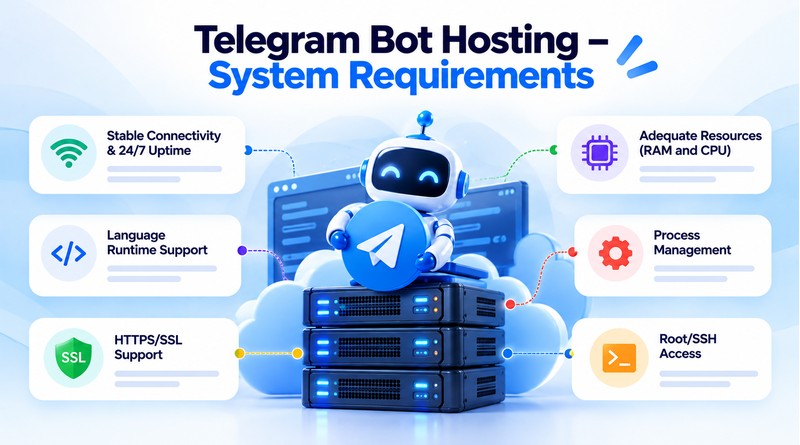
1. Stable Connectivity & 24/7 Uptime
Users send a command and expect an instant reply, which means that a Telegram bot must always be online. Choose a host that offers reliable uptime and a stable network connection.
If the service goes down too often or the connection is unstable, users will miss messages, webhooks won’t be delivered and users will get frustrated. Instead of accepting the provider’s marketing claims, it’s worth looking at independent reviews and reading the provider’s SLA.
2. Language Runtime Support
Telegram bots are commonly written in Node.js, Python, PHP, or Go, so the best host needs to support the language and versions your bot depends on. Some environments, especially basic shared hosting, restrict you to older runtime versions or limit which libraries you install.
Confirm that you can install packages through pip or npm and run a long-lived process, since many bot libraries rely on both.
3. HTTPS/SSL Support
If you use webhooks, Telegram requires your server to receive updates over HTTPS, so a valid SSL certificate is not optional.
Many hosts include free auto-renewing certificates through Let’s Encrypt, which makes the process easy to set up. Even if you use long polling, SSL is still good practice for any web dashboard or API your bot exposes.
4. Adequate Resources (RAM and CPU)
A simple bot handling a few hundred messages a day runs comfortably on 512MB to 1GB or RAM. Bots that process media, call external APIs, run databases, or serve thousands of users require more resources than a simple bot.
Start modestly, but pick a provider that lets you upgrade resources without migrating your whole setup later.
5. Process Management
Bots crash, whether from an unhandled exception, a network hiccup, or a server reboot, and the web hosting setup must bring them back automatically.
Tools like systemd, PM2, Supervisor, or Docker restart policies keep the process alive and restart it after failures. If your host doesn’t let you run a persistent background process, it’s a poor fit for a polling-based bot.
6. Root/SSH Access
Root or SSH access gives the freedom to install dependencies, configure firewalls, manage processes, and read logs directly.
Having a root access is not mandatory for every simple webhook bot but becomes essential as your project grows or needs custom configuration for VPS and cloud plans.
Having a root access is not mandatory for every simple webhook bot but becomes essential as your project grows or needs custom configuration for VPS and cloud plans.
Telegram Bot Hosting Providers
1. MilesWeb
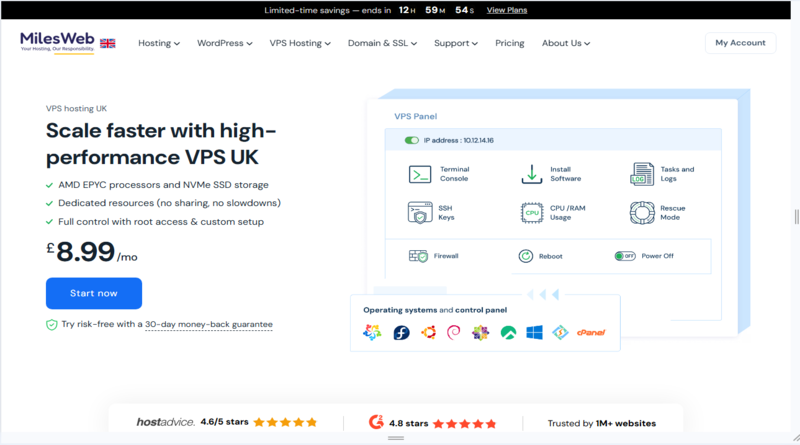
MilesWeb is an Indian hosting company founded in 2012, and its VPS plans suit Telegram bots that need a low-latency, India-based server. The entry Cloud VPS plan (SM-L1) offers 1 vCPU, 4 GB RAM and 50 GB NVMe storage with full root access, a dedicated IP and KVM isolation. Promotional pricing starts at ₹549/month and renews at ₹949/month, so check the renewal rate before committing. You can run polling or webhook bots using PM2 or systemd, and the plans include DDoS protection, a free SSL certificate, a 99.9% uptime guarantee and a 30-day money-back guarantee. Managed VPS is also available if you’d rather not handle server administration yourself.
2. Hoststack
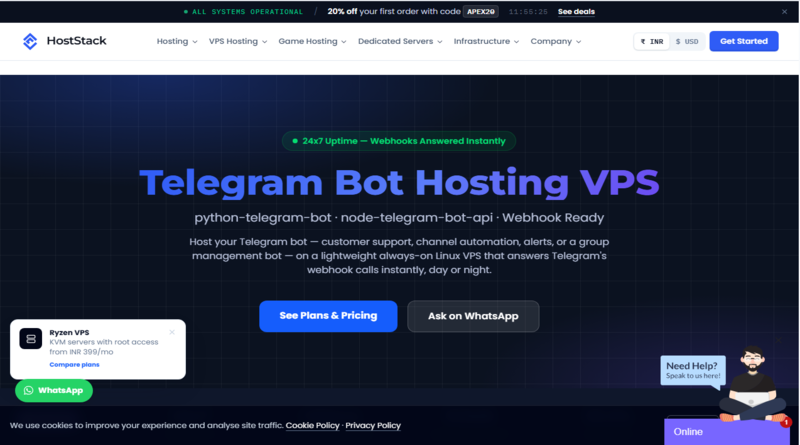
Hoststack stands out because it has a plan page built specifically for Telegram bots. Its Nano plan costs ₹199/month for 1 core, 512 MB RAM and 15 GB NVMe, enough for a single alert or utility bot. The Standard (₹349) and Multi-Bot (₹649) plans add more RAM and room for several bots. All plans include root SSH access and INR billing with GST invoices, and the Standard plan includes help setting up SSL and PM2 for webhooks. It supports both webhook and long-polling bots, and servers are in Mumbai, Delhi, Singapore and Germany. It offers a 7-day refund window, shorter than most competitors. The company appears to be a relatively new entrant, so read recent customer reviews and test a small plan before moving anything critical.
3. NexCloud
NexCloud positions its Telegram hosting around always-on uptime with no sleep mode, which matters because many free or budget platforms put idle apps to sleep and make bots miss messages. Its listing mentions support for Python, Node.js, Pyrogram and Telegraf, plus DDoS protection, so it covers the common bot frameworks. I couldn’t retrieve its plan specs or pricing when preparing this section. Confirm the current resources, pricing and refund terms on its Telegram hosting page before publishing, and run a trial deployment to check real-world stability.
4. Ultahost
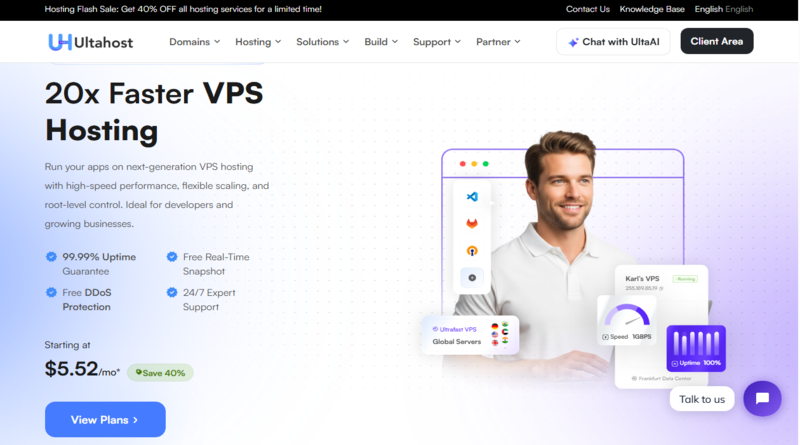
Ultahost is a good fit if you want a managed, globally distributed VPS at a modest price. Its VPS Basic plan includes 1 CPU core, 1 GB DDR5 RAM and 30 GB NVMe storage, which is plenty for most single bots. Pricing starts at about $5.52/month on a 24-month term with the current 40% discount. Every plan includes a free SSL certificate, DDoS protection, 24/7 support and a 30-day money-back guarantee. The provider advertises a 99.99% uptime guarantee and data centers in 30+ locations, so you can place your bot close to your users. Unlimited bandwidth appears on the higher-tier plans, so check the Basic plan’s limits if your bot sends a lot of media.
5. IONOS
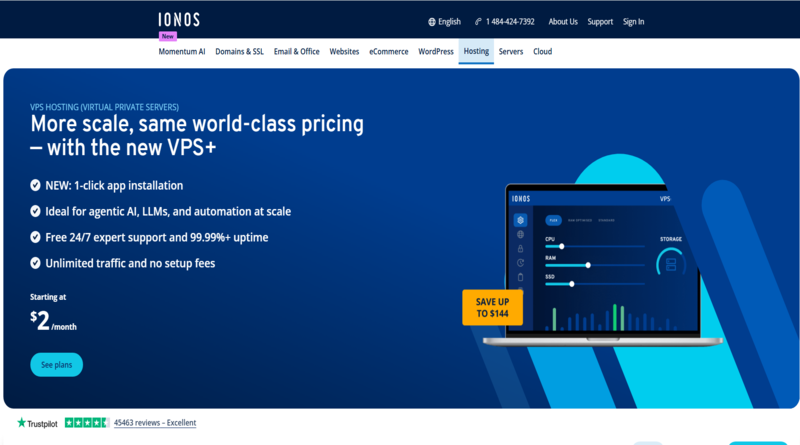
IONOS is a large European provider with a strong security record, including ISO 27001-certified data centers. Its current VPS+ line starts with the VPS S+ plan: 1 vCore, 2 GB RAM and 60 GB NVMe storage. It advertises an introductory price of $2/month for the first three months on a one-year term, then $6/month, which is well above the promotional rate. Every plan includes unlimited traffic on a 1 Gbps connection, full root access, DDoS protection, a customizable firewall, 99.99%+ availability and a 30-day money-back guarantee. Data centers are in the US, UK, Germany and Spain, so latency may be higher if most of your users are in Asia. It is a solid choice for a reliable, security-conscious setup.
6. OVHcloud
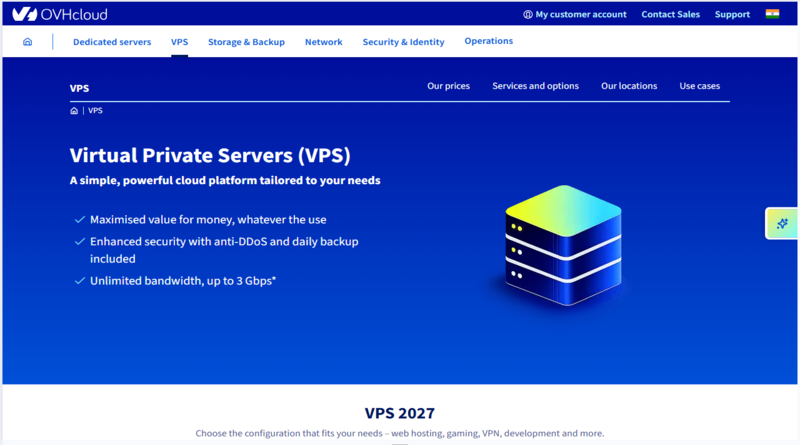
OVHcloud is a long-established European provider known for strong network infrastructure and generous specs for the price. Its VPS range includes always-on anti-DDoS protection, IPv4 and IPv6, daily backups on most plans and unlimited traffic on EU and North America plans. Entry plans start at roughly $5–7/month depending on region and plan generation, with 4 vCPU and 8 GB RAM in some current configurations. Plan specs and pricing have changed recently, so verify them on its VPS page before publishing. It suits developers who are comfortable administering a server themselves, because third-party reviews often describe support as less hands-on than more managed providers.
Security Best Practices for Telegram Bot Hosting
1. Protect Your Bot Token
The bot token is effectively the password to your bot. Anyone who gets hold of it can send messages as your bot, read incoming updates, and change its behavior. Never post it in public repositories, screenshots, support tickets, or group chats. If you suspect it has leaked, open BotFather and revoke it immediately with the revoke command, then update deployment with the new token. Searching your Git history is worthwhile, as you can recover a token deleted in a later commit from earlier ones.
2. Use Environment Variables for Secrets
Hardcoding the token, API keys, or database credentials into the source code is one of the most common mistakes new bot developers make. Store them in environment variables or a .env file instead. Then, add that file to .gitignore so it reaches version control. On a VPS, you set variables through the process manager or the systemd service file. A dedicated secrets manager adds a layer of protection and simplifies credential rotation for larger projects.
3. Keep the Server and Dependencies Updated
A dedicated secrets manager adds a layer of protection and simplifies credential rotation for larger projects. Keep the bot’s dependencies up-to-date, e.g., libraries like python-telegram-bot or Telegraf, and apply OS security patches regularly. Enable automatic security updates, and run a dependency audit with pip-audit or npm audit from time to time, so you can find known vulnerabilities before they become a problem.
4. Configure Firewall Rules
A polling bot may need nothing inbound except SSH, while a webhook bot needs HTTPS (port 443) to be accessible. Use a firewall, such as UFW or your provider’s security groups, to block everything and restrict SSH access to key-based login rather than passwords. If you run a webhook, you can also set a secret token when registering it so your server only accepts requests that genuinely come from Telegram.
Conclusion
A Telegram bot is only as effective as the infrastructure behind it. The right hosting setup keeps it responding 24/7, while the wrong one leaves users staring at unanswered commands.
For a lightweight personal project, shared hosting or a Raspberry Pi is suitable, while serverless is ideal for sporadic webhook traffic, and a VPS or managed cloud platform is a more reliable option.
Whichever route you take, don’t overlook the fundamentals. Check for solid uptime, runtime support, HTTPS, enough RAM and CPU, and a process manager who restarts your bot after a crash. Pair that with excellent security habits, such as protecting your bot token, using environment variables, keeping the server updated, and setting firewall rules and rate limits, and you avoid most of the problems that take applications offline.
FAQs
1. What are the best free platforms to host a Telegram bot 24/7?
Free cloud platforms like Render, Fly.io, and Railway offer excellent free tiers suitable for hosting lightweight Telegram bots. They support continuous running, though some free plans may include monthly uptime limits or temporary sleep cycles.
2. Do I need a VPS (Virtual Private Server) to host my bot?
A VPS from MilesWeb is highly recommended if your Telegram bot requires dedicated resources, heavy data processing, or custom server environments. A VPS gives you full root access and guarantees 100% continuous uptime without strict platform limitations.
3. Can I host a Telegram bot from my own computer?
Yes, you can run a bot locally for testing, but it requires your computer to stay powered on and connected to the internet 24/7. For production bots, local hosting is inefficient due to electricity costs, hardware wear, and potential home internet disruptions.
4.What is the difference between Webhooks and Long Polling for 24/7 hosting?
Long polling makes your bot constantly check Telegram’s servers for updates, which uses more CPU resources and is ideal for basic VPS setups. Webhooks automatically push messages to your bot via an HTTPS URL, making it highly efficient for serverless platforms.