Jackson Lane
In the realm of web development, Elementor has sparked curiosity among tech-savvy professionals. The visually compelling drag-and-drop builder in WordPress allows developers to build professional websites with a breeze. It has top-notch WordPress themes with responsive designs and offers cross-platform compatibility for developers. Moreover, you can elevate the builder’s capacity by adding custom CSS scripts.
Reliable Elementor hosting empowers the online presence of dynamic websites built on WordPress. However, there are several subpar web hosting servers that highlighted the underlying performance bottlenecks after stress testing:
- Slow drag-and-drop editor
- High memory usage
- WooCommerce lag
- Failed Core Web Vitals
It may be due to capped PHP limits or restricted inodes. Therefore, the blog enlists the best Elementor hosting providers for 2026 that safely function on higher PHP limits without exhausting server resources.
Quick Answer
- Elementor is script-heavy — subpar hosting causes a slow editor, high memory usage, WooCommerce lag, and failed Core Web Vitals.
- Minimum specs are PHP 8.1 with 256MB memory; recommended is PHP 8.3+ with 512MB+ memory, NVMe SSD, and a CDN.
- MilesWeb charges the same price at renewal (₹69/mo) — most competitors hike renewal pricing significantly (e.g., SiteGround jumps from $3.99 to $17.99/mo).
- Providers were evaluated on page speed (TTFB), uptime (99.9% SLA), support quality, WooCommerce readiness, and pricing transparency.
- Best fit by need: MilesWeb for beginners, budget, and WooCommerce stores; SiteGround for agencies managing multiple clients; Elementor Hosting for straightforward Elementor Pro bundling.
Table of Content
Why Hosting Matters for Elementor Websites?
1. User-Friendliness for Non-Coders
PHP, JavaScript, Python, and HTML—all these coding languages overwhelm beginners. Their script-loaded syntax is a daunting task to execute manually. Despite the advent of the best AI tools for coders, no-code website builders are substantially increasing the user base. Hence, Elementor’s intuitive no-coding environment and built-in AI capabilities make it a preferred choice for coding professional-grade websites.
Elementor hosting supports dynamic scripts and adjustable environments. It allows client-side customization for layouts, content, and themes. These autonomous features save crucial time and pivot towards cost savings.
2. Hosting Directly Impacts Editor Performance
Elementor builder consumes lots of server resources. It is script heavy and causes performance issues such as lagging and scrolling problems in the editor. Managed WordPress Hosting and Elementor Hosting resolve most of these issues.
Elementor Hosting is WordPress and cloud hosting. It offers the necessary resources to support the heavy processing needed for page building. It also includes real time editing support through a caching system.
3. Elementor Hosting Supports SEO
The right hosting helps to achieve your site’s Core Web Vitals goals and even improve rankings. Elementor Hosting is integrated with an enterprise level CDN, great hardware and pre-installed themes and plugins for a better experience.
Google penalizes sites that are not secure. Elementor Hosting incorporates systems like a Web Application Firewall, DDoS protection and back up systems to secure your site. These protection mechanisms offer peace of mind, protecting the website from common threats.
4. Hosting Determines WooCommerce Scalability
Elementor and WooCommerce operate under a scalable environment dictated by the web hosting infrastructure. Standardized shared hosting reflects more cart abandonment and doesn’t fill the traffic gaps. Hence, specialized Elementor hosting is required for an intuitive checkout experience.
Design a store depending upon your SKUs (stock keeping units) and choose the scalable hosting environment. High-inventory stores with high PHP memory limits and sufficient inodes require cloud hosting, VPS hosting, or WordPress hosting plans. It ensures maximum content throughput with zero resource exhaustion.
What Hosting Specifications Does Elementor Need?
Requirement
Minimum
Recommended
PHP
8.1
8.3+
Memory
256MB
512MB+
Storage
SSD
NVMe SSD
CDN
Optional
Recommended
Check these specs against any hosting plan before committing to an Elementor build.
How Did We Evaluate Elementor Hosting Providers?
1. Page Speed
An Elementor-powered website relies on page speed and peak performance to avoid throttling navigation. We evaluated the below-mentioned Elementor hosting providers on customer satisfaction, technical configuration, speed optimization plugins, server response times, and caching mechanisms. Moreover, most of them are pre-installed with SSD NVMe storage, CDN support, and optimized loading mechanisms.
2. TTFB
We assessed Elementor web hosting providers on the foundational metric of page speed, Time to First Byte (TTFB). The metric measures the server response time taken between the user’s request processing and transferring the first data byte to the client-side. The lower the score is, the stronger the performance will be.
3. Uptime
After TTFB, uptime is the next parameter resonating with the server performance. It is a critical metric that influences bounce rates and users’ disengagement with the brand. The best web hosting providers follow the industry standard of 99.9% uptime SLA.
Trustworthy web hosts offer an integrated customer support system, allowing you to consolidate your efforts on the store’s operations. They offer optimized page builder plugins, support the latest PHP versions, and offer SSD NVMe storage for quick speed.
4. Support Quality
Extensive support is required to resolve rigid performance issues. You need support from experts who understand WordPress and Elementor thoroughly. Top-tier managed WordPress hosting providers offer 24/7 access to a knowledgeable support team that troubleshoots and optimizes websites.
MilesWeb, GoDaddy, Hosting.com, and Hostinger have an extensive library of documentation, AI-powered chatbots, and prompt email support 24×7 across time zones. You get a single point of contact, instead of referring to community forums for resolution.
5. Ease of Use
A properly configured staging environment, along with optimized WordPress themes and plugins, makes development tasks effortless. User-friendliness pivots users towards rapid deployment and reduced development cycles. Users solely focus on content creation and the UI/UX part of the website instead of the complex server maintenance part.
Elementor has a creator-focused control panel with a clutter-free dashboard. With the control panel, users easily retrieve data linked to Elementor hosting, billing, and domains in limited clicks.
6. Elementor Compatibility
Elementor compatibility is one of the technical criteria for the evaluation. Compatibility of a hardware agnostic website builder focuses on technical aspects, such as the memory limit, execution time, advanced security rules, and smart caching mechanisms.
The web hosting environment offers updated PHP extensions, server level caching, a staging environment, and REST API and loopback request support. This blog features hosting providers that satisfy these compatibility requirements.
6. WooCommerce Readiness
Elementor Hosting offers a purpose-built e-commerce store environment with WordPress, WooCommerce, and the Elementor Pro builder. Powered by the Google Cloud Platform and Google Kubernetes Engine (GKE), the platform automatically scales containerized server resources, ensuring seamless performance.
Besides backend stability, this environment utilizes the full visual capabilities of the dedicated WooCommerce Builder of Elementor Pro. Merchants may completely sidestep restrictive and generic shop themes. Instead, you can design highly customized archives of products, flexible layouts for carts, product pages, and streamlined checkout funnels that best fit your brand’s identity.
7. Pricing Transparency
While analyzing the pricing transparency of Elementor hosting, consider both concealed fees and renewal price hikes. The plan cost includes advanced security features, the Elementor Pro builder, and the hosting infrastructure, along with SSL and Cloudflare CDN.
A transparent billing structure and long-term Total Cost of Ownership (TCO) are critical elements when analyzing the billing cycle. Reviewed Elementor hosting companies adhere to pricing terms and conditions and disclose all billing clauses prior to agreement.
8. Renewal Costs
Renewal costs spike once the billing cycle is about to end. However, the web hosting providers mentioned below offer consistent renewal pricing for identical billing cycles. Plan-tier upgrades and storage expansion influence their renewal costs.
Furthermore, if you opt for premium add-ons, features, or standalone premium plugin upgrades, these will be bundled into the renewal hikes.
Top Elementor Hosting Providers: A Comprehensive List
| Provider | Price | Renewal Price | PHP Memory Limit | CDN | Free Email | Daily Backup |
|---|---|---|---|---|---|---|
 |
£1.84/mo | £1.89/mo | Up to 512MB+ (customizable) | ✔ | ✔ | ✔ |
 |
£2.96/mo | £13.31/mo | 768MB (hard-capped on shared plans) | ✔ | ✔ | ✔ |
 |
£2.96/mo | £7.40/mo | 256MB (strict ceiling, basic accounts) | ✔ | ❌ | ❌ |
 |
£11.11/mo | £18.52/mo | 256MB (auto-scales, premium tiers only) | ✔ | ❌ | ❌ |
 |
£4.32/mo | £92.53/mo | 256MB to 512MB | ✔ | ❌ | ❌ |
 |
£2.22/mo | £8.14/mo | 256MB to 512MB | ❌ | ❌ | ❌ |
 |
£5.18/mo | £12.59/mo | Up to 512MB | ❌ | ❌ | ❌ |
1. MilesWeb
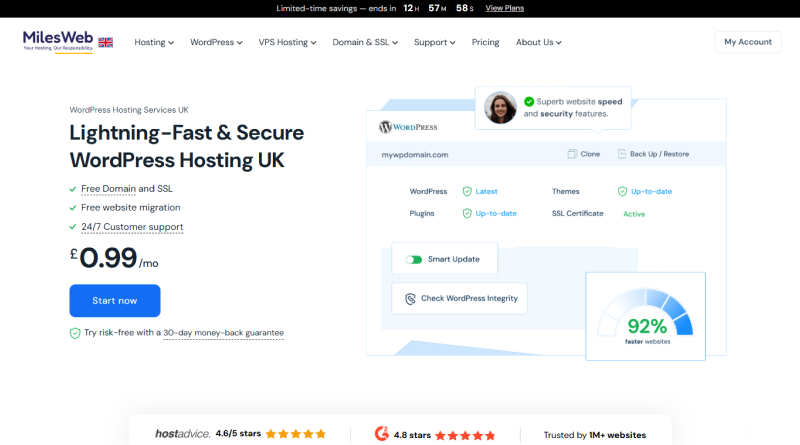
MilesWeb is an industry-renowned Elementor hosting provider offering an optimized WordPress staging environment, CDN, GZIP/Brotli, and prompt customer support. We also deploy advanced security mechanisms such as SSH, SFTP access, and WP-CLI for a secured checkout experience in your store.
Get a 1-click installer, an AI toolkit, and automatic daily backups bundled with plans for a streamlined store’s operation. You can leverage the pre-installed Elementor plugin to create stores effortlessly. Moreover, MilesWeb offers automatic WordPress updates to keep the plugins and themes of stores updated with the latest versions, making us an uncontested champion of heavy theme layouts.
Your migration to MilesWeb is simplified by professionals with a money-back guarantee for 30 days with no downtime. Even with the heaviest web traffic, your website remains active.
Key Features
- 1-click WordPress setup,
- Drag-and-drop visual editor
- WooCommerce integration
- AI toolkit
- No data loss migration
Technical Specifications
- Web Server: Apache / LiteSpeed
- Database: MySQL / MariaDB
- PHP Version: 4.4 to 8.4
- PHP Memory Limit: Up to 512 MB+ (User-Customizable)
2. SiteGround
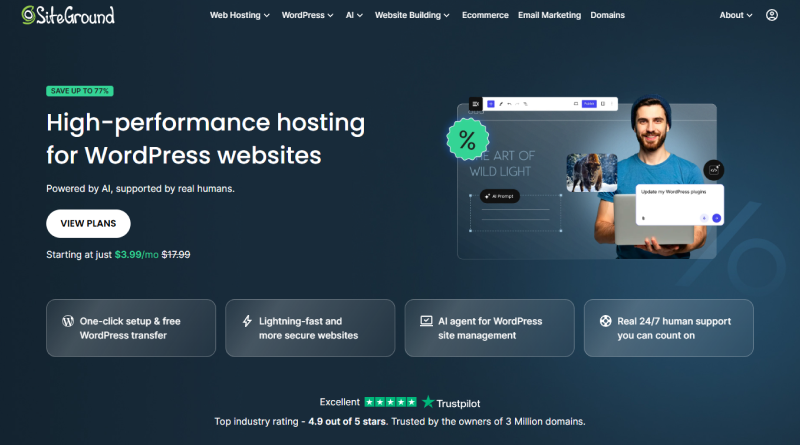
SiteGround, as a web host, features an AI-powered chatbot backed by human support. MilesWeb and SiteGround share similarities in their features and migration processes. However, the years of SiteGround’s presence become a key differentiator.
SiteGround offers purpose-driven plugins for the WordPress environment. The WordPress starter plugin helps you in website setup, and the Migrator plugin is for migration, while the Speed Optimizer plugin is for peak performance demands. Furthermore, they provide you access to multiple LLMs. They mostly rely on plugins and automated tools, while MilesWeb follows a hybrid approach pairing AI technology and manual expertise.
Key Features
- AI Agent for WordPress
- Managed auto updates
- Speed Optimizer WP plugin
- On-demand backups
- Access to multiple LLMs
Technical Specifications
- Web Server: Nginx / Apache Hybrid
- Database: MySQL
- PHP Version: 7.4 to 8.3
- PHP Memory Limit: 768 MB (Hard-capped on shared plans)
3. Bluehost
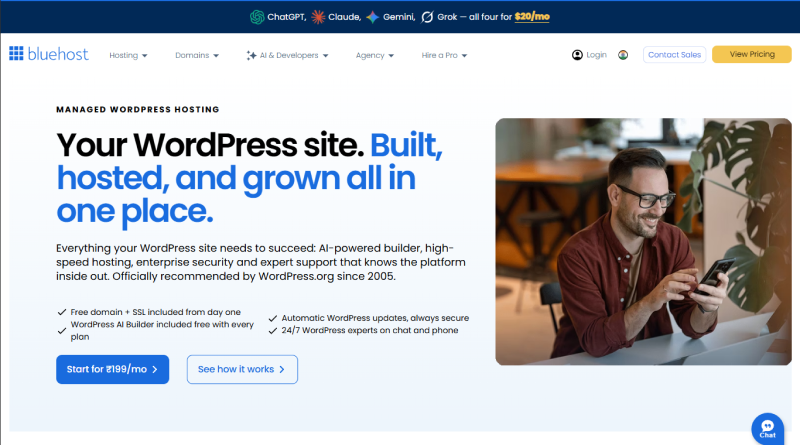
Bluehost is a WordPress-recommended web host providing a server environment to install multiple websites on a single account. Their resources are optimized to install custom plugins, including Elementor. Optimize your website for SEO with built-in tools integrated in every managed WordPress hosting plan.
Bluehost competes with MilesWeb in offering a high level of web security. Bluehost combines Cloudflare’s CDN with your website to boost performance and safety. MilesWeb protects you with free SSL and DDoS protection; Bluehost goes further with SiteLock to secure your website from spammers and other malicious attacks.
Key Features
- AI Agent for WordPress
- Managed auto updates
- Speed Optimizer WP plugin
- On-demand backups
- Access to multiple LLMs
Technical Specifications
- Web Server: Apache
- Database: MySQL
- PHP Version: 7.4 to 8.3
- PHP Memory Limit: 256 MB (Strict ceiling for basic accounts)
4. Elementor Hosting
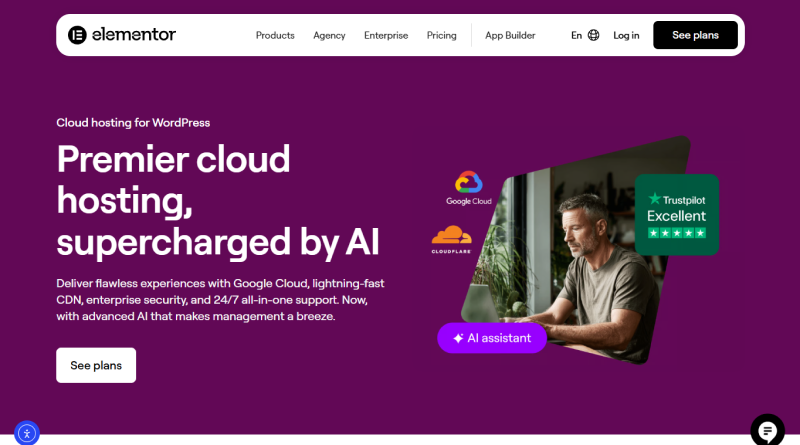
Elementor hosting has no distinct features to offer to clients apart from Google Cloud servers. Elementor’s managed WordPress hosting environment, which includes integration with Cloudflare CDN, is similar to that of MilesWeb and Bluehost. The web host initially offered Elementor Pro and Elementor Cloud before rebranding to Elementor Hosting.
Standard features like SSL and regular backups ensure data sovereignty. All plans are bundled with pre-installed Elementor Pro. As a result, users don’t have to pay the license cost of the Elementor Pro plugin separately.
Key Features
- Fully managed environment
- Manual setup
- Google Cloud infrastructure
- Developer tools
- Cloudflare enterprise CDN
Technical Specifications
- Web Server: Nginx
- Database: MariaDB
- PHP Version: 8.1 to 8.2
- PHP Memory Limit: 256 MB (auto-scales only on premium tiers)
5. Hosting.com
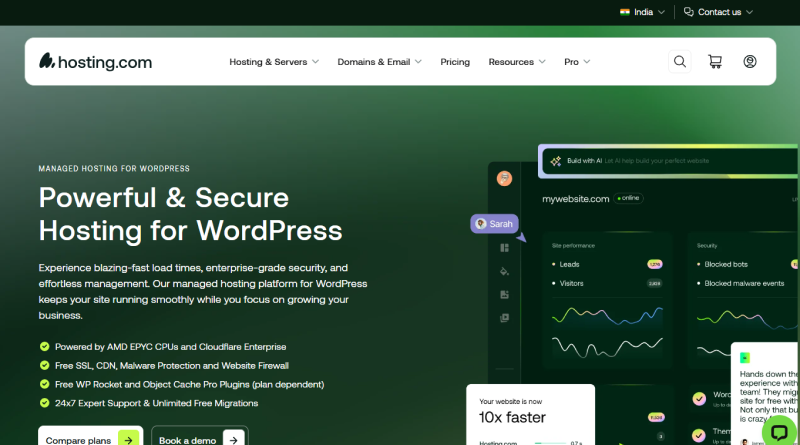
AMD processors power the Hosting.com WordPress hosting environment, featuring an integrated Cloudflare CDN for blazing-fast speed. Every plan is bundled with data security mechanisms like free SSL, CDN, firewall, and malware protection. Their top-tier plans come pre-installed with WP Rocket and Object Cache Pro plugins for peak e-commerce performance.
Like MilesWeb, Hosting.com empowers e-commerce merchants through an optimized WP staging environment and free migration. Before deployment, merchants can test their WordPress plugins, themes, and overall store’s functionality and seek assistance to rule out every technical roadblock during operations.
Key Features
- Turbo server infrastructure
- Advanced caching stack
- Global server locations
- Standard cPanel interface
- Automated patch management
Technical Specifications
- Web Server: LiteSpeed Enterprise
- Database: MariaDB
- PHP Version: PHP 7.4 to 8.4
- PHP Memory Limit: 256 MB to 512 MB
6. Hostinger
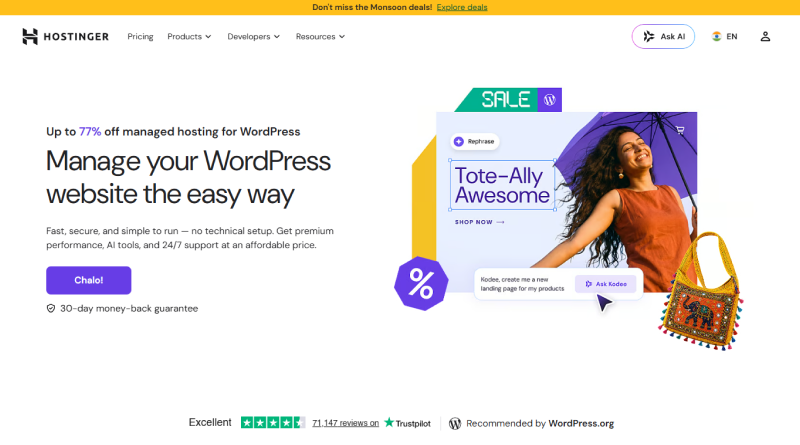
Hostinger is a web hosting provider with a limited optimized server environment. They offer 1-click WordPress installations and LiteSpeed servers supporting Elementor and Elementor Pro plugins. One trade-off that demotes Hostinger in our list is the manual installation and management of the plugin environment.
Hostinger features an intuitive control panel for admins to administer domains, email accounts, databases, and other backend technicalities. Only their top-tier plans feature an AI-integrated environment, making the store creation an effortless task. Hence, budget-conscious creators rule out Hostinger due to pricing challenges.
Key Features
- Includes automatic backups
- Free SSL certificates
- Built-in CDN
- AI toolkit
- Automatic malware removal
Technical Specifications
- Web Server: LiteSpeed Enterprise
- Database: MariaDB
- PHP Version: PHP 7.4 to 8.4
- PHP Memory Limit: 256 MB to 512 MB
7. GoDaddy
GoDaddy allows e-commerce merchants to build visually stunning websites using AI-powered resources. They have a WordPress-ready environment with an SEO optimizer and a TrustedSite badge to boost conversions up to 30%. Higher consumer awareness and brand value are major USPs of GoDaddy. However, from an e-commerce perspective, GoDaddy offers a WooCommerce extension as a standalone feature on premium plans, but this extension alone cannot meet all e-commerce needs.
MilesWeb and GoDaddy drive your e-commerce growth by offering a website builder paired with WordPress simplicity. So, whether you are a beginner or an established merchant, both web hosts suit your business demands.
Key Features
- Automatic WordPress software updates
- Storage expansion
- Free trial of Norton Small Business Cybersecurity
- GoDaddy Digital Marketing
- Airo for WordPress
Technical Specifications
- Web Server: Apache 2.4
- Database: MariaDB 10.6
- PHP Version: PHP 7.4 to PHP 8.4
- PHP Memory Limit: Up to 512 MB
What are the Different Use Cases of Elementor Hosting?
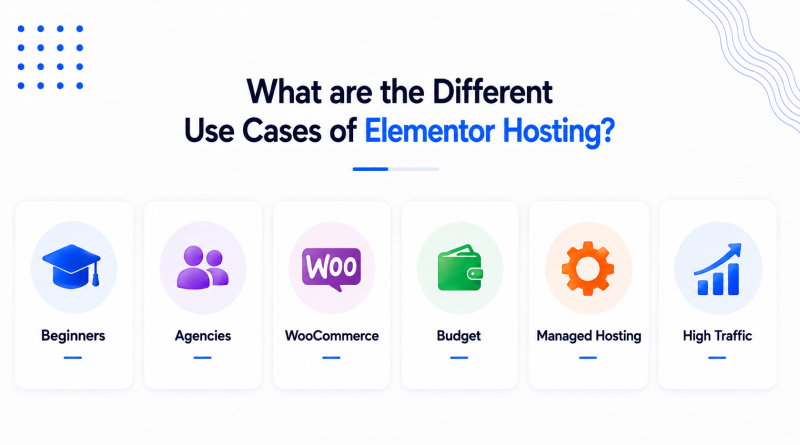
1. Beginners
Beginners in Elementor need hosting that requires minimal expert-backed assistance. MilesWeb combines one-click WordPress installation with an Elementor-ready environment and 24/7 live chat support. The support agents are actually familiar with Elementor, allowing them to quickly address and resolve user issues. Hostinger tries to match industry support standards; however, MilesWeb has the best support.
2. Agencies
MilesWeb fosters the productivity of agencies through bulk website management and an optimized staging environment. SiteGround has collaboration tools, but MilesWeb is an economical WordPress Elementor hosting option once you scale past 5 to 10 clients.
3. WooCommerce
MilesWeb has cart- and checkout-focused server caching and offers free SSL, which are both beneficial for WooCommerce. Bluehost is another popular option for WooCommerce, but MilesWeb’s NVMe SSDs are superior for larger catalogs when compared to Bluehost.
4. Budget
MilesWeb offers affordable introductory plans featuring free SSL, a domain, and daily backups. Competitors charge renewal hikes after the billing cycle ends. Hostinger nearly matches MilesWeb rates, but MilesWeb follows through on transparent pricing compared to Hostinger.
5. Managed Hosting
MilesWeb has managed plans covering automated updates and security patching. Elementor Hosting has a minimal customization builder and offers the same level of optimization, but MilesWeb provides the same level of optimization and flexibility for the customer with an AI website builder.
6. High Traffic
MilesWeb’s scalable cloud infrastructure is combined with a CDN, meaning faster load times and less website management to handle traffic influxes. Hosting.com and GoDaddy’s high-tier plans offer manual scaling, but MilesWeb provides scalable resources with SSD NVMe storage to meet peak performance.
Elementor Speed Optimization Checklist
Your Optimization Checklist
Seven independent tweaks — tap any item to read more.
1Enable CDN+
Serves data from edge servers closest to the client, cutting latency. MilesWeb’s Elementor plans include free CDN, so no manual integration is needed.
2Apply Image Optimization+
Unoptimized images slow down Elementor pages. Look for hosting with built-in SEO-friendly themes and plugins that compress images automatically.
3Utilize Object Cache+
Stores database query results in memory to avoid repeat retrieval. Redis/Memcached object caching on managed plans delivers noticeably faster Elementor pages.
4Use a Lightweight Theme+
Script-heavy plugins compound page load time. Choose a lightweight theme (Elementor or Astra) without CSS/JS loading on every single page.
5Optimize Fonts+
Custom fonts add HTTP requests and render-blocking delays. Limit your site to 1–2 font families, self-host them, and skip unused styles or weights.
6Remove Unused Plugins+
Every plugin adds scripts, styles, or database calls whether you use its features or not. Audit regularly and deactivate anything you’re not actively using.
7Use Page Caching+
Creates a local copy on edge servers nearest to users. Pre-configured page caching across all plans means most sites benefit automatically, with no extra caching plugin needed.
The Closing Line
We briefly compared the top Elementor hosting providers on support, pricing, and technical specifications. MilesWeb stands out in each category with its NVMe-powered storage, built-in caching, and CDN, and transparent renewals benefit all sizes of e-commerce stores with their WooCommerce-ready infrastructure.
Bluehost, Hostinger, and GoDaddy are viable options for testing the waters for smaller projects. MilesWeb also has a competitive edge in quality servers, while agency owners may find SiteGround maintains multiple clients. Elementor Hosting is also useful for specific cases.
FAQs
1. What are the minimum server requirements to run Elementor smoothly?
To prevent crashing or infinite loading screens in the editor, Elementor officially requires PHP version 8.1+ (8.3+ recommended), a minimum PHP memory limit of 256MB (512MB+ for large or WooCommerce sites), and MySQL version 8.0+ or MariaDB 10.11+. Fast SSD or NVMe storage and continuous HTTP/2 or HTTP/3 support are also critical for reliable editing performance.
2. What is the difference between purchasing Elementor Pro and Elementor Hosting?
Elementor Pro is strictly a plugin that unlocks advanced widgets, theme builders, and dynamic features on a server you rent separately elsewhere. In contrast, Elementor Hosting is an all-in-one managed solution built on cloud infrastructure (like Google Cloud) that bundles web hosting, automated backups, security, and the Elementor Pro license into a single subscription.
3. Do I still need a caching plugin if I use managed Elementor hosting?
Most top-tier managed Elementor hosts implement object caching (like Redis or Memcached) and static page caching directly at the server level, eliminating the need for heavy third-party caching plugins. Adding an extra caching plugin on top of a managed server can actually cause dynamic layout glitches or editing conflicts in the Elementor page builder.
4. Does Elementor slow down my website, and how does proper hosting fix it?
Elementor itself is well-optimized, but its feature-rich design elements require significant processing power, which can lead to slow page loads on underpowered shared hosting. Choosing specialized Elementor hosting solves this bottleneck by providing dedicated server resources, high PHP memory limits (at least 256MB–512MB), and built-in server-level caching.