Jackson Lane

According to Forrester, the global no-code development industry is expected to grow from $13.2 billion in 2023, while Grand View Research projects the global market to reach $187 billion by 2030. This growth will be driven by increasing demand for visual builder tools like Webflow, which allow users to transition their Figma prototypes into production-ready websites.
The digital design and web development domain has been growing at a remarkable rate over the last few years. Among the new AI website builder tools that have created buzz, two platforms have emerged as a centerpiece of how modern teams plan, design, and build online experiences: Webflow and Figma. As more designers work in visual workflows and more businesses leverage no-code development, the debate of Webflow vs Figma has increased in importance among agencies, sole creators, and the fast-growing startup market.
While both platforms are popular, they were never meant to solve the same design problem. Many new users assume that Webflow and Figma offer similar benefits for online experience design workflows, but these tools play different roles in the digital creation workflow. Figma is an ideal platform for designing, great for brainstorming, UI planning, and prototyping. On the other hand, Webflow is a production-focused platform designed to build responsive, interactive, and SEO-focused websites without traditional coding.
With the clear and defined responsibilities of both tools, the discussion of Webflow vs Figma for web design will continue as organizations seek easier and more collaborative workflows.
Table Of Content
What is Webflow? Explained in Easy Terms
Webflow is a visual website builder that enables users to create, build, and publish fully functional websites, all without writing any code. Webflow is not simply a design tool that generates electronic assets for later use; it outputs production-ready code and includes full-scale development capabilities. This is why many professionals studying Webflow for a development workflow versus Figma for a design workflow conclude that Webflow is the preferred tool once the project moves from ideation to execution.
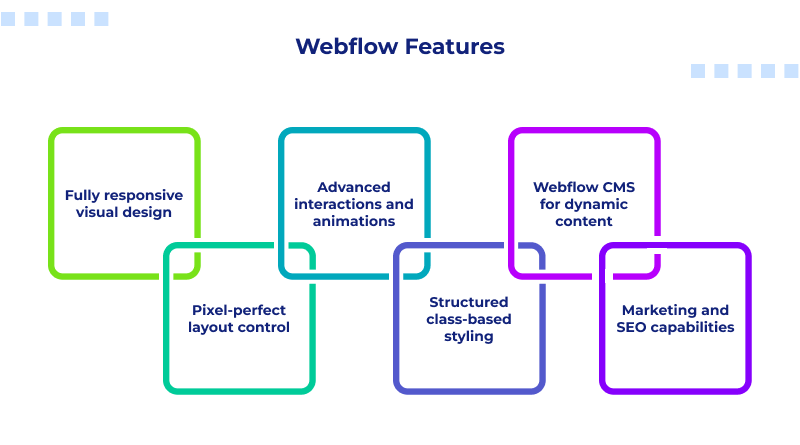
Key features of Webflow:
- Fully responsive visual design
- Pixel-perfect layout control
- Advanced interactions and animations
- Structured class-based styling
- Webflow CMS for dynamic content
- Hosting and publishing are baked in
- Marketing and SEO capabilities
In the Webflow vs. Figma comparison, you can see the relative edge of Webflow as it effectively manages development with the design phase. It’s a front-end system that avoids the line between design and coding.
What is Figma? Explained in a Simpler Way
Figma is capable of interface design, wireframes, user flows, prototypes, and collaborative planning. It was built for teams who want to ideate, test layouts, and visualize an experience before actually building it.
Due to this, conversations around Figma vs Webflow for prototyping often point to Figma as the ideal choice. It creates an easy environment for designers to work with vector elements, components, auto-layout, and responsive previews without having to worry about “real” code or how the experience will behave in a browser.
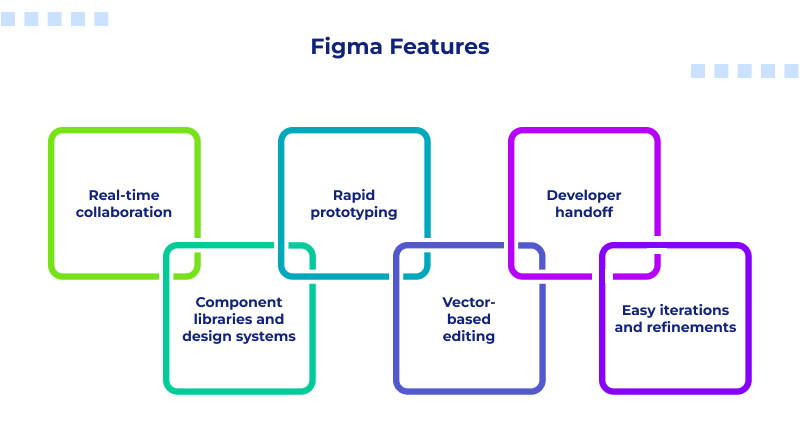
Some of the strong features of Figma are:
- Real-time collaboration
- Component libraries and design systems
- Rapid prototyping
- Vector-based editing
- Developer handoff
- Easy iterations and refinements
Figma is intended to plan an interface that will be built, eventually, in a tool like Webflow. This is what makes Figma one of the most popular workflows amongst modern design agencies.
Related read: Figma Shortcuts
Webflow vs Figma for Web Design
Often, the Webflow vs Figma test in web design is misunderstood, even though both are very useful tools in the web design world. They both have different jobs in a web design process.
Figma’s job in web design
- Best place to explore UI.
- Best for wireframes, sketches, and early prototypes.
- Allows designers to explore multiple design ideas and concepts quickly.
- This is a way for teams to visualize user experiences or journeys.
Webflow’s job in web design
- Turn your final design into a real website.
- Controls how the interactions, responsiveness, text, spacing, and layout will work.
- Builds develop-ready pages.
- Animation capabilities that feel more like a code program.
In conclusion,
Figma → best software for designing the idea
Webflow → best software for actually building the website
This is why professionals compare Figma to Webflow to determine the ideal match for the team.
Webflow vs Figma for Designers
Designers often compare Webflow for development vs Figma for design when deciding how to maximize creativity.
Why do designers prefer Webflow?
When transitioning from design to development, Webflow grants designers control over how their website looks on screen. Designers are not entirely dependent upon developers, and they can fine-tune elements exactly how they intended.
Important features:
- True-to-web output
- Production-ready animations
- Logic-based styling
- Visual structuring of CSS
- Freedom to build full experiences
Webflow gives designers a sense of autonomy because it removes gaps in dependencies and a lag in communication.
Why do designers prefer Figma?
Figma is unmatched for planning and conceptualizing. Designers are not limited by code, browser limits, or responsive structures when brainstorming.
Figma is useful for:
- Mood boards
- UI/UX layouts
- Prototypes
- Branding systems
- Design tokens
- Fast iteration
In the Figma vs Webflow for prototyping, Figma is the clear winner. The tools for prototyping help create user studies, micro-interactions, and mobile/desktop previews.
In combination, you have an entire pipeline:
Figma for design → Webflow for development
This is why the Figma-to-Webflow pathway is a best practice for the industry.
Webflow vs Figma for Small Business Websites
Small businesses frequently ask which platform they should use; the answer largely depends on the stage the business is currently in.
Why do small businesses use Figma?
Many small teams start in Figma because:
- It organizes the structure of brand identity.
- UI layouts can be tested quickly.
- Feedback can be collected prior to any development cost.
- There is quick access, and it’s affordable.
For instance, a restaurant, consulting agency, or startup may design its website layout in Figma before moving to Webflow or custom development.
Why do small businesses use Webflow?
When the design has been completed, Webflow is practical to use because:
- It builds live and responsive websites.
- It has built-in hosting and CMS.
- It turns designs into code without requiring developer expertise.
- It has animation, forms, SEO, and marketing tools.
Webflow vs Figma: Quick Comparison
| Aspect | Figma | Webflow |
| Stage of Workflow | Early ideation & planning | Development & final website building |
| Ideal For | Designers exploring concepts and layouts | Designers/developers creating real websites |
| Prototyping | Advanced prototyping tools | Basic interactions, not for idea exploration |
| SEO Capabilities | None (design-only tool) | Strong SEO features |
| Small Business Use | Affordable for design & brand planning | All-in-one website builder with CMS & hosting |
Figma to Webflow Workflow
The workflow from Figma to Webflow has evolved into one of the most efficient production workflows for modern design agencies. Typically, teams begin their projects with concepts, wireframes, and design elements inside Figma that cover sketching ideas, defining Figma components, selecting styles and colors, and creating responsive UI layouts in a format that clients can easily review and approve.
Developers use Figma’s handoff features to analyze spacing, export assets, and reference CSS properties for the build process. The developers then rebuild the site in Webflow, complete with all of the class names, responsive breakpoints, grids, flexbox, and nice transitions/interactions.
Finally, the team undertakes the task of adding SEO, animations, and hosting directly inside of Webflow.
Final Verdict: Webflow vs Figma
Opt for Figma when:
- You’re designing wireframes.
- You want to prototype flows.
- You desire collaborative feedback.
- You are in the early ideation.
Choose Webflow when:
- You want a responsive layout.
- You want to animate interactions.
- You want robust SEO.
- You want to build a live website.
- You want to remove developer dependency.
Strategic Outlook
The workflow for digital creation is changing rapidly. In this workflow, Figma is best for creative ideation, prototyping, and project planning. Webflow is best for execution after the project is designed and for developing pages that are ready for SEO.
The two together create a seamless pipeline through the Figma to Webflow workflow, which helps develop a clean, organized, and efficient production process. The discussion around Webflow vs Figma is not about which is better; it’s about which tool fits into the greater web design lifecycle.
FAQs
1. Can designs created in Figma be imported into Webflow?
A direct import with a single click is not available. While there are plugins that attempt to convert frames, you will still need to manually rebuild the structure in Webflow. This is the most important reason that explains why the Figma to Webflow workflow is so essential. There is no substitute for a structured rebuild; it provides clean class structures, accessibility, responsiveness, and code accuracy. In a Webflow vs. Figma comparison, regarding importing, Figma cannot replicate Webflow’s structure and cannot produce a functional build without rebuilding.
2. Is there a greater SEO capability in either Webflow or Figma?
When discussing Webflow vs Figma SEO capabilities, Webflow has significantly stronger SEO capabilities than Figma. Figma is not concerned with search optimization as it’s strictly a design tool. Therefore, in a Webflow vs. Figma SEO comparison, Webflow will always come out on top. It supports metadata, sitemaps, schema, alt text, and clean, readable output. Figma is incredible for planning, but it absolutely cannot create an SEO-rankable page.
3. Is Webflow an alternative to Figma for UI/UX wireframes and conceptual designs?
No. Webflow contains excessive detail and code structure for earlier design exploration. Figma became the industry standard in wireframing, ideation, and prototyping. This further reinforces the separation of Webflow for development and Figma for design and planning.
4. What are common roadblocks in migrating a Figma design into Webflow?
Roadblocks can be inconsistent spacing in the design, unstructured layers, effects not supported, animation mismatches, and or responsiveness challenges. These struggles and roadblocks are what agencies prefer using the Figma to Webflow workflow over automation. By understanding Webflow and Figma for web design, designers plan and prepare their layouts.