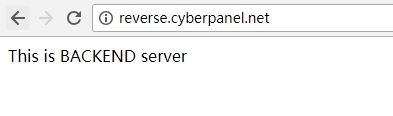
OpenLiteSpeed accelerates the performance of reverse proxies by directing incoming HTTP/HTTPS traffic to a backend application server. Different steps that included creating a web server external app, setting up a virtual host, and defining proxy rules to forward traffic. This tutorial shows how to use OpenLiteSpeed as a reverse proxy:
We will be using backend.cyberpanel.net as the backend and reverse.cyberpanel.net as frontend as examples.
- First, check the domain responsiveness.
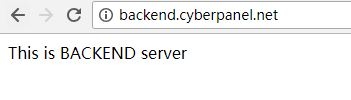
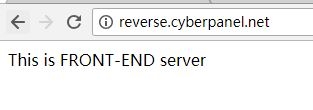
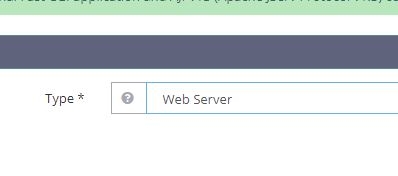
- Then, create a new external app type “Web Server” by navigating to the External App option.
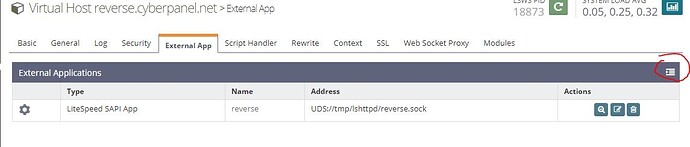
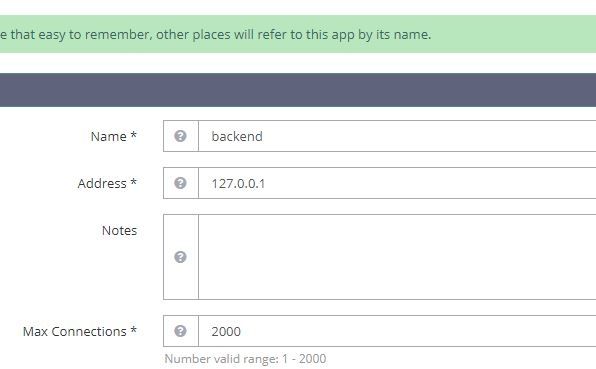
- Enter the web server name. We labelled it as ‘Backend.’
As this is the same machine, it is 127.0.0.1, if it’s a different server, you can set a public IP, and if the backend is HTTPS, add https:// to the address.
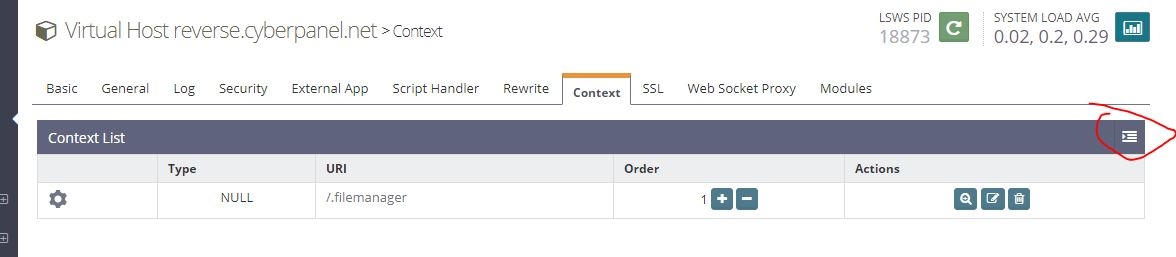
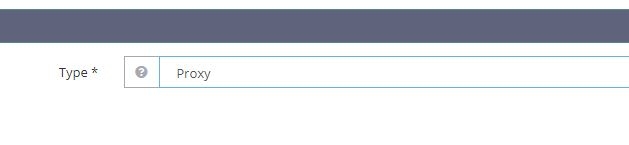
- Create a context, type “Proxy”, and set the URI to /
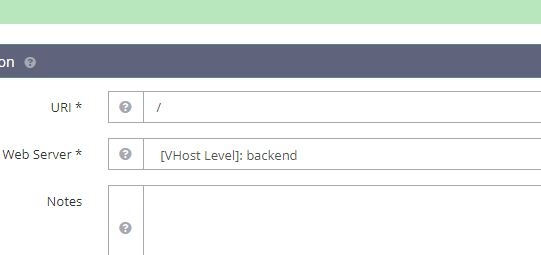
- You also have to pass the backend’s hostname since it’s a different domain.
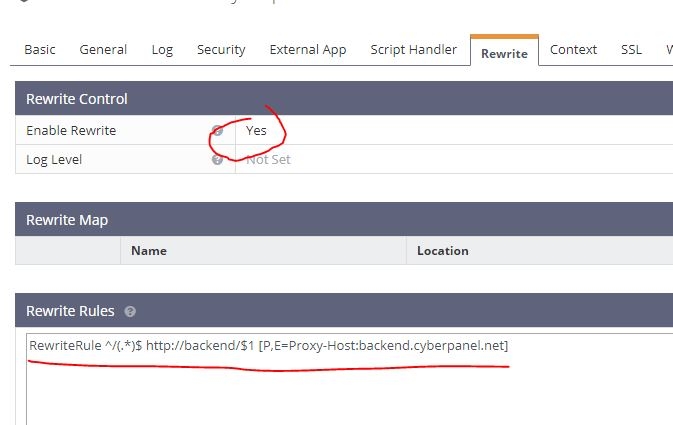
RewriteRule ^/(.*)$ http://backend/$1 [P,E=Proxy-Host:backend.cyberpanel.net]`Backend is the name you created in step 3, and backend.cyberpanel.net is our back-end URL.
- Let’s restart OpenLiteSpeed and test it.