MilesWeb offers a free domain with some of our web hosting plans. Here is a step-by-step process to claim it through your client area.
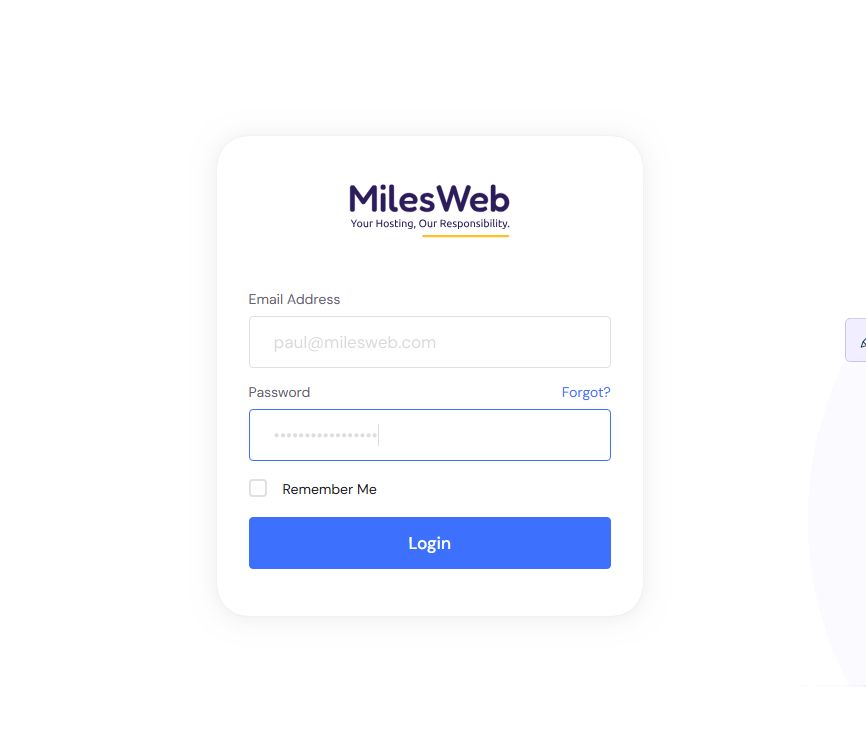
- Log in to the client area.
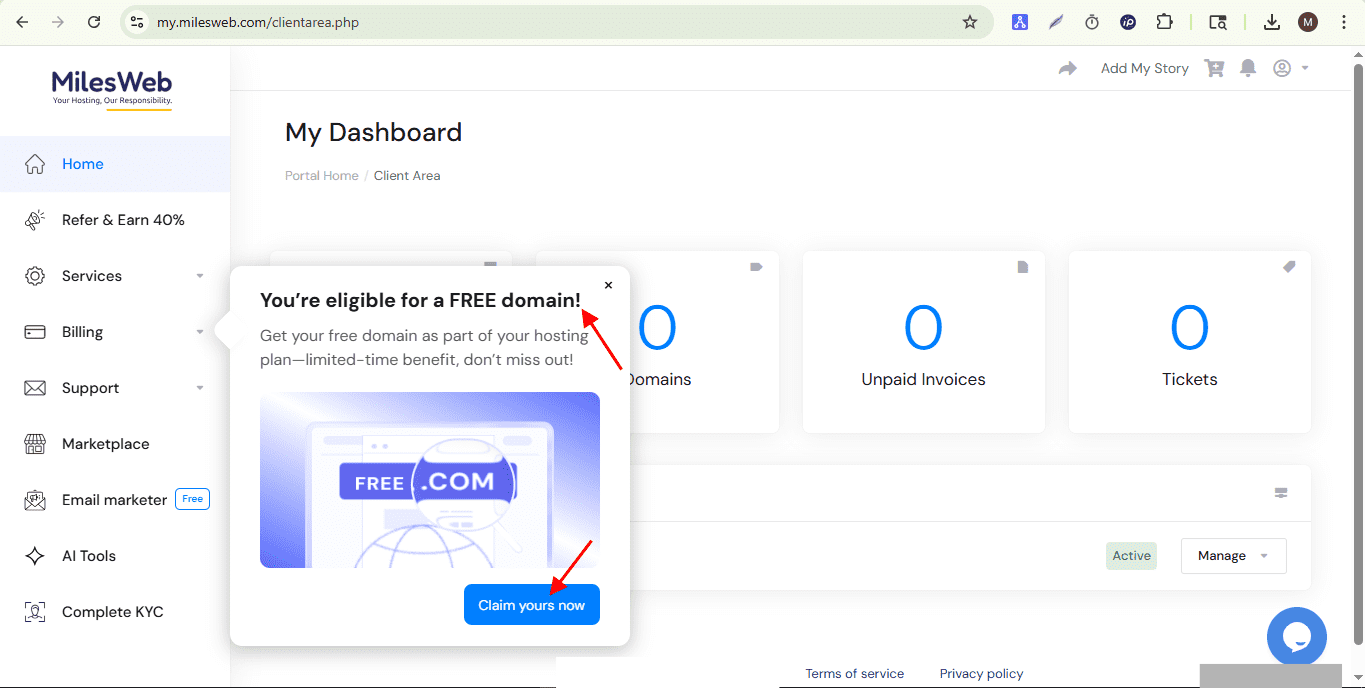
- Navigate to the Billing option located on the left side of the dashboard. If your account is eligible, a “Claim Your Free Domain” pop-up will appear.
- Click on Claim yours now to proceed further.
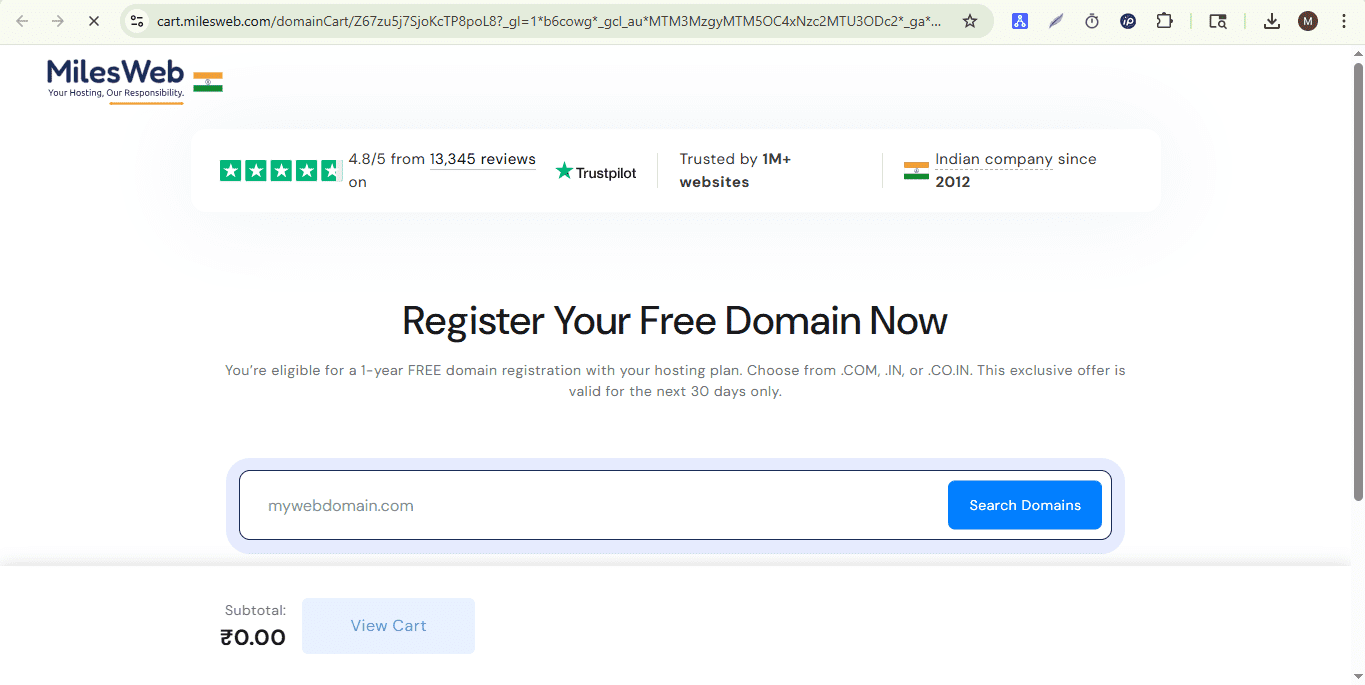
- Next, you will be redirected to the domain order page.
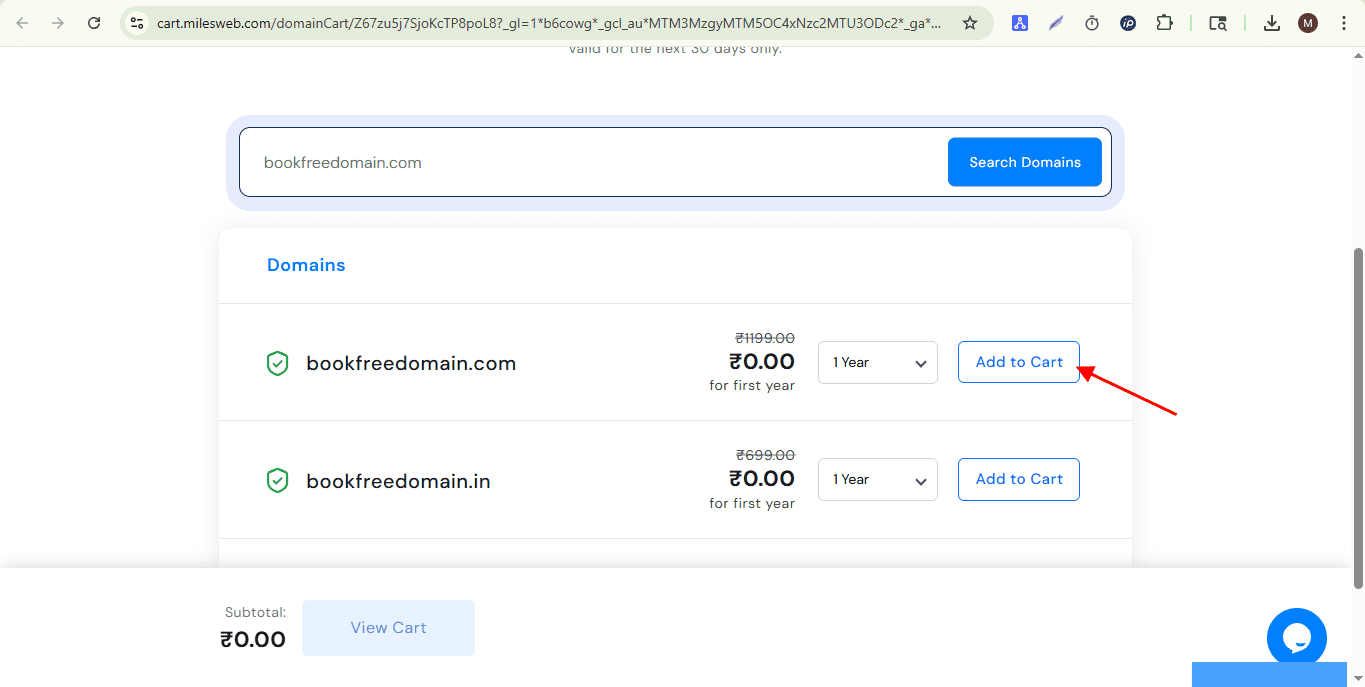
- Enter your desired domain name to check its availability.
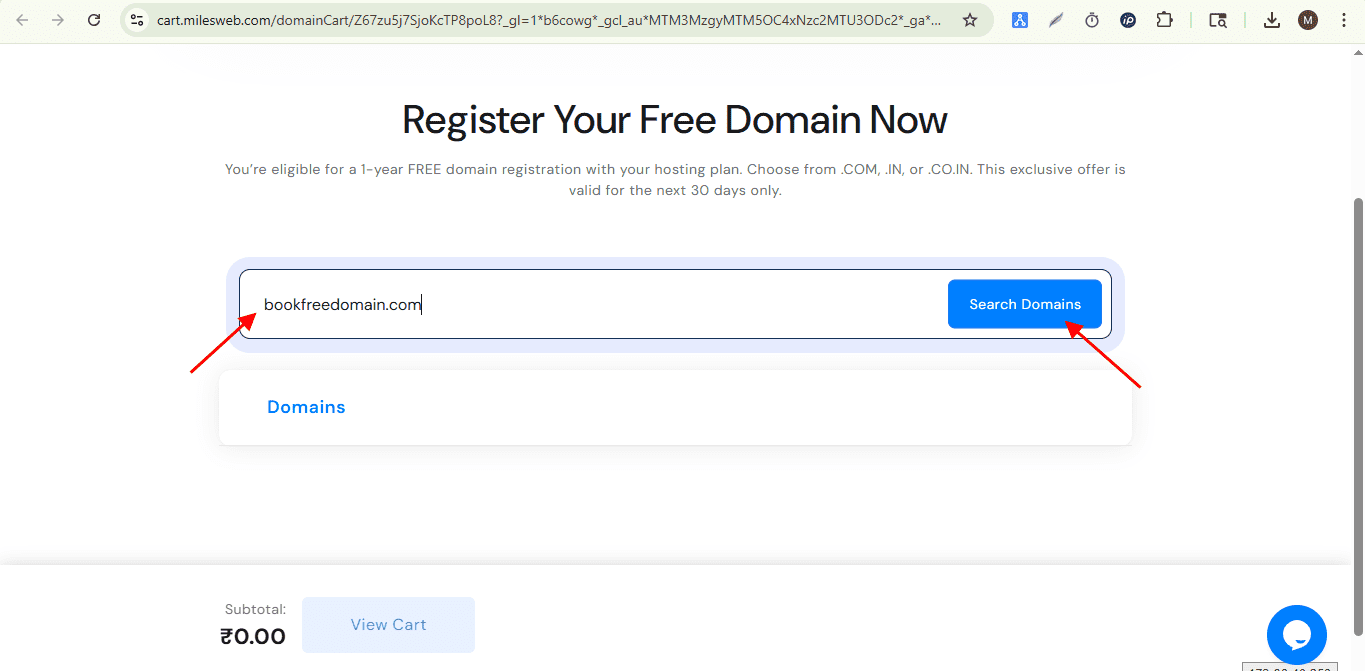
- If the domain is available, click the Add to Cart button. You may see several domain options.
Note: This offer is valid for domain registrations with .com, .in, and .co.in extensions.
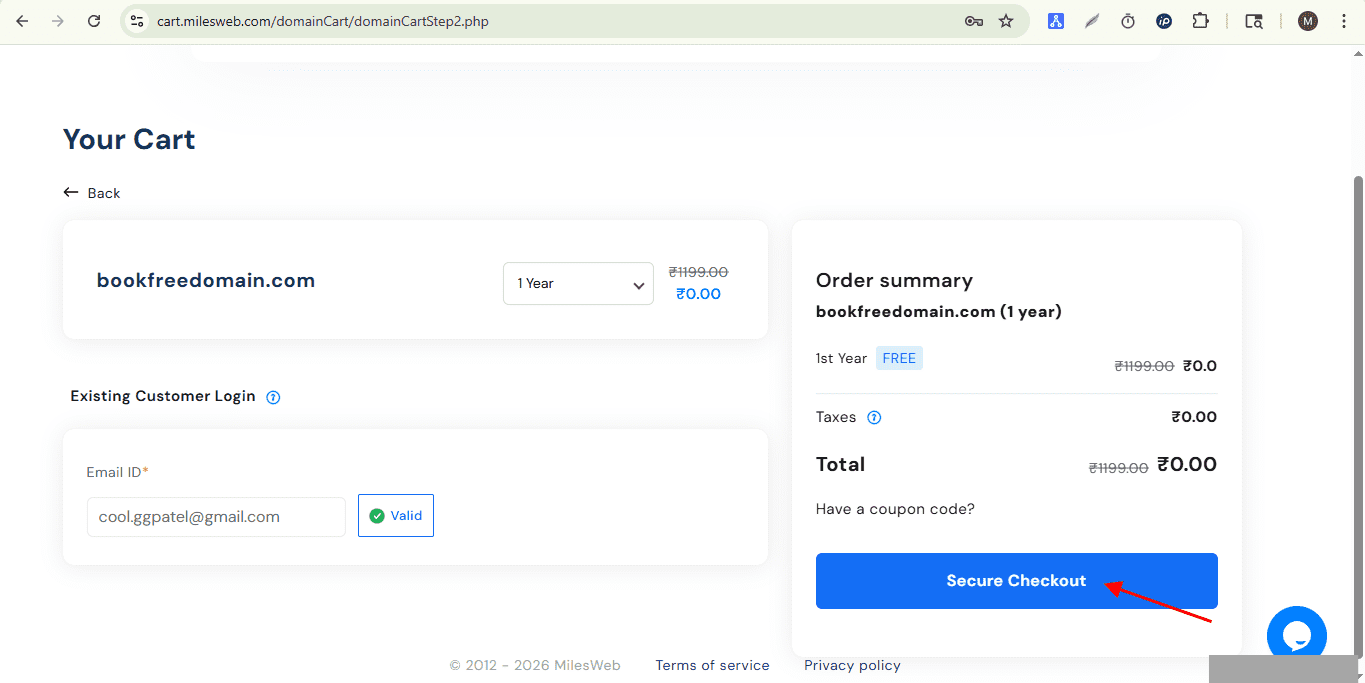
- Proceed with the checkout to purchase the domain. Although the domain is free, this is required for the activation process.
- Once, checkout process is completed, you will receive a confirmation notification stating that your domain has been successfully activated with a one-year registration period.
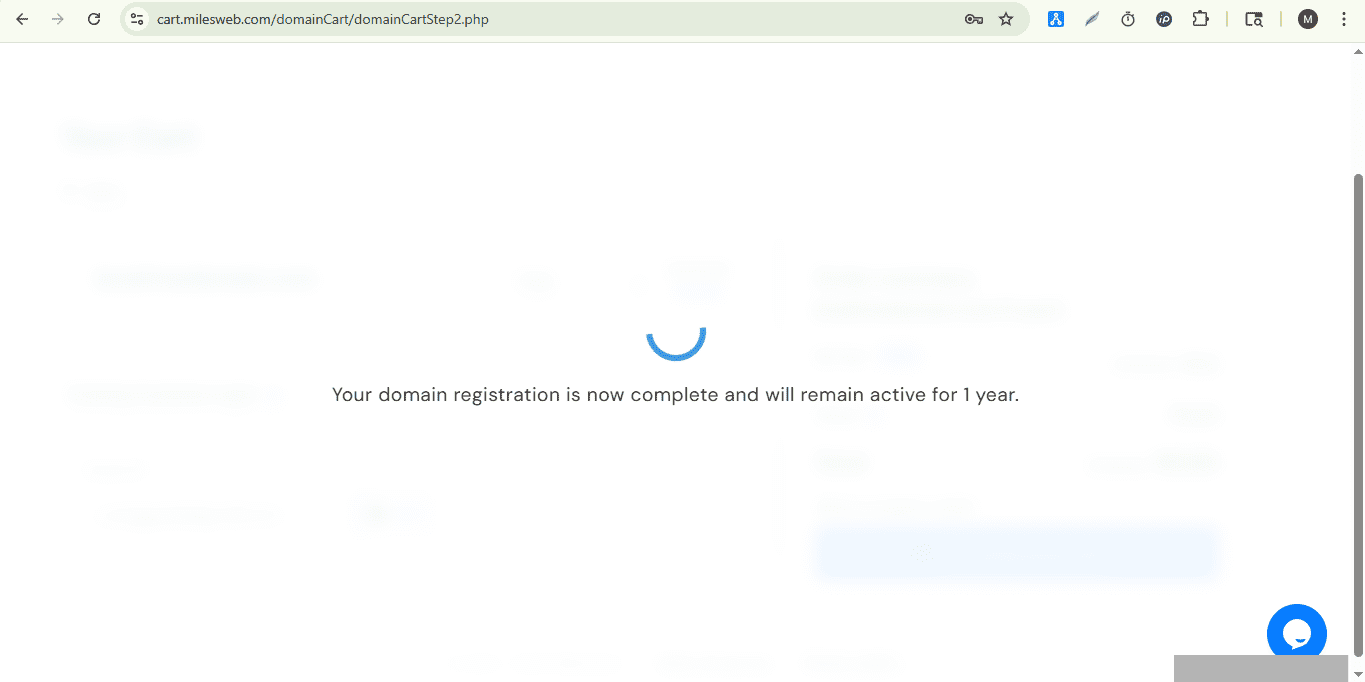
Now, you have successfully registered your domain for 1 year.