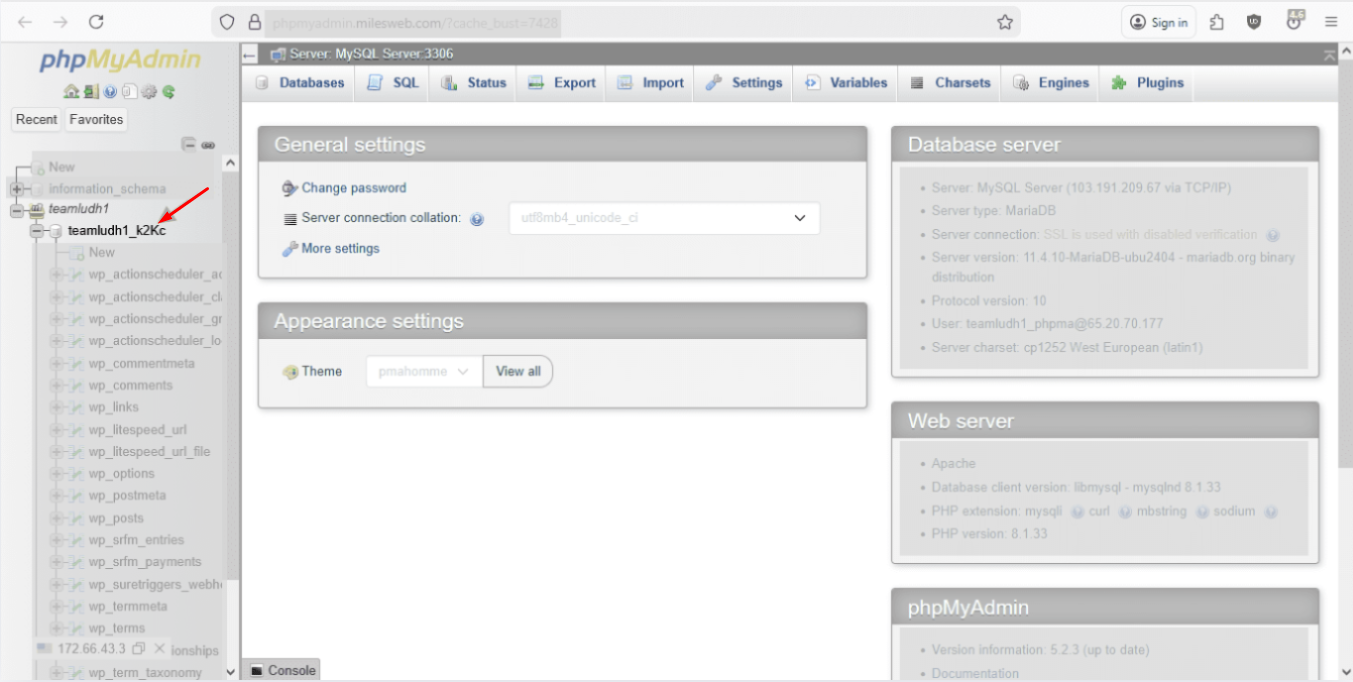
The phpMyAdmin is your database directory. If you need to alter any change in the backend database, you need to access phpMyAdmin. Being a MilesWeb client, here is how you can access this through mPanel.
Key Instructions
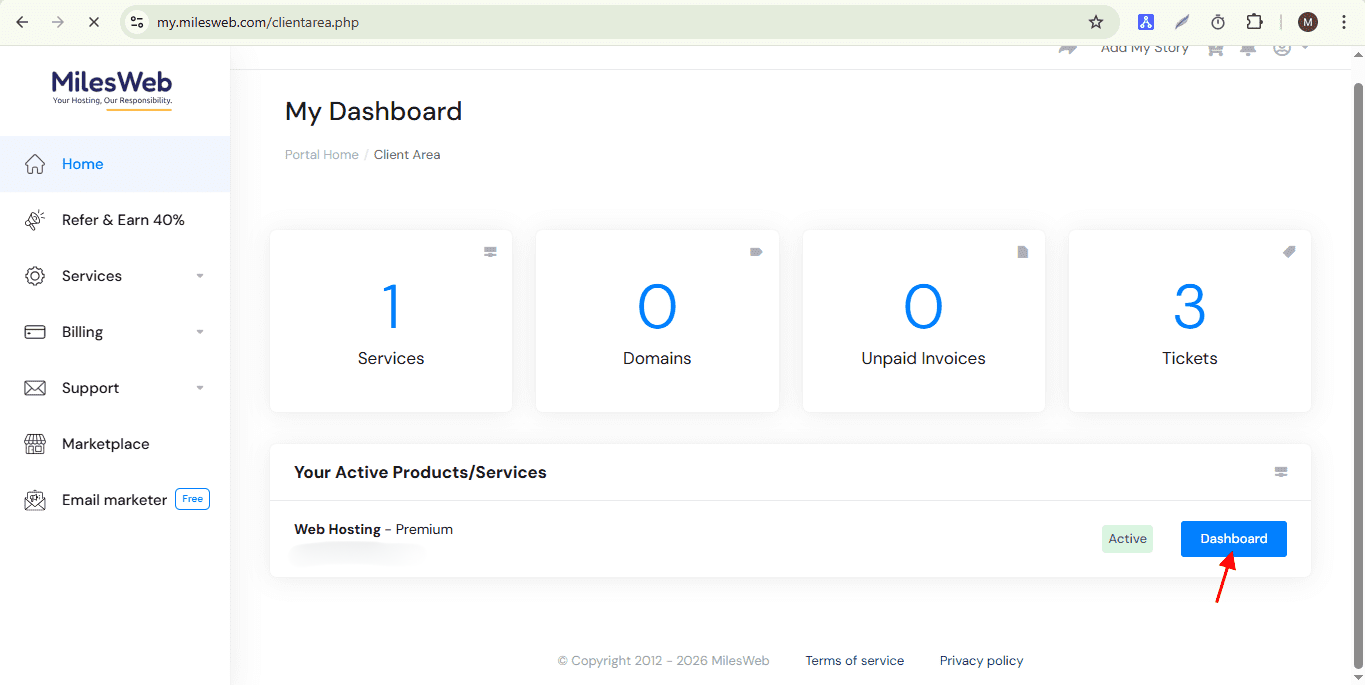
- Login to your client area with your web hosting account credentials.
- Navigate to the mPanel dashboard.
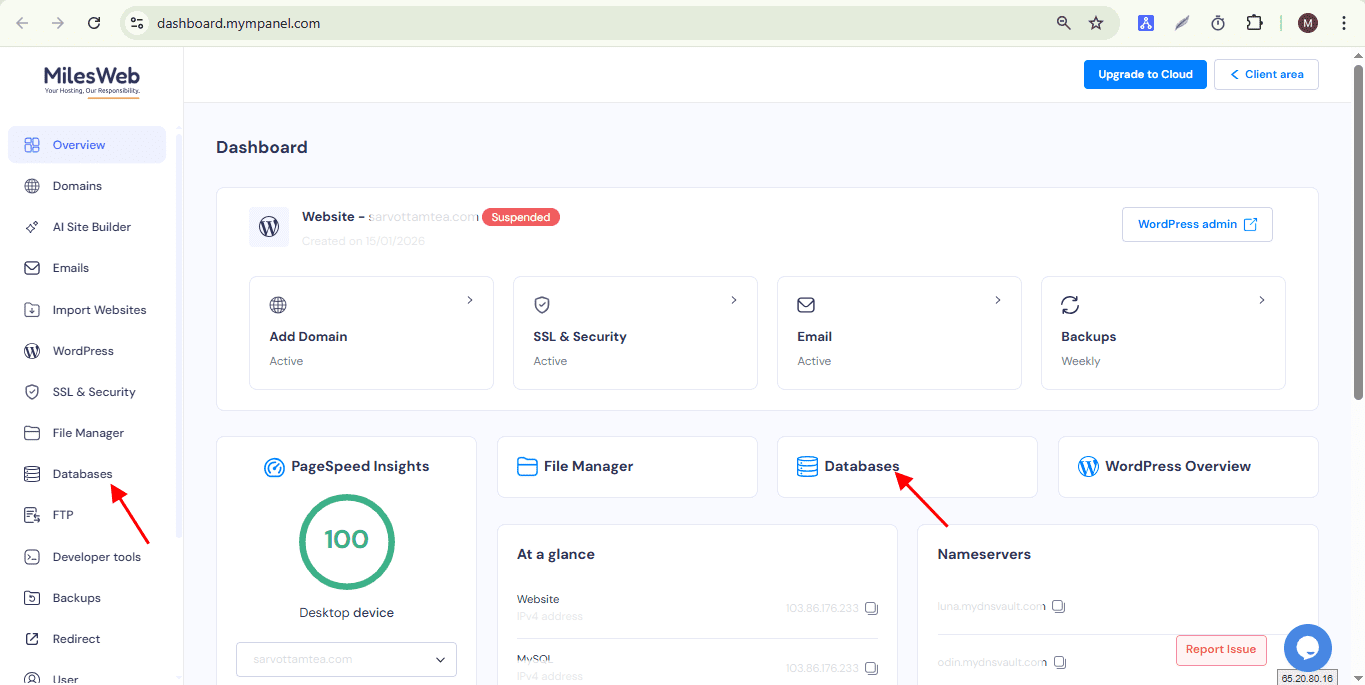
- Click on “Database” option from the given menus.
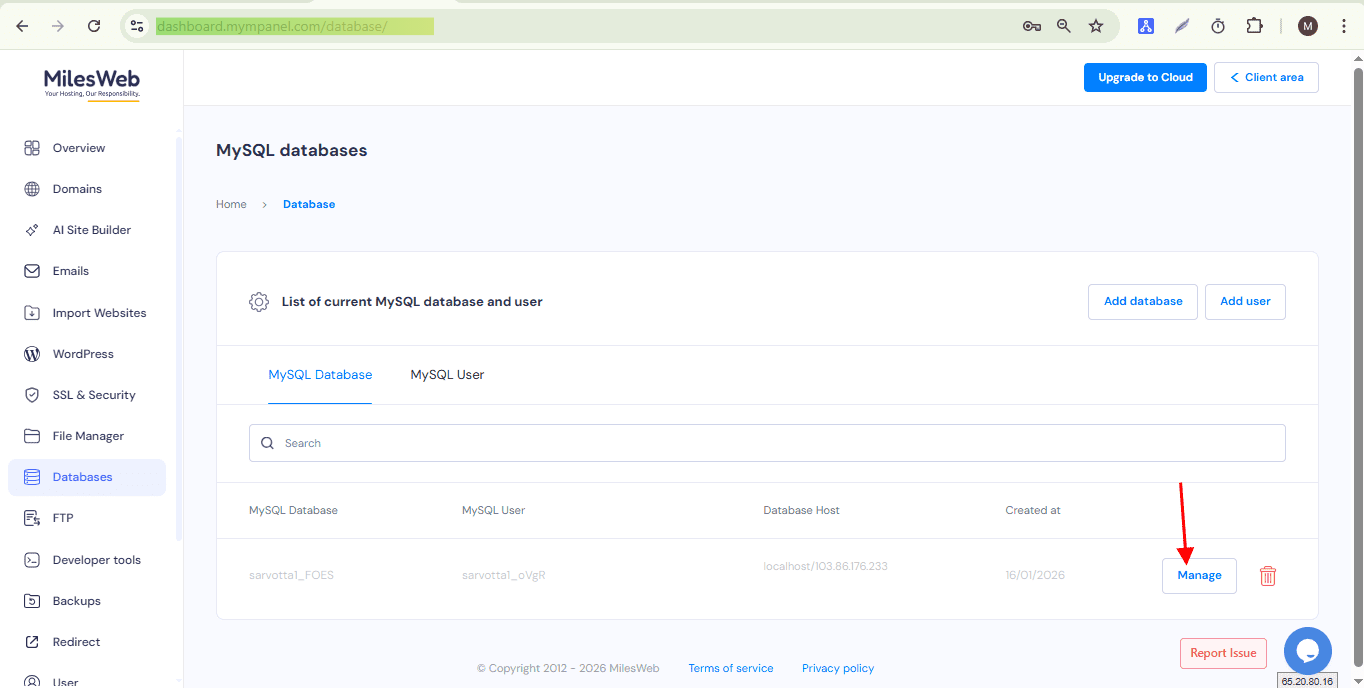
- You will get the list of databases linked to your account. Click Manage to access the selected database.
- Click on phpMyAdmin located at the right side of your screen.
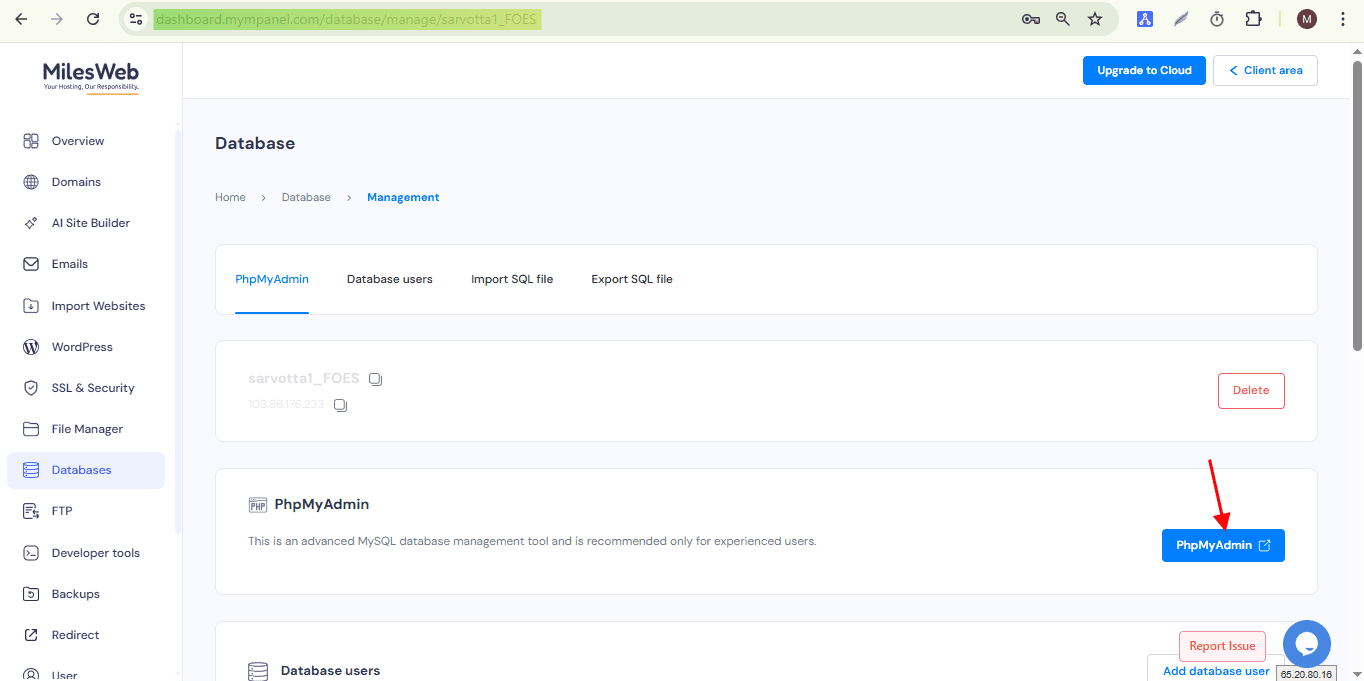
- Finally, you will be redirected to the phpMyAdmin interface where you can view the database tables.